A crisis-day checklist for your comment section
A recall, a shipping meltdown or a complaint that takes off: the comments move faster than anyone on your team. Here is what to do in the first hour, the rest of the day, and after.
Playbooks 5 min read
On this page
Most days, a brand's comment section runs itself: a few questions, some praise, a scam or two to hide. Then one day something breaks. A product fails in a way that hurts someone, a warehouse falls a week behind, a customer's video about you takes off, or a pile-on arrives from people who have never bought anything from you.
On that day the comments move faster than your team can read them, and every reply is read by far more people than usual. The decisions you make in the first hour are the ones people screenshot.
This is a checklist for that day. Print it, or keep it where your team can find it, because the day you need it is the worst day to write it.
Before it happens
Five minutes now saves an hour later.
- Name one owner for the comment section on a bad day, and a backup. When everyone answers, the replies contradict each other.
- Know who approves a statement. Founder, head of support, legal: whoever it is, write the name down.
- Keep a list of every place people can comment on you: Facebook Pages, Instagram accounts, TikTok accounts, YouTube channels, Threads profiles, and every running ad. On a bad day, the angriest comments often land on ads, because ads reach people who do not follow you.
- Know how to pause your ads. A cheerful ad running over a crisis pours fuel on it, and you pay for the privilege.
The first hour
- Pause everything automatic. Scheduled posts, automatic replies, keyword campaigns, lead messages. A friendly "Thanks for commenting! Here is 10% off" under an angry comment is the worst possible reply, and automation does not know it is a bad day.
- Pause or adjust the ads that are drawing the heat, especially anything promoting the product at the center of it.
- Post a holding statement. Short, human, and specific about what happens next: "We know some Ridgeline orders are a week late. We are sorry. Every affected customer will hear from us by Friday with a new date and a refund of shipping." You do not need every answer yet. You do need to show that someone is awake.
- Pin or repeat the statement where people are commenting, so the next reader sees it before the next angry comment.
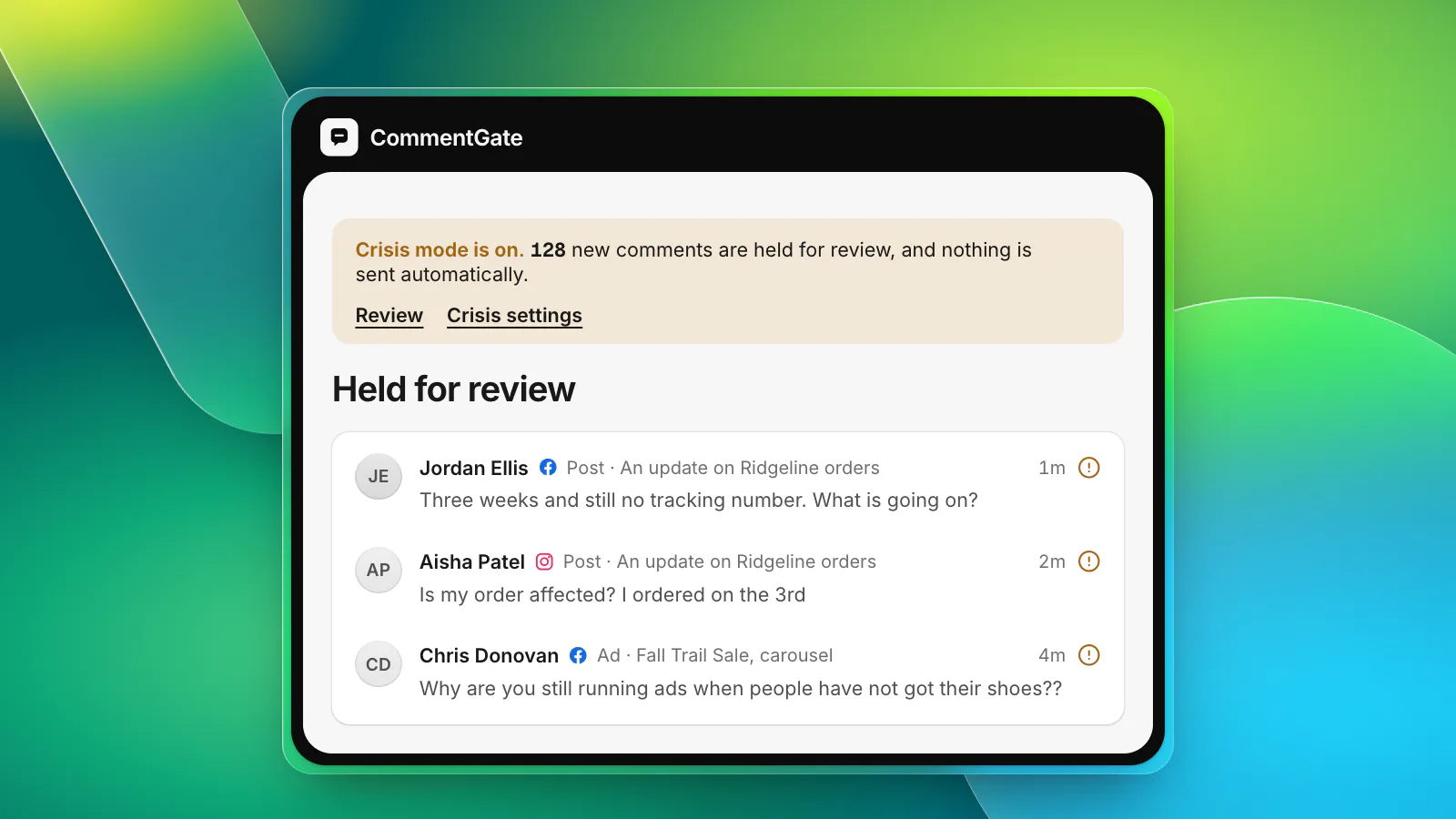
- Hold new comments for review if the volume is beyond what your team can read. Holding is not hiding: nothing is lost, and a person decides on each one.
Hide or keep: the rules for the day
The instinct on a bad day is to make the problem disappear from the comments. Resist it. Hidden criticism comes back louder, often as a screenshot of the hidden comment with a caption about censorship.
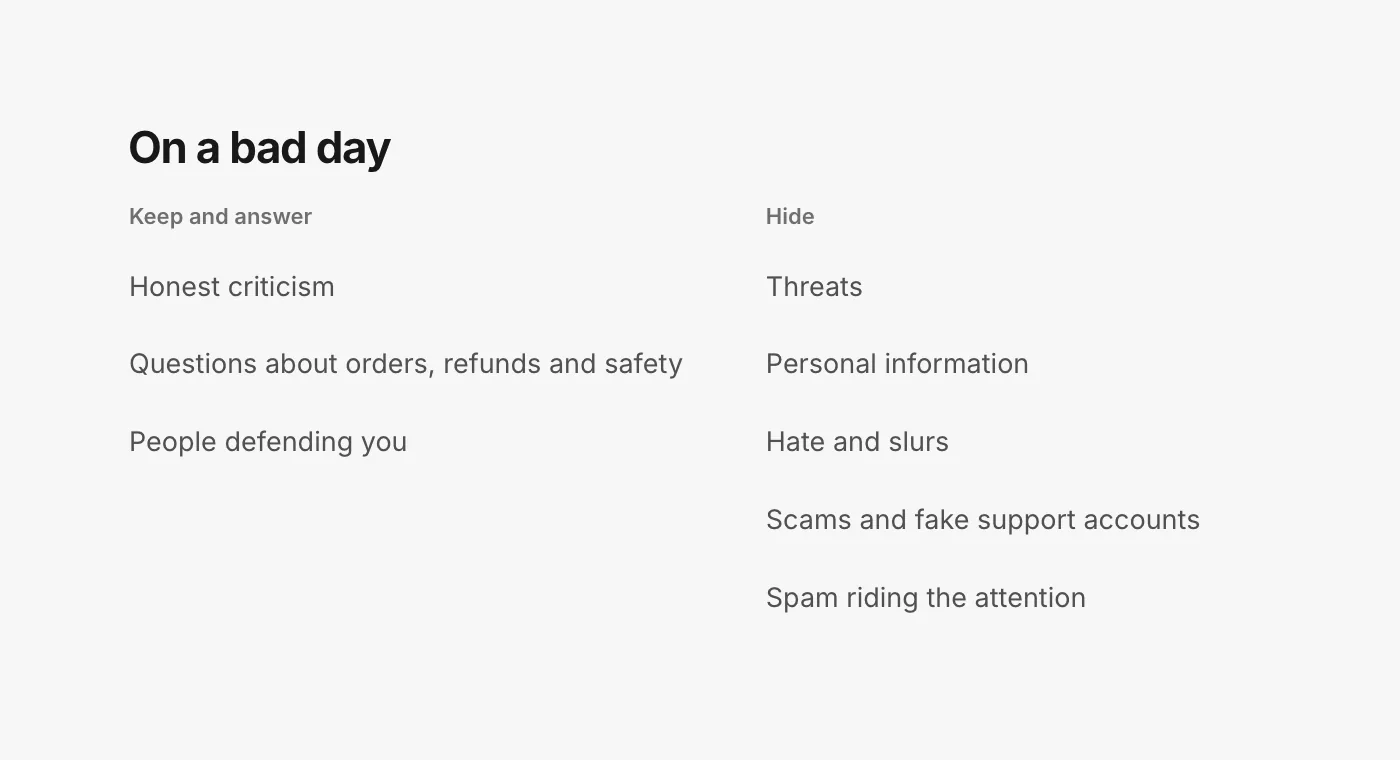
Keep, and answer where you can:
- Honest criticism, even when it stings.
- Questions about orders, refunds, safety and what to do next.
- People defending you. Do not pile on with them; thank them and move on.
Hide, every time:
- Threats against your staff, your customers or anyone else.
- Personal information: a phone number, an address, an order number, a staff member's name attached to an accusation.
- Hate, slurs and harassment, whoever they are aimed at.
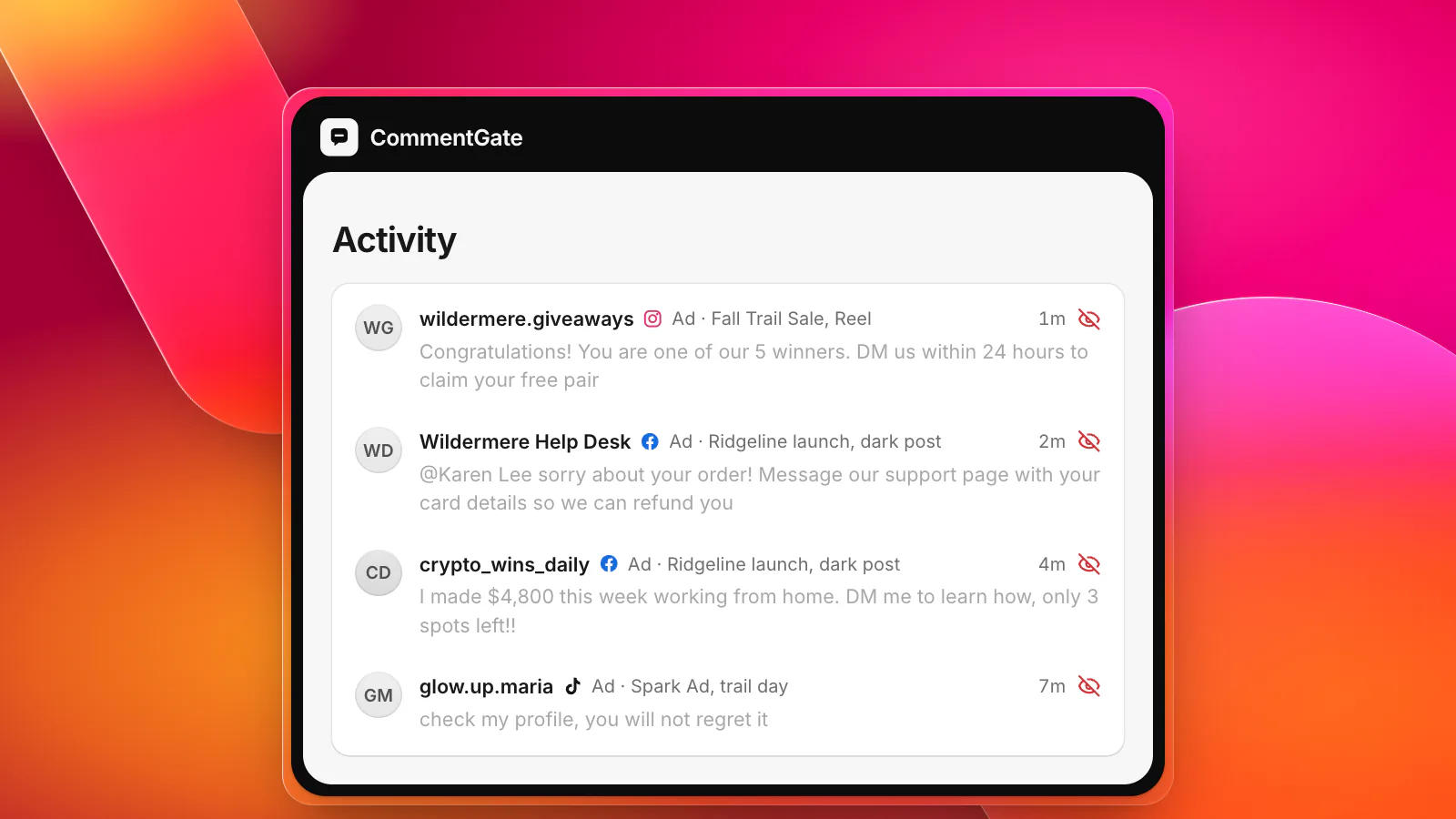
- Scams riding the attention. Crises bring fake support accounts ("message our refund team to get your money back") and fake giveaways. They target your most upset customers at exactly the moment they are most likely to click.
- Spam that uses the traffic to promote something unrelated.
Do not delete real customers' comments, however unfair they feel. Hiding is enough for the few that must go, and it can be undone.
Per-platform levers
Each platform gives you slightly different tools for a bad day:
- Instagram: you can turn comments off on a single post. Use it on a post that has become a pile-on, not across your account.
- YouTube: in YouTube Studio, each video's comments can be set to on, paused or off. YouTube also has a setting to hold comments for review before they appear.
- TikTok: comments can be turned off per post in the TikTok app. Remember that on TikTok you can hide other people's comments but never delete them.
- Facebook: your Page's moderation settings (blocked words, the profanity filter) can be made stricter for the day. Comments on dark posts from your ads do not show on your Page, so check the ads separately.
- Threads: you can hide replies directly under your posts, and hiding one also hides the replies under it.
Turning comments off entirely is a last resort. It stops the pile-on, and it also stops your customers from asking the questions you most need to answer.
Escalate what is not a comments problem
Some comments are not about reputation at all:
- Safety reports. "The strap snapped and my kid fell" goes to whoever handles product safety, today, with the comment link and a screenshot. Reply publicly that you are reaching out, then reach out.
- Press. A journalist asking for comment goes to whoever approves statements. Do not improvise in the thread.
- Legal threats and chargeback threats. Route them to the person who handles disputes before anyone replies.
The rest of the day
- Answer in batches with the same facts, in varied words. Identical replies pasted fifty times look like a bot, and people will say so.
- Update the holding statement when you know more, and say what changed.
- Log what you hid and why. A simple list (time, platform, comment, reason) protects you if someone later claims you silenced them.
- Check the ads again before switching them back on.
After
When the heat drops, go through everything that was held for review. Approve the questions and fair criticism that deserve to be seen (and answer them, even late), hide what should be hidden, and note what you would do differently. Then turn automation back on, one piece at a time.
Crisis mode in CommentGate
CommentGate has this checklist's first hour built in as one switch. When you turn on crisis mode:
- Every new comment on every connected account (or only the accounts you choose) is held for review instead of being handled automatically. Nothing is lost, and a person decides.
- Automatic replies, keyword campaigns and lead messages stop until it is off.
- It switches itself off after the time you choose, anywhere from an hour to seven days, or stays on until you turn it off.
- When it ends, the owners get an email summary of what was held and what is still waiting.
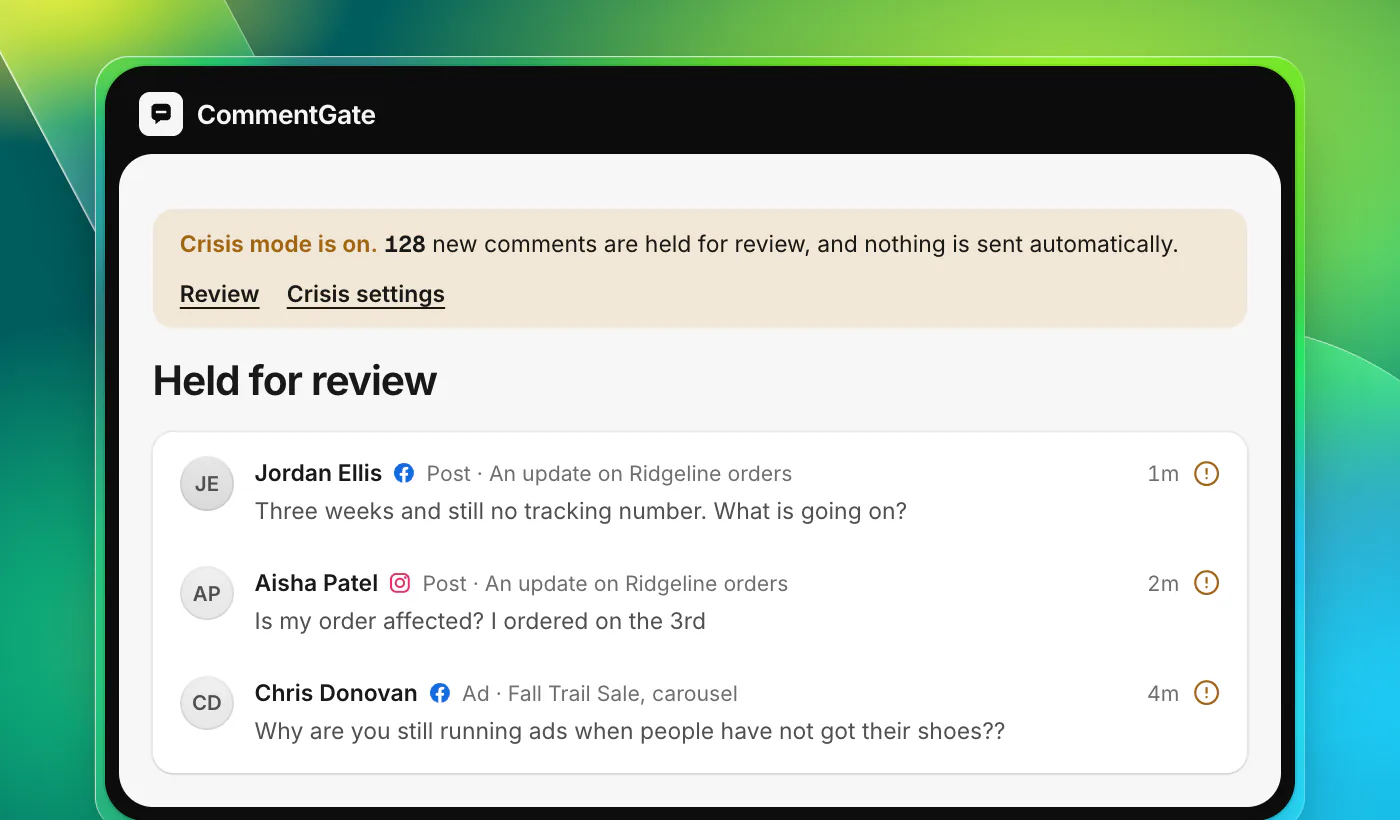
Everything that was held sits in one list, with the platform, the post or ad, and what your rules would have done with it, so the review after the day is quick.
You can read about everything else CommentGate does, including alerts when hidden comments suddenly spike, which is often the first sign that a bad day has started.