Scam and fake giveaway comments under your ads, and how to stop them
Fake winners, fake support accounts and "I made $4,800 from home" replies follow every busy ad. Here is how to spot each kind, what to do by hand, and how to have them gone before your customers read them.
Guides 5 min read
On this page
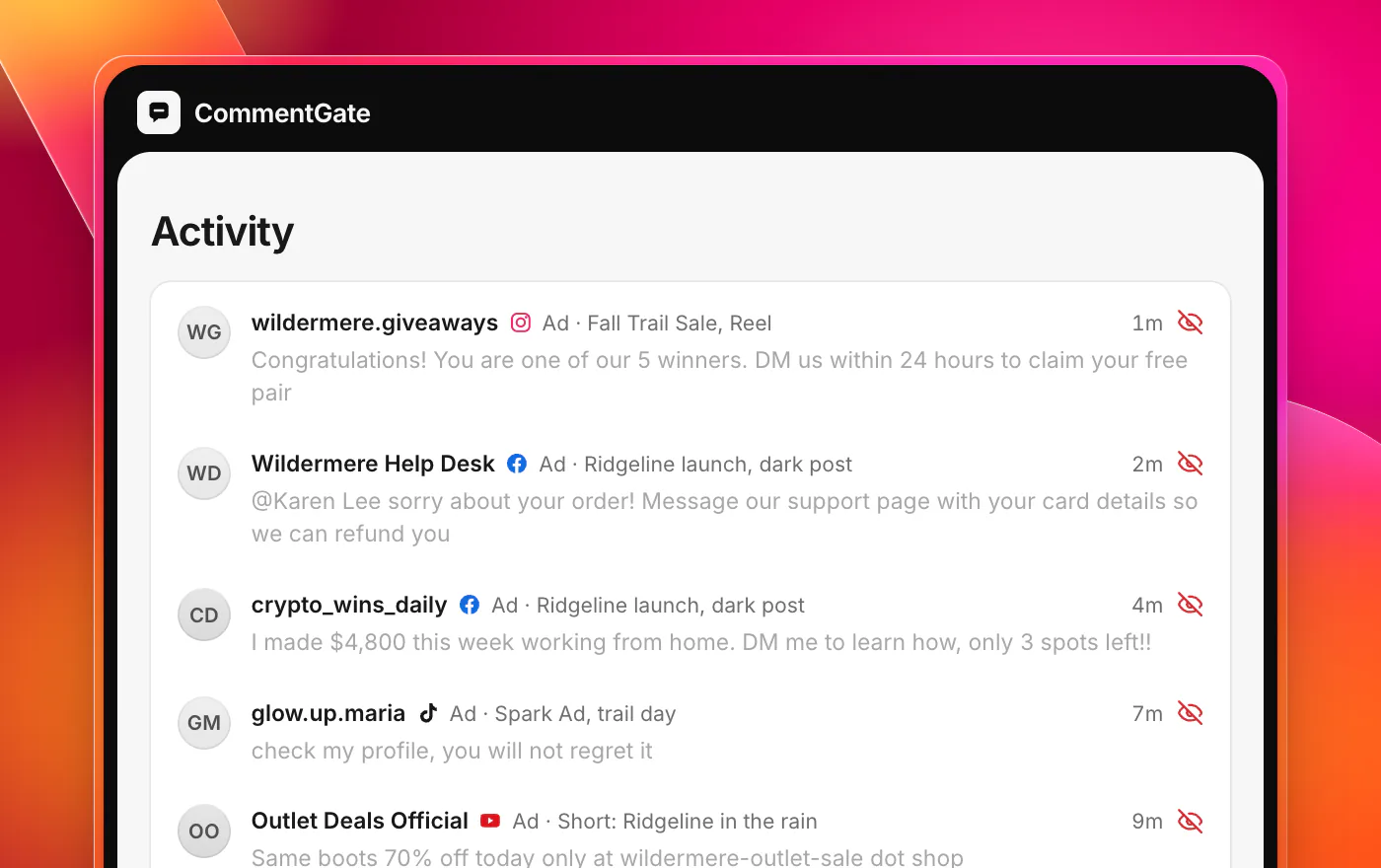
Run an ad with any real reach and within a day or two you will see them: an account with your logo telling people they won a giveaway you never ran, a "support team" asking a customer to message them about an order, someone who made $4,800 this week working from home and wants to show you how.
They are not there by accident. An ad puts your brand in front of a large audience that trusts you just enough to buy, and that is exactly the audience a scammer wants. Every scam comment that sits under your ad borrows your credibility, and when someone gets taken, the person they blame is you.
Why ads attract scams
Organic posts are mostly seen by people who already follow you and know what your real account looks like. Ads reach strangers, which is the point. Those strangers do not know your handle, have never seen your real giveaways, and are reading the comments to decide whether you are legitimate.
Ads also stay up. A post drops out of the feed in a day; an ad keeps collecting new readers for as long as it runs, and a scam comment near the top keeps working the whole time. And ad comment sections are often the least watched: on Facebook and Instagram, many ads run on posts that never appear on your Page, so nobody on your team scrolls past them (why ad comments are hard to find).
The patterns to know
Scam comments change their wording constantly, but the shapes stay the same.
Fake winners
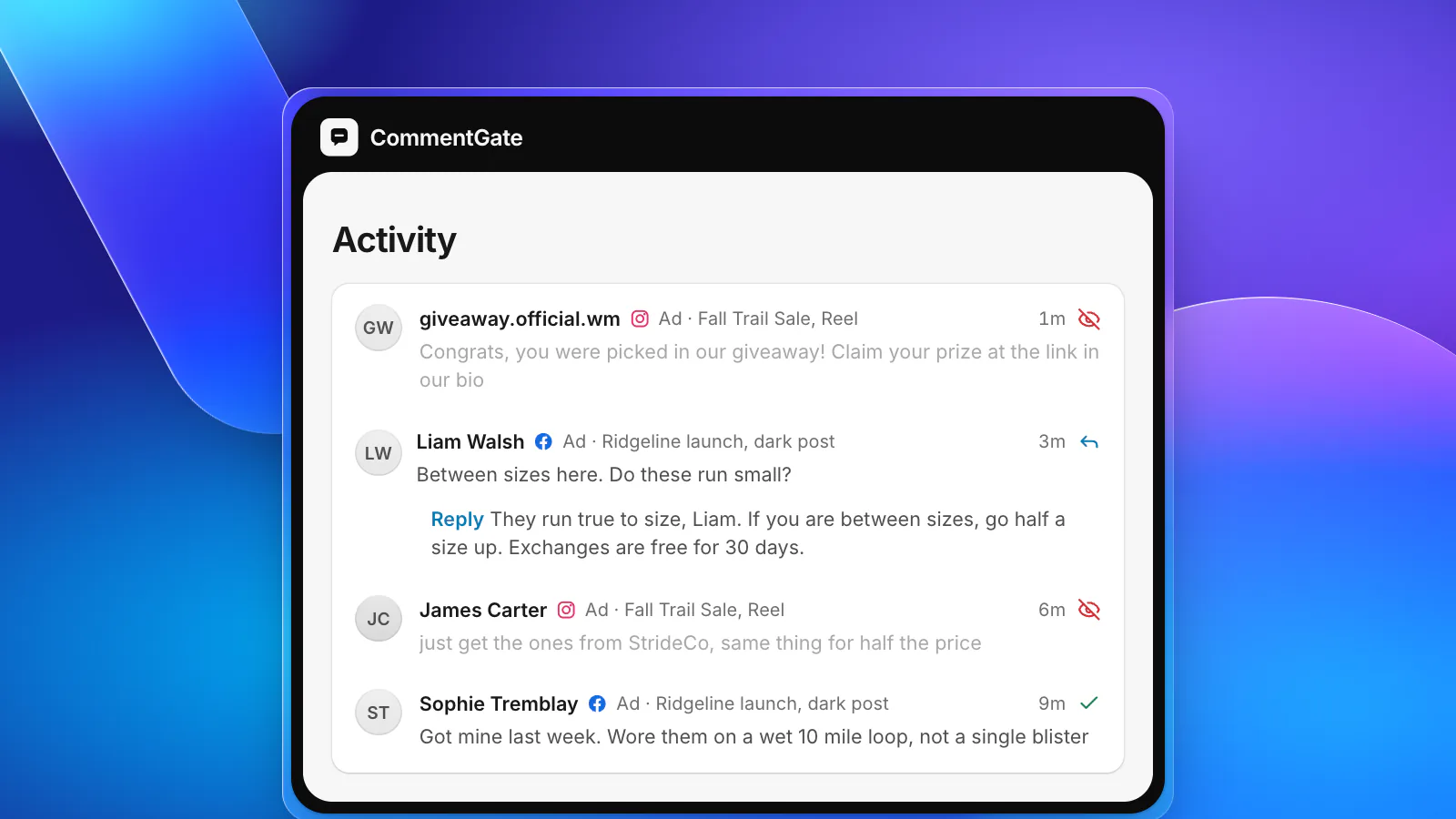
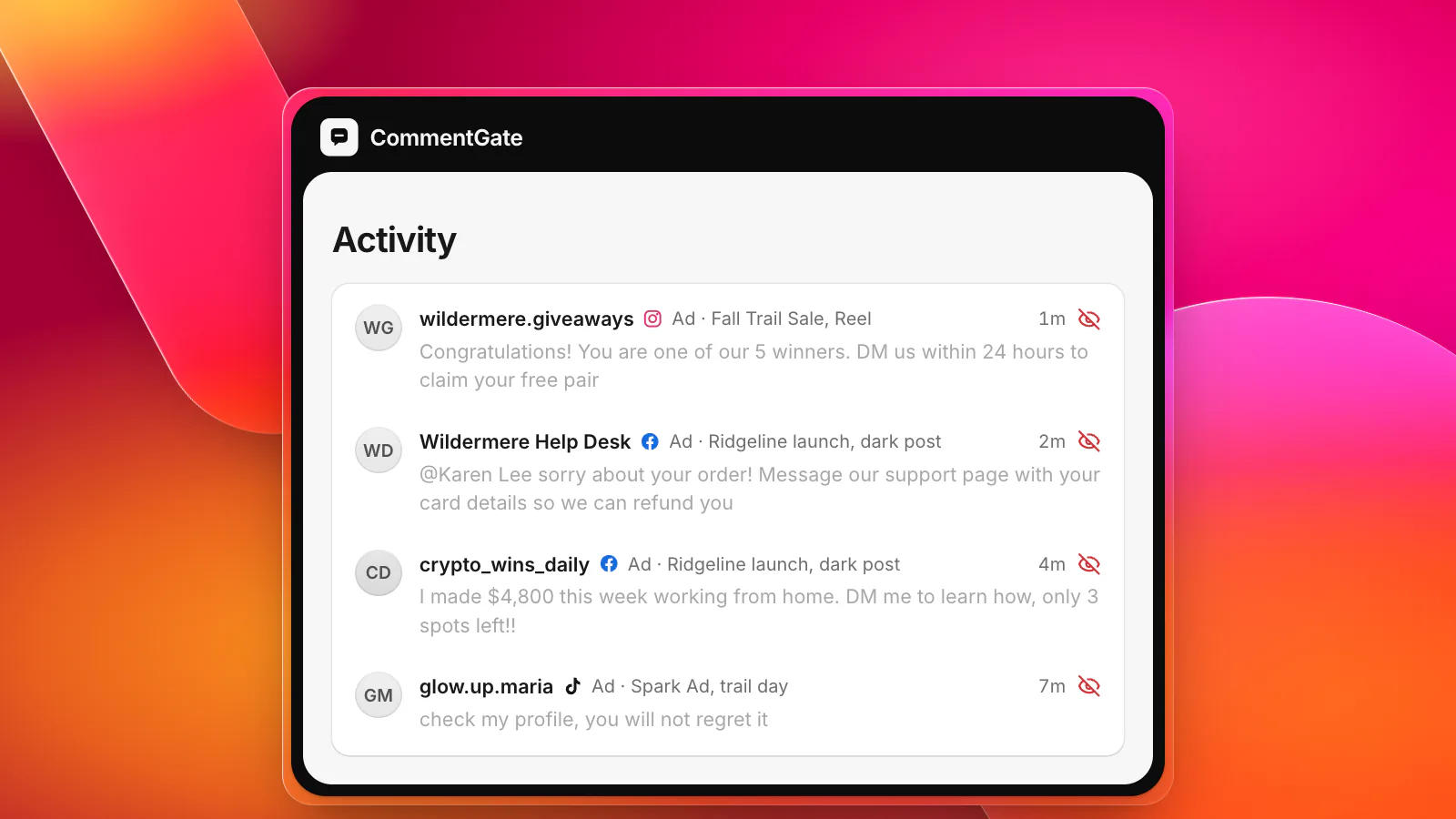
"Congrats! You were picked in our giveaway. Claim your prize at the link in our bio." It comes from an account with your logo and a name one character off from yours, often replying directly to real customers so they get a notification. The link leads to a page that asks for card details to "pay shipping" on the prize.
Fake support
A customer comments that their order is late. Within minutes, an account called something like your brand name plus "help" or "support" replies: "Sorry about that! Message us here with your order number and email so we can sort it out." This one is nasty because it targets people who already bought from you and are already worried.
Money pitches
"I made $4,800 this week working from home, DM me to learn how, only 3 spots left!!" Crypto, trading, "passive income". They have nothing to do with your product; they are there because your ad has an audience.
Profile bait
"Check my profile", "link in bio", "follow me for daily deals". Sometimes harmless self-promotion, often the first step of one of the scams above.
Lookalike stores and phishing links
A link to a site selling "the same shoes 80% off", which is either a knockoff store or a page built to take card numbers. On a product ad, this steals the sale and then ruins the buyer's view of your brand when the order never arrives.
What to do by hand
If you moderate yourself, these are the moves that matter, in order.
- Hide fast. Speed matters more than anything else. Hide rather than delete: on Facebook the person who wrote it can still see it, so they get no signal to try again with a new account, and on TikTok hiding is the only option anyway.
- Never reply to a scam. A reply bumps the comment, sends its author a notification and tells everyone reading that someone engaged. Hide it and move on.
- Report impersonators to the platform. Hiding the comment protects this ad; reporting the account is what gets it taken down. Report the account itself, not just the comment.
- Warn the real customer. If a fake support account replied to a real customer, answer the customer directly: "That account is not us. We will never ask for your card details in a message. Reply here or reach us through our website and we will sort out your order." Then hide the fake reply.
- Tell people how you really run giveaways. Where the app lets you pin a comment, pin one on your ads and giveaway posts: which account announces winners, and that you never ask winners to pay anything. On Instagram, answer any questions first and hide afterwards, because Instagram does not allow a reply to a hidden comment (IG Comment replies).
- Block the words only scams use. On TikTok ads, TikTok's own blocked-word list hides a matching comment the instant it is posted, for up to 500 words per ad account (TikTok, blocked words). On Facebook and Instagram, add them to your Page moderation settings and Instagram Hidden Words. Keep the list to words your real customers never write.
Why keyword lists are not enough
Scammers rotate wording, swap letters for numbers and put spaces inside words, so exact-match lists fall behind within days. The fake support reply is the hardest of all: "Message us here so we can sort it out" is word for word something your own team might write. What gives it away is who is saying it and to whom, not the words.
That is the gap a comment autopilot fills. It reads the comment the way a person would: who wrote it, whether they are pretending to be you, whether it asks readers to go somewhere else or hand something over.
How CommentGate handles scams
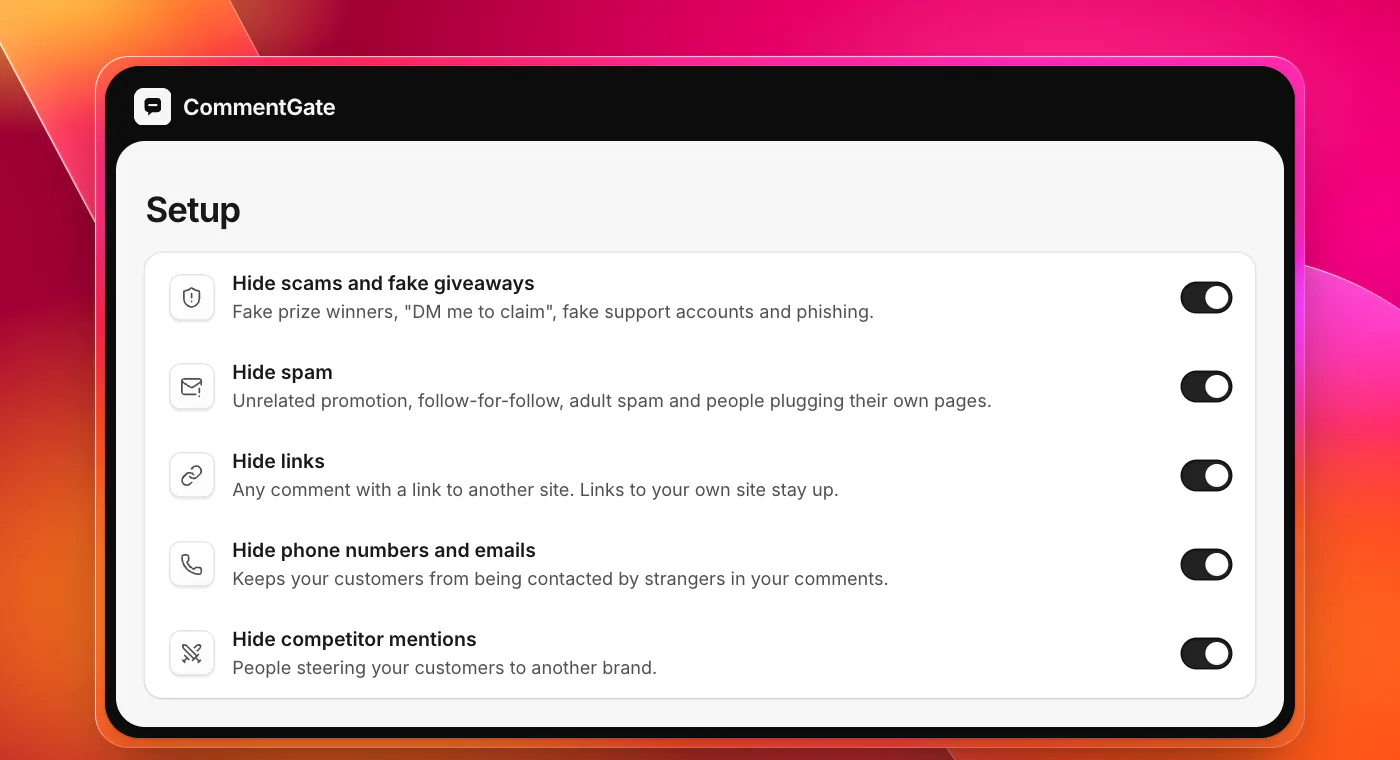
In CommentGate, Hide scams and fake giveaways is one of the switches that are on from the start. It covers fake prize winners, "DM me to claim", fake support accounts and phishing, on your posts and your ads, on Facebook, Instagram, Threads, TikTok and YouTube. Three more switches close most of the remaining gaps:
- Hide links: any comment with a link to another site. Links to your own site stay up.
- Hide phone numbers and emails: keeps strangers from contacting your customers through your comments, and keeps customers from posting their own details where scammers can see them.
- Hide spam: the profile bait, follow-for-follow and unrelated promotion.
When the same account keeps coming back, you can mute it: their future comments are hidden quietly, and they are not told. On Facebook and Instagram a scam is hidden within seconds of being posted. On TikTok it takes minutes, because TikTok reports new comments within five minutes (TikTok, comment updates); your blocked words still act instantly on TikTok ads. On YouTube, comments are checked about every 5 minutes.
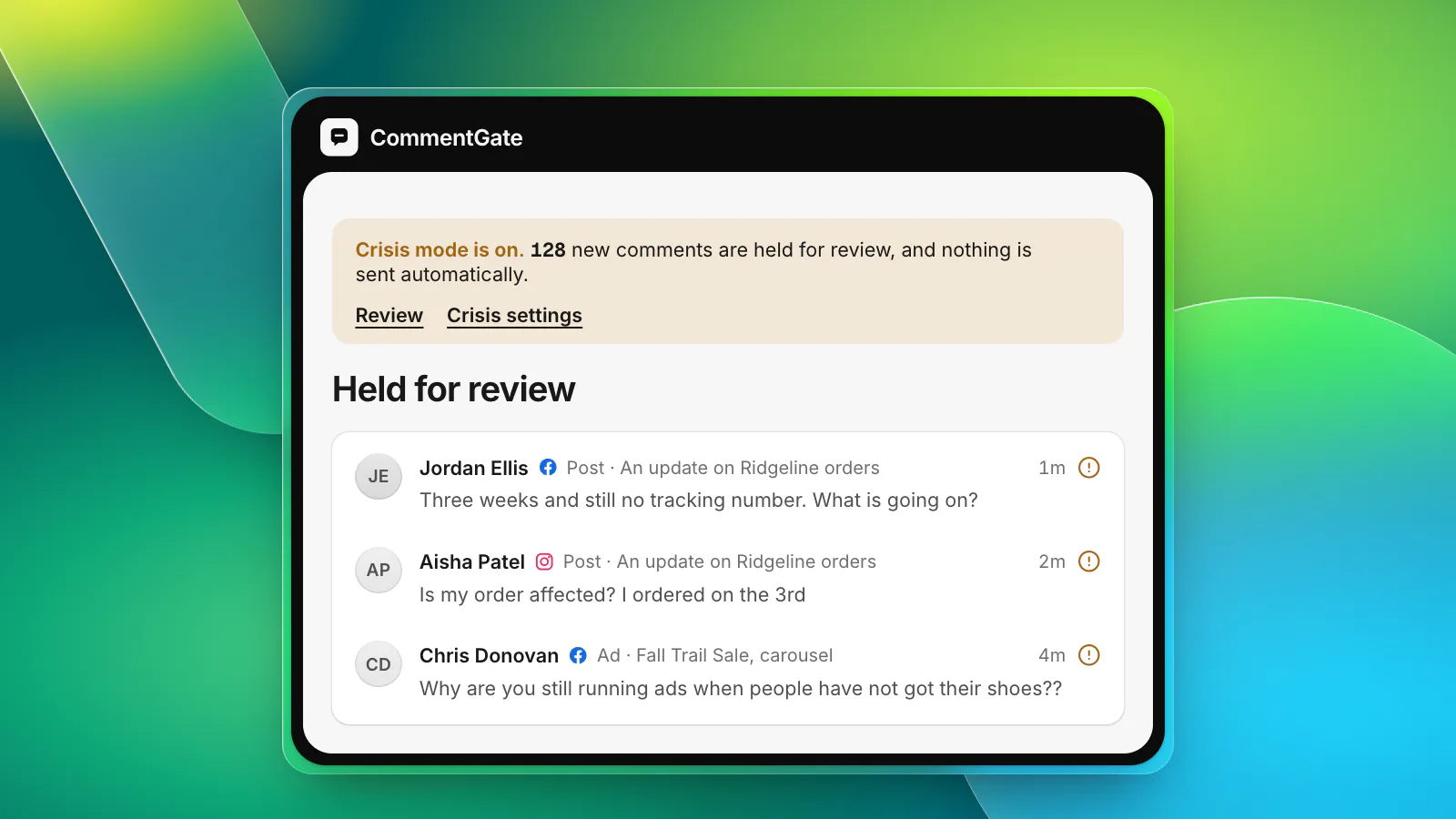
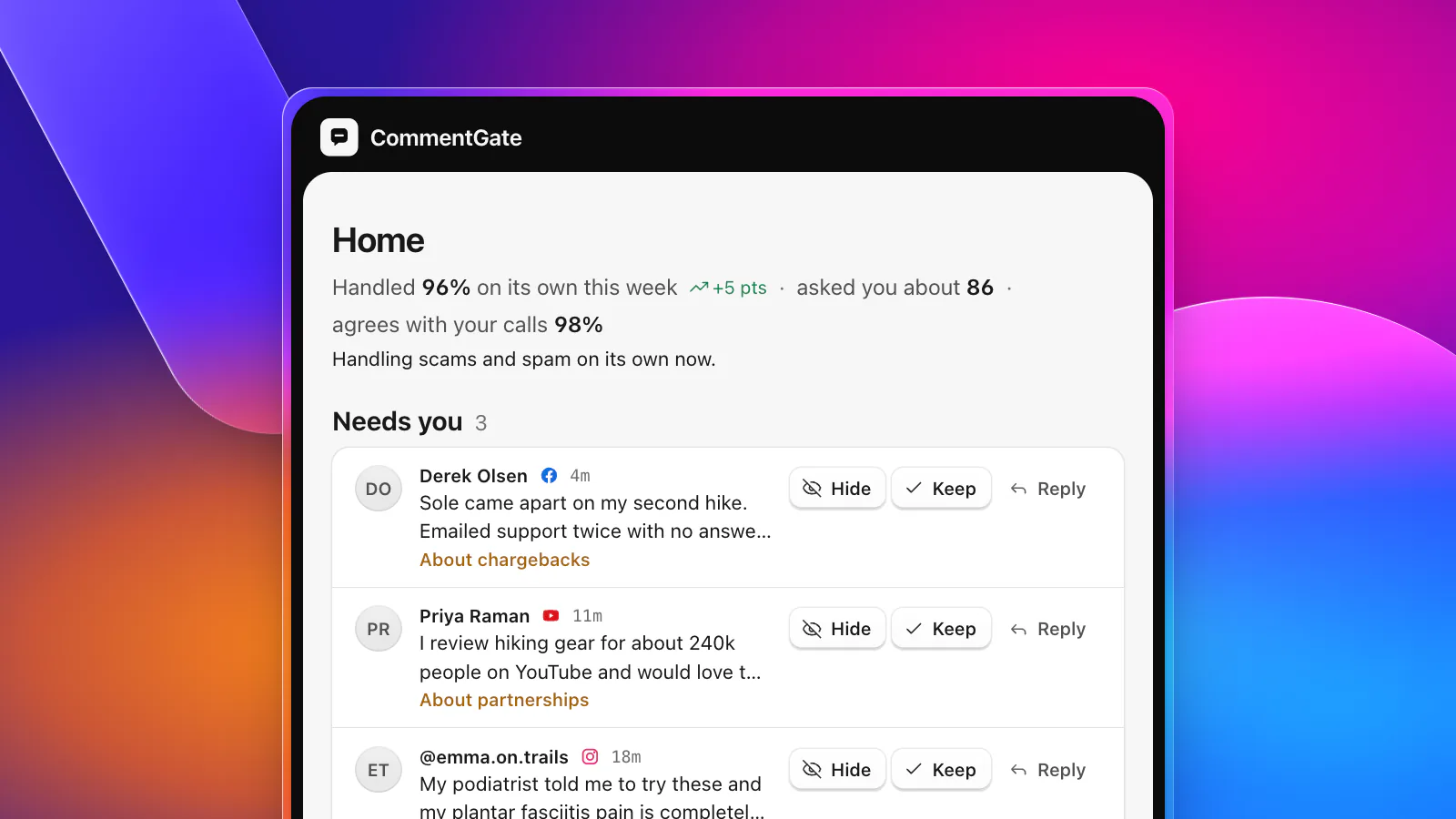
The comments it is not sure about are not scams, and they do not get guessed. A customer threatening a chargeback under your ad, a creator offering a real partnership, a reporter asking for comment: those wait for you in Needs you, because they deserve a person. The scams never do.
If it ever hides something it should not have, unhide it with one click. CommentGate learns from your corrections, so the same mistake does not come back. See what it can do on Facebook and Instagram and on TikTok.