Write your brand’s comment guidelines, with a copy-ready template
Comment guidelines are a one-page answer to "should we hide this?" that everyone on your team, your agency and your tools can follow. Here is what goes in them, how to write each part, and a template to copy.
Guides 6 min read
On this page
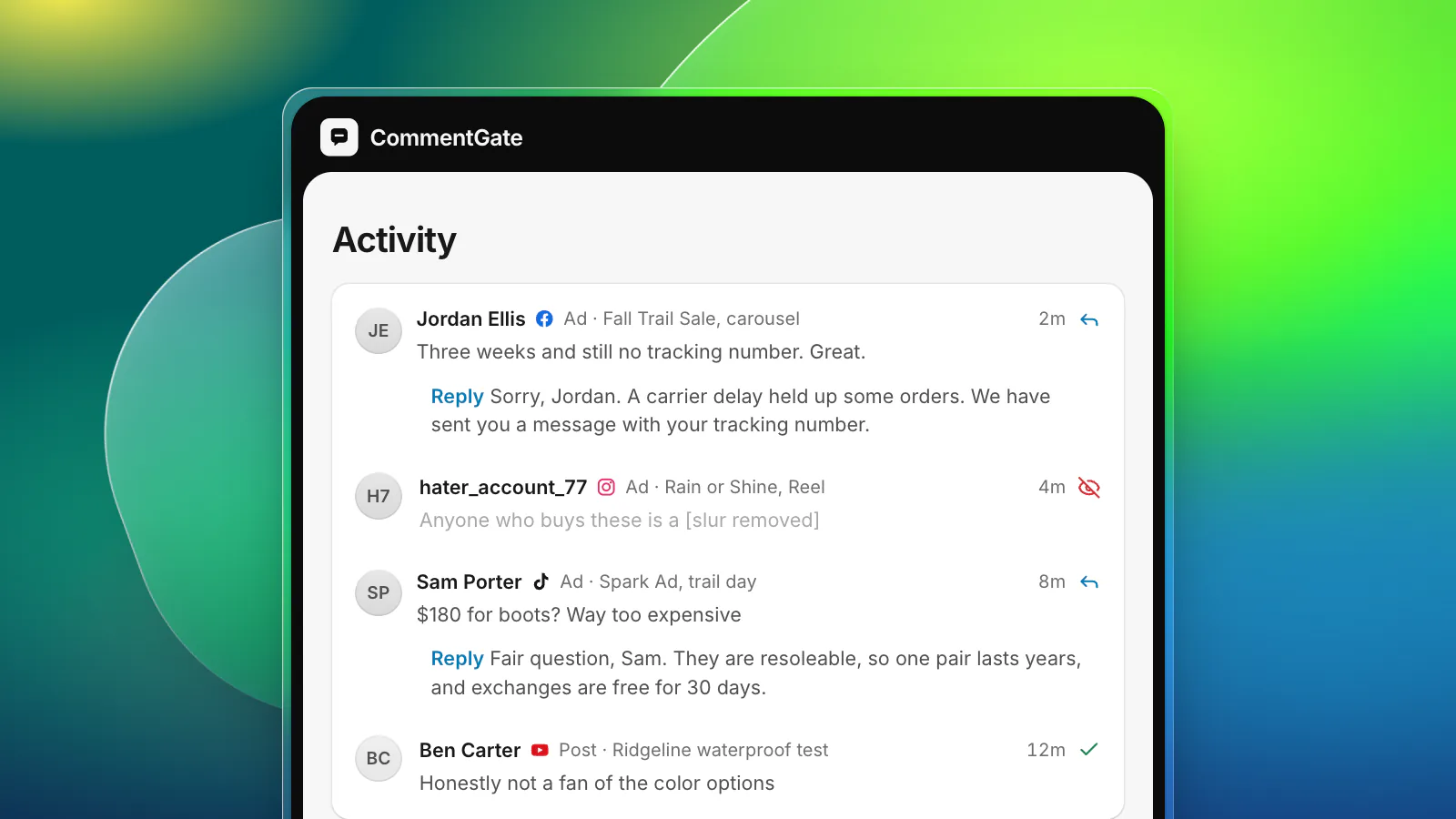
Most brands moderate comments on instinct. Whoever is on shift decides whether a comment stays or goes, and the decision changes with the person, the day and the mood. It works until the team grows, an agency takes over the weekends, or a customer asks why their comment disappeared.
Comment guidelines fix that. They are one page that answers "should we hide this?" before anyone has to ask, and they are the thing you hand to a new moderator, an agency or a tool.
Why write them down
- Consistency. The same comment gets the same treatment on Monday morning and Saturday night, on Facebook and on TikTok.
- Speed. A moderator who does not have to ask decides in seconds.
- A defense. When someone says you are censoring criticism, you can point to a public rule that says criticism stays.
- Handover. An agency, a freelancer or a new hire can start from the page instead of from your memory.
- Setup. Every tool, native or not, needs to be told what to hide. The guidelines are that instruction, written once.
The five parts
Good guidelines are short. Five parts cover almost every brand.
1. What we hide without asking
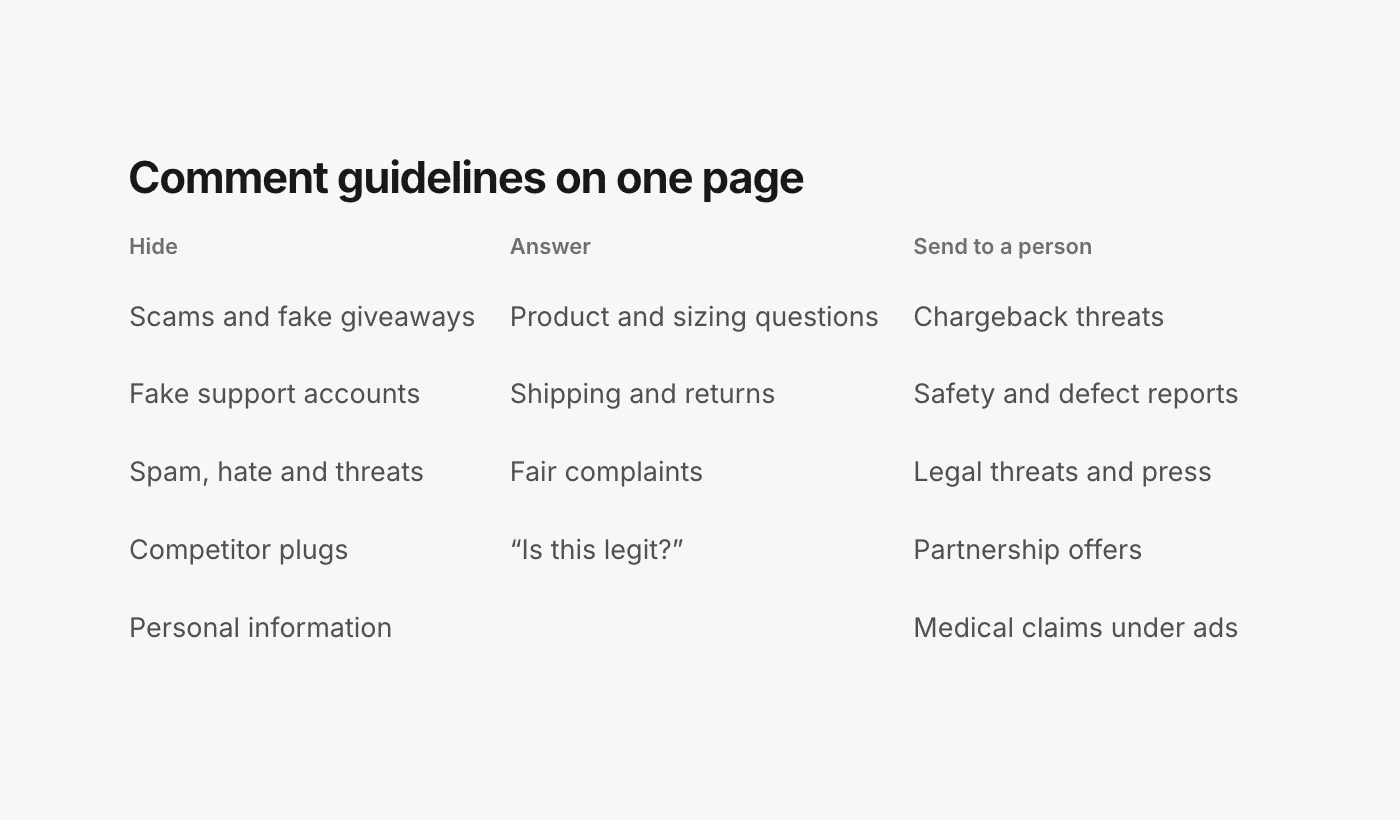
Comments that harm the people reading them. For most brands:
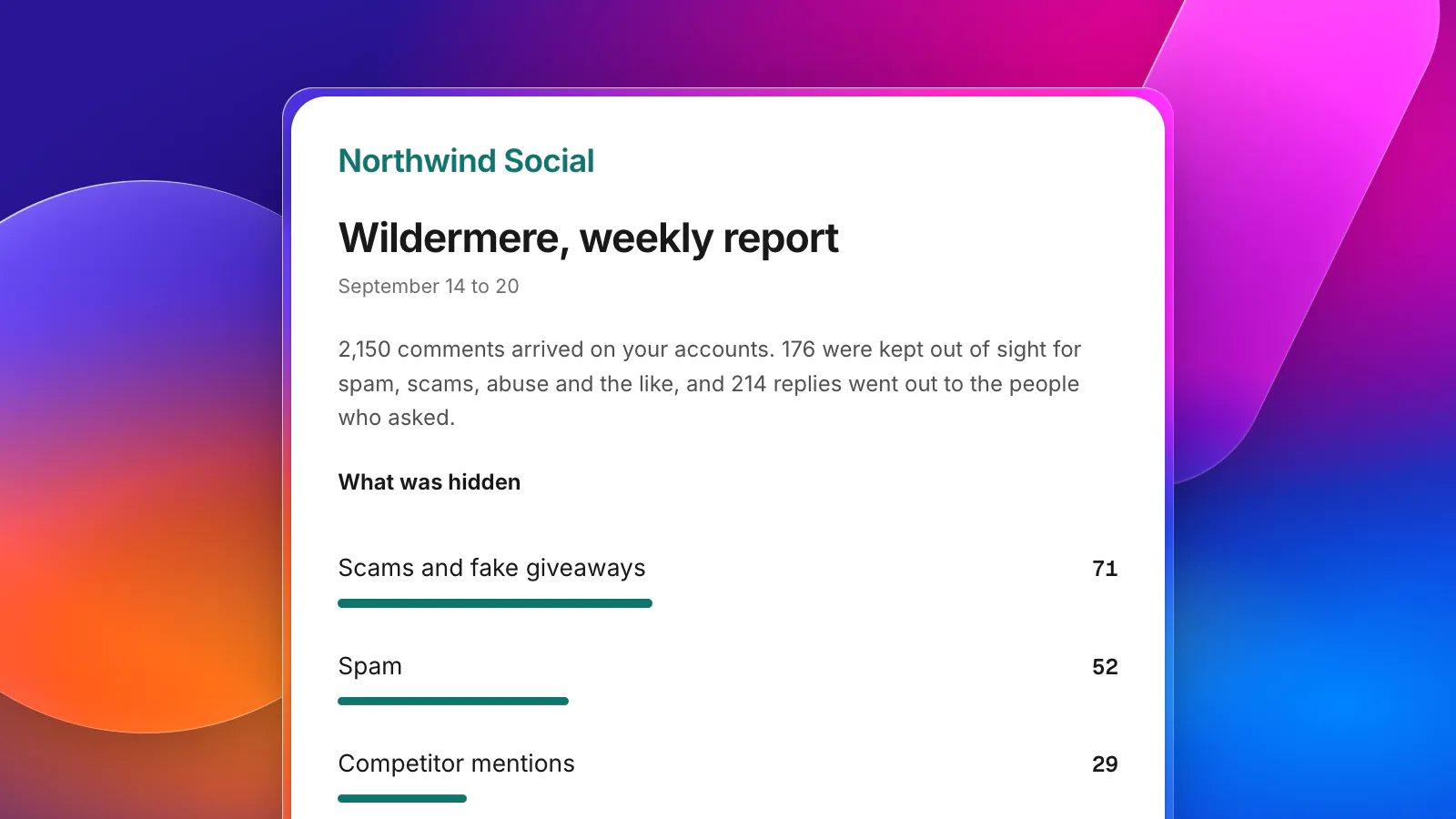
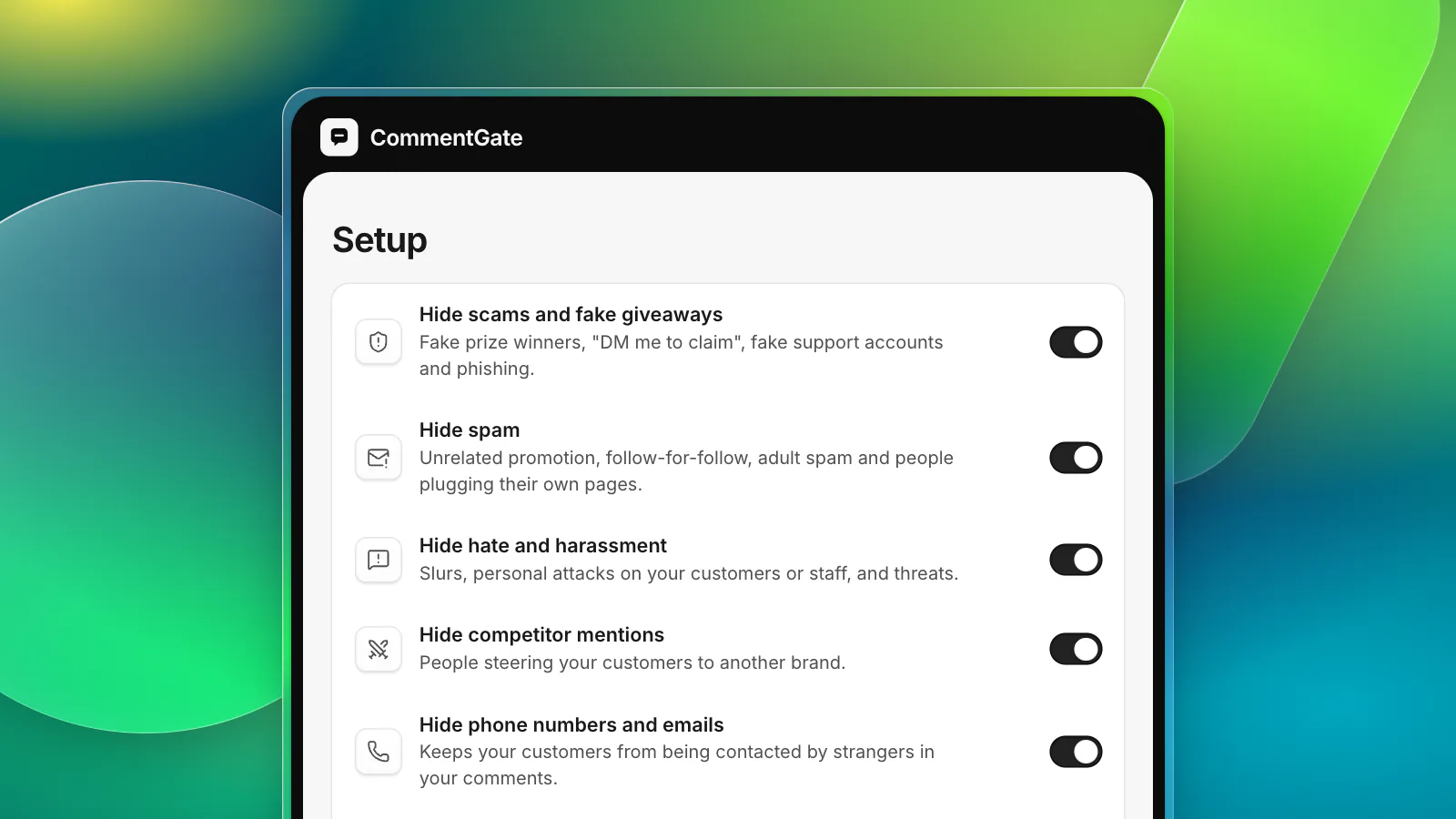
- Scams, fake giveaways and phishing links.
- Accounts pretending to be your support team or your brand.
- Spam and people plugging their own pages.
- Hate, harassment and threats, against anyone.
- Competitor plugs steering your customers elsewhere.
- Personal information: phone numbers, addresses, order details.
Say hide, not delete. Hiding can be undone, and on TikTok and Threads, hiding is all any outside tool can do with other people's comments anyway.
2. What we answer
Comments from people who bought, or are about to: product questions, sizing, shipping and returns, "is this legit?", and fair complaints. Say who answers, how fast, and in what tone. Include the rule for complaints: one calm public answer, then a private message.
3. What we leave alone
Criticism, opinions about taste, jokes, and civil arguments between other people. Writing this part down matters most, because it is the part people get wrong under pressure.
4. What goes to a person
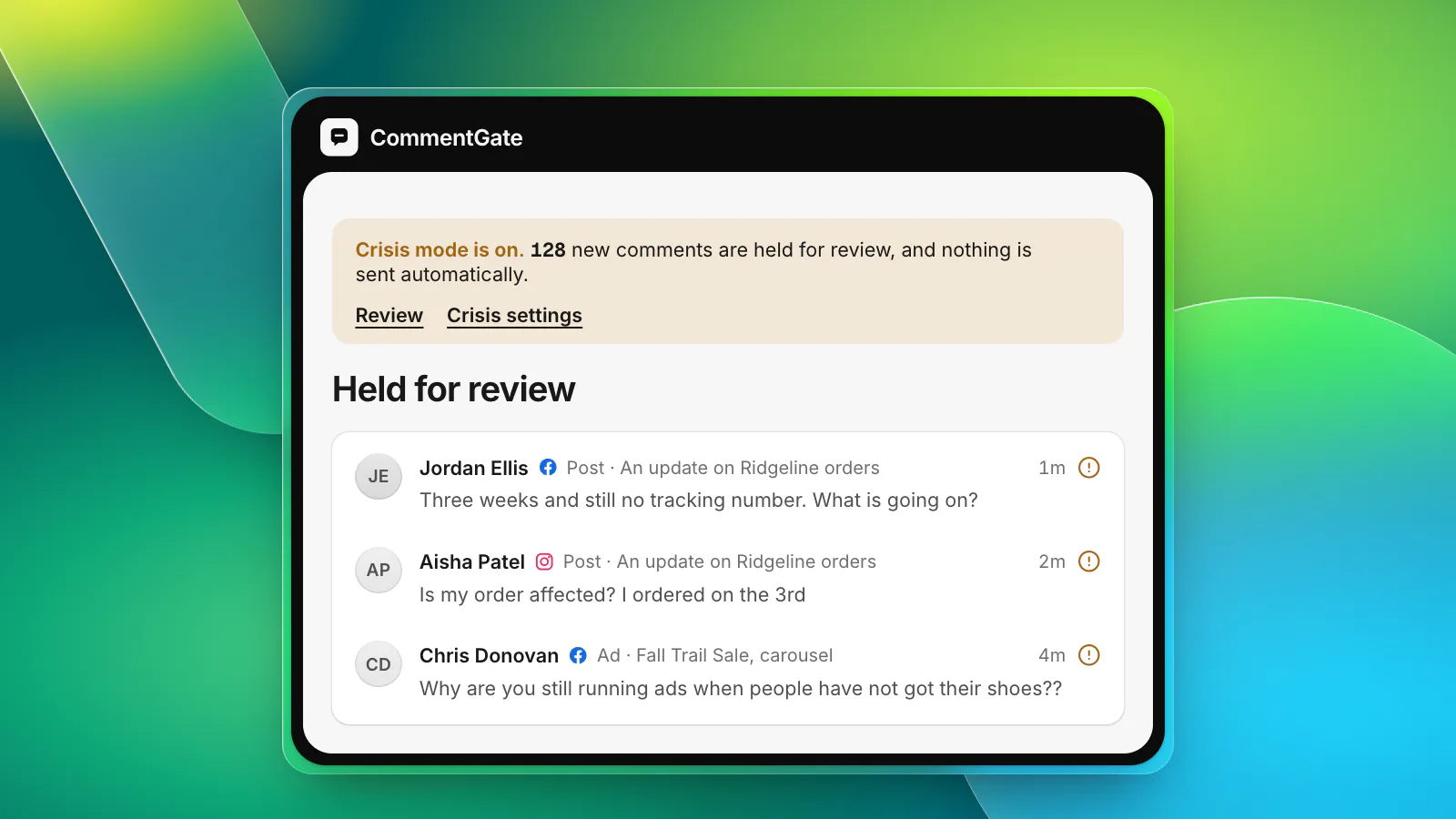
The comments that are not moderation decisions: chargeback threats, safety or defect reports, legal threats, press questions, partnership and influencer offers, and medical or health claims under ads. Name the person for each and how quickly they respond.
5. The facts
What your answers rely on: shipping times per market, returns, sizing, support hours, current promotions. Keep it current. A wrong date in an answer is worse than no answer.
Where each platform lets you apply them
Parts of the "hide" list can be enforced by each platform's own filters. Put your blocked words and impersonator handles in all of them:
- Facebook: a list of words to hide and a profanity filter, set per Page and extended to ads from the Page (Meta Business Help: comment moderation for Pages, best practices for ads).
- Instagram: Hidden Words, with a custom list of "words, phrases, numbers or emojis" (Instagram Help: hide comments).
- Threads: Hidden Words custom filters, which move matching replies to a covered section at the bottom of your post (Instagram Help: hide replies on Threads).
- TikTok: keyword and spam filters in the app (TikTok Support: manage comments), and up to 500 blocked words per ad account (TikTok, blocked words).
- YouTube: blocked words, blocked links and held comments in the channel's comment settings (YouTube Help: comment settings).
These filters handle words. The rest of your guidelines (who is a real customer, what is a fake support account, what is a fair complaint) needs a person or a tool that reads the whole comment.
The template
Copy this, replace the brackets, and cut anything that does not apply. More templates are on our templates page.
Publish a short public version, too: a sentence or two in your profile's links or on your site that says you hide scams, spam and abuse and answer everything else. It sets expectations and gives you something to point to.
Keep them alive
Review the guidelines every quarter, and every time you launch in a new market, change your returns, or have a bad day. Most additions come from real comments: the new scam wording, the complaint you did not expect, the competitor that started showing up. Our guide to negative comments goes deeper on the "answer or leave" line.
From guidelines to switches
CommentGate is built to take guidelines like these almost line for line.
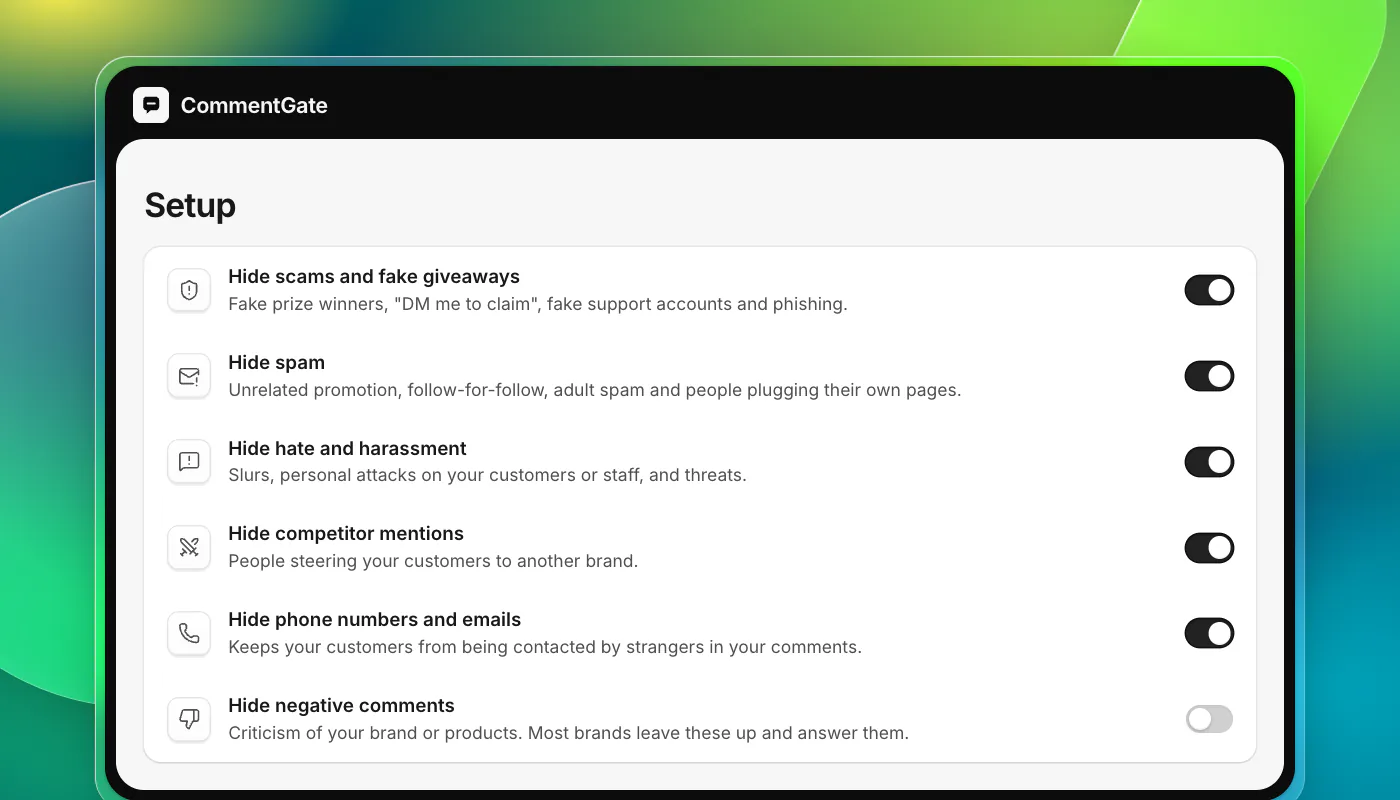
- The hide list becomes switches. Scams, spam, hate and competitor mentions are on from the start; phone numbers and emails, links, profanity and images are switches you add if your page says so. Hiding negative comments stays off, because your page says criticism stays.
- The answer list becomes drafts. Your facts and voice go into your notes, and questions get drafted replies you approve or let send on their own.
- The "send to a person" list becomes Needs you. Chargeback threats, partnership offers, medical claims under ads and other judgement calls wait there with a one-line reason.
- Your own topics in a sentence. Anything specific to your brand ("hide comments asking for wholesale prices") can be described in plain words.
- It learns your line. Every comment you unhide or keep teaches it where your guidelines draw the line.
Agencies can keep one set per client: see the agency playbook. To check your guidelines against real comments, Test first lets you paste any comment and see what would happen, and our free tools help with the rest of the setup.
Sources
- Meta Business Help Center: Manage comment moderation for Facebook Pages
- Meta Business Help Center: Best practices for comment moderation on your ads
- Instagram Help Center: Hide comments or message requests you don’t want to see
- Instagram Help Center: Hide posts you don’t want to see on Threads
- TikTok Support: Manage comments
- TikTok API for Business: Blocked words
- YouTube Help: Learn about comment settings