An agency’s playbook for comment moderation across many clients
Moderating comments for one brand is a routine. For twelve, it is an operation: access, rules per client, who decides what, and a report the client actually reads. Here is how agencies set it up so it runs without heroics.
Playbooks 5 min read
On this page
Every agency that runs paid social ends up moderating comments, whether it sold that service or not. A client's ad starts collecting scam comments, the client notices before you do, and suddenly "can you keep an eye on the comments?" is part of the retainer.
Done by hand, it scales badly. Someone logs in and out of a dozen Facebook accounts, a freelancer on another continent sees clients they should not, and the monthly report is an afternoon of screenshots. Here is how to run it as an operation instead.
1. Get the access right on day one
Most moderation problems at agencies are access problems that show up weeks later. Settle them during onboarding, per client, per platform.
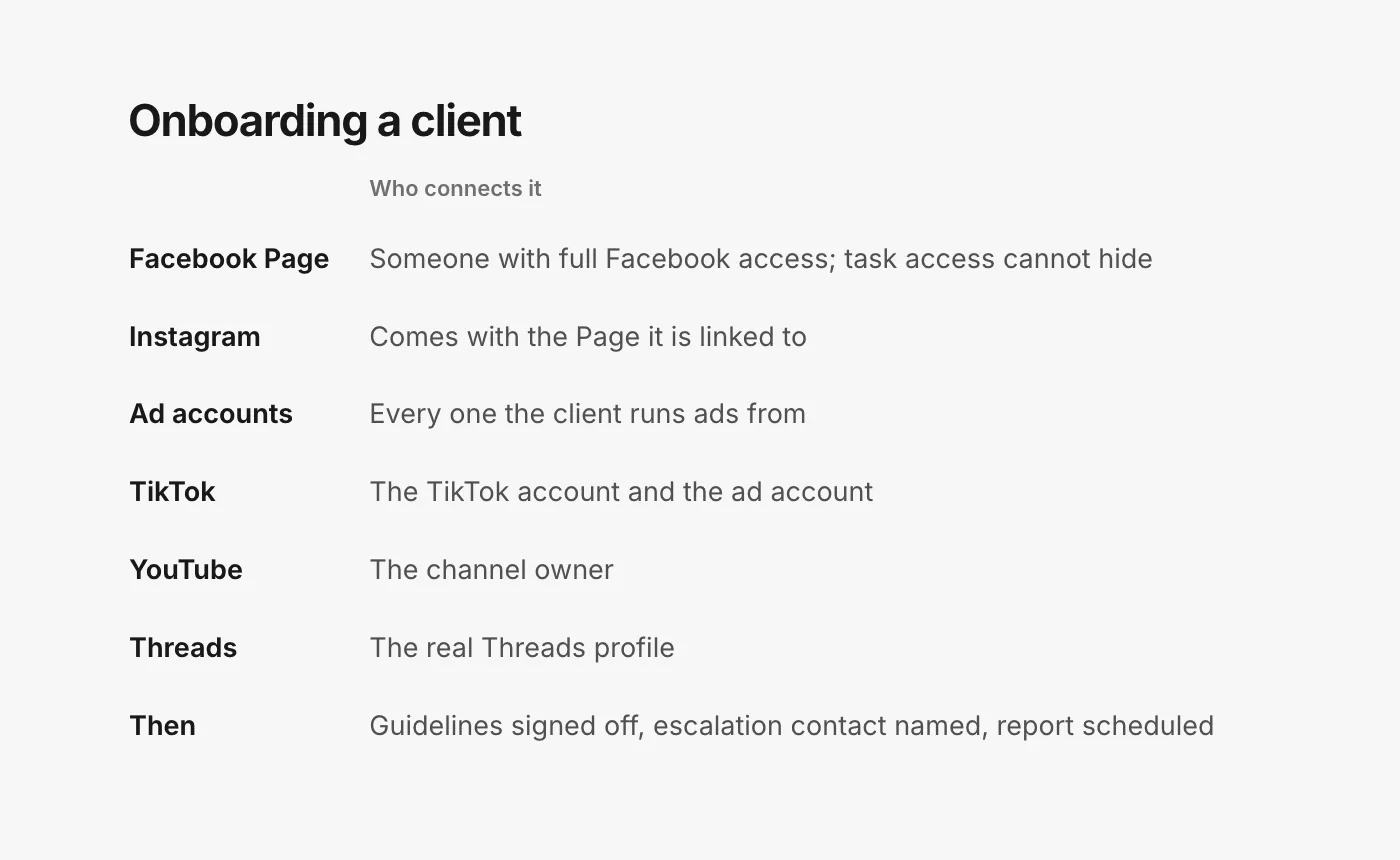
- Facebook Pages need full access. Facebook's help is specific: "If you have task access to a Page, you can't hide comments on Page posts" (Facebook Help: hide a comment on your Page). Make sure the person connecting the Page has Facebook access to it, not only task access.
- Instagram comes through the Page. To manage a client's Instagram comments on ads, an Instagram profile has to be connected; ads run under the Facebook Page's identity alone have no Instagram comments to manage (Meta Business Help: manage comments on your ads).
- Ad accounts, all of them. Most client ads are built in Ads Manager and never appear on the Page. Without the ad account, you cannot see which comments are on which ads, and dark posts are easy to miss (why ad comments are hard to find).
- TikTok needs both the account and the ad account. Managing ad comments in TikTok Ads Manager requires being linked to a TikTok account (TikTok Ads Help: view and manage comments), and replies on Spark Ads need access to the account that owns the post (Spark Ads comments).
- YouTube needs the owner. People invited through YouTube Studio channel permissions "can't access" some parts of YouTube, including the ones outside tools use (YouTube Help: channel permissions). Ask the client's channel owner (or a Brand Account owner or manager) to connect it.
- Threads needs a real profile. Ads run as a Threads profile made from the client's Instagram account or Page cannot be moderated (Threads ads moderation).
Write down who at the client owns each account. When a connection needs renewing months from now (TikTok, for one, asks business accounts to reconnect once a year), you will need to know who to ask.
2. Agree the rules per client, in writing
Clients differ more than agencies expect. A supplement brand wants every health claim looked at; a streetwear brand is happy to leave profanity up; a brand with a recall in its past wants every "defect" comment sent to legal. Put each client's rules in one short document:
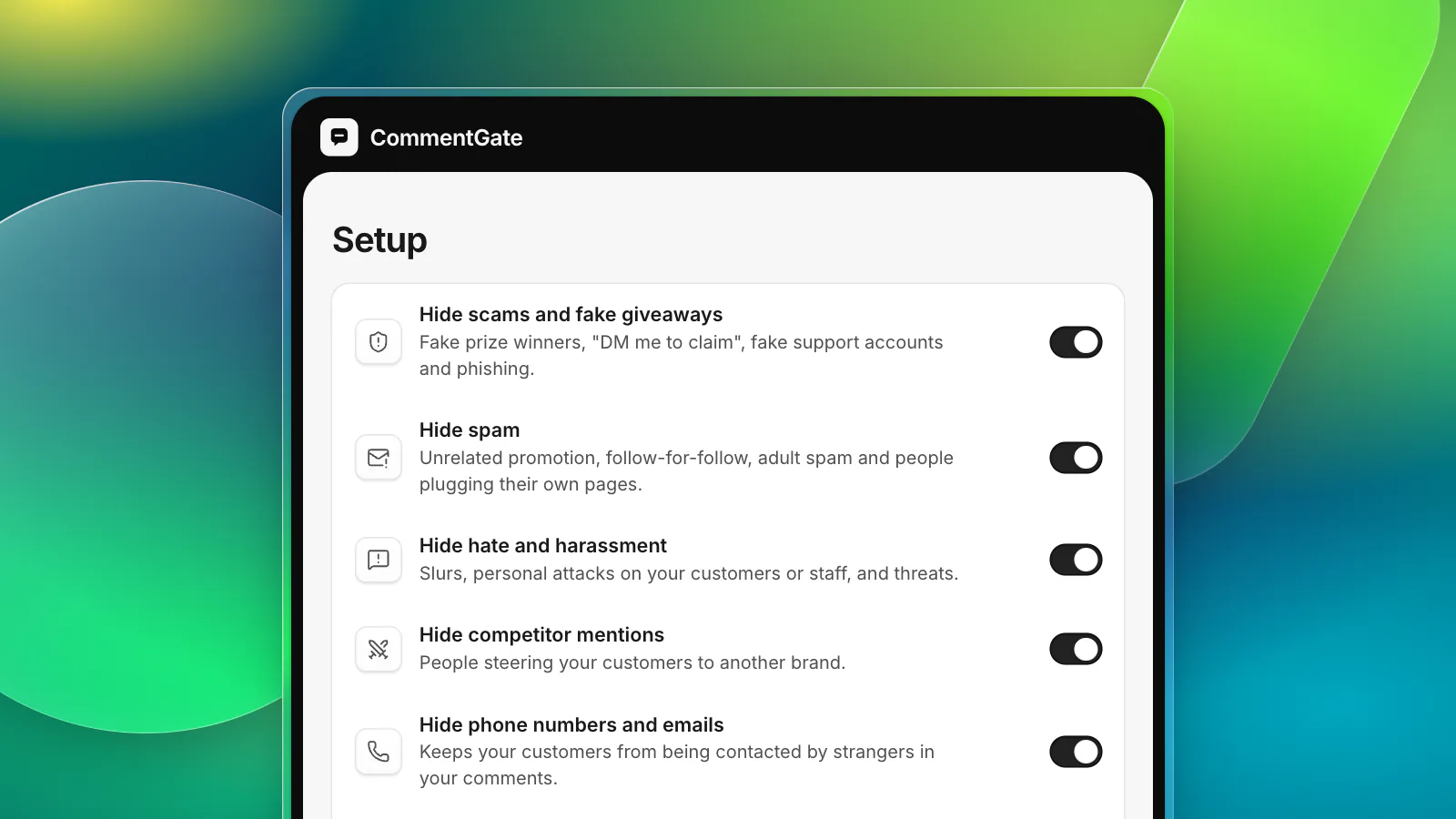
- What is hidden without asking: scams, spam, hate, competitor plugs, and anything else the client adds.
- What is answered, and by whom: product questions with approved answers; complaints with a named tone.
- What is left alone: criticism, opinions, jokes.
- What is escalated: chargeback threats, safety reports, legal threats, press, influencer and partnership offers. Name the client contact for each and how fast they answer.
- The facts: shipping times, returns, sizes, support hours, per market.
Our comment guidelines template is built for exactly this and can be copied per client. Have the client sign off on it. When they ask why a comment was hidden, the answer is in a document they approved.
3. Keep clients apart
The two mistakes that cost agencies clients are a freelancer seeing the wrong brand and a strict client's rule leaking into a relaxed client's account.
- One workspace per brand, each with its own accounts, switches, rules and voice.
- Moderators limited to their clients. A freelancer who handles two brands should see those two and nothing else.
- Clients can look, not touch. Many clients like to see their comments. Give them read-only access rather than a login that can hide things.
4. Decide who decides
Comment moderation at an agency is mostly routine decisions and a few that are not yours to make. Split them:
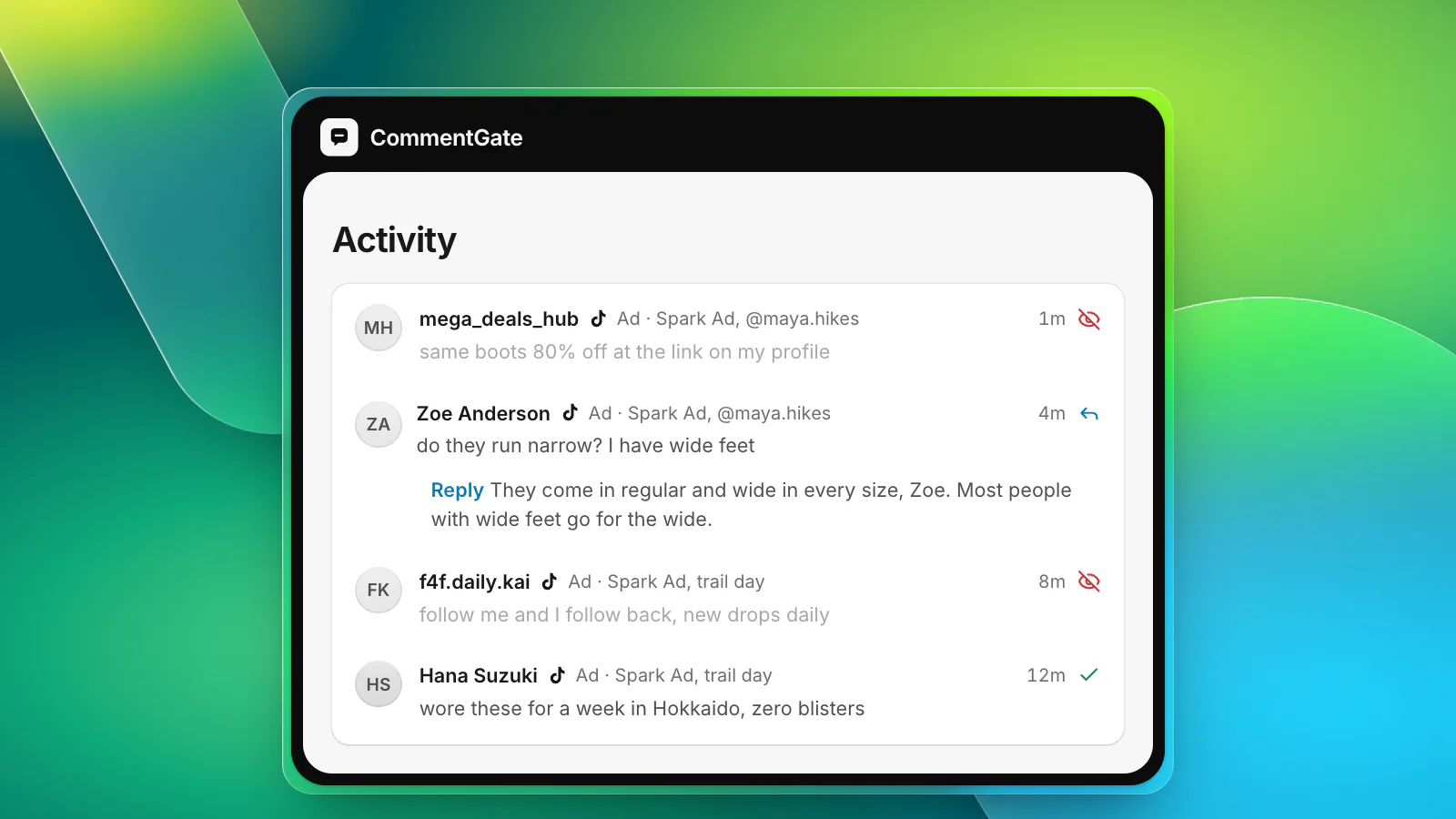
- Routine, decided by the system or the moderator: scams, spam, abuse, questions with approved answers.
- Judgement calls, decided by a named person: anything on the escalation list. A moderator's job is to spot these fast, write a note with context and hand them over, not to answer a chargeback threat on the client's behalf.
Response-time promises need the same split. Promise a speed for routine work, and a separate speed for escalations that depends on the client's contact answering.
5. Plan for the bad day
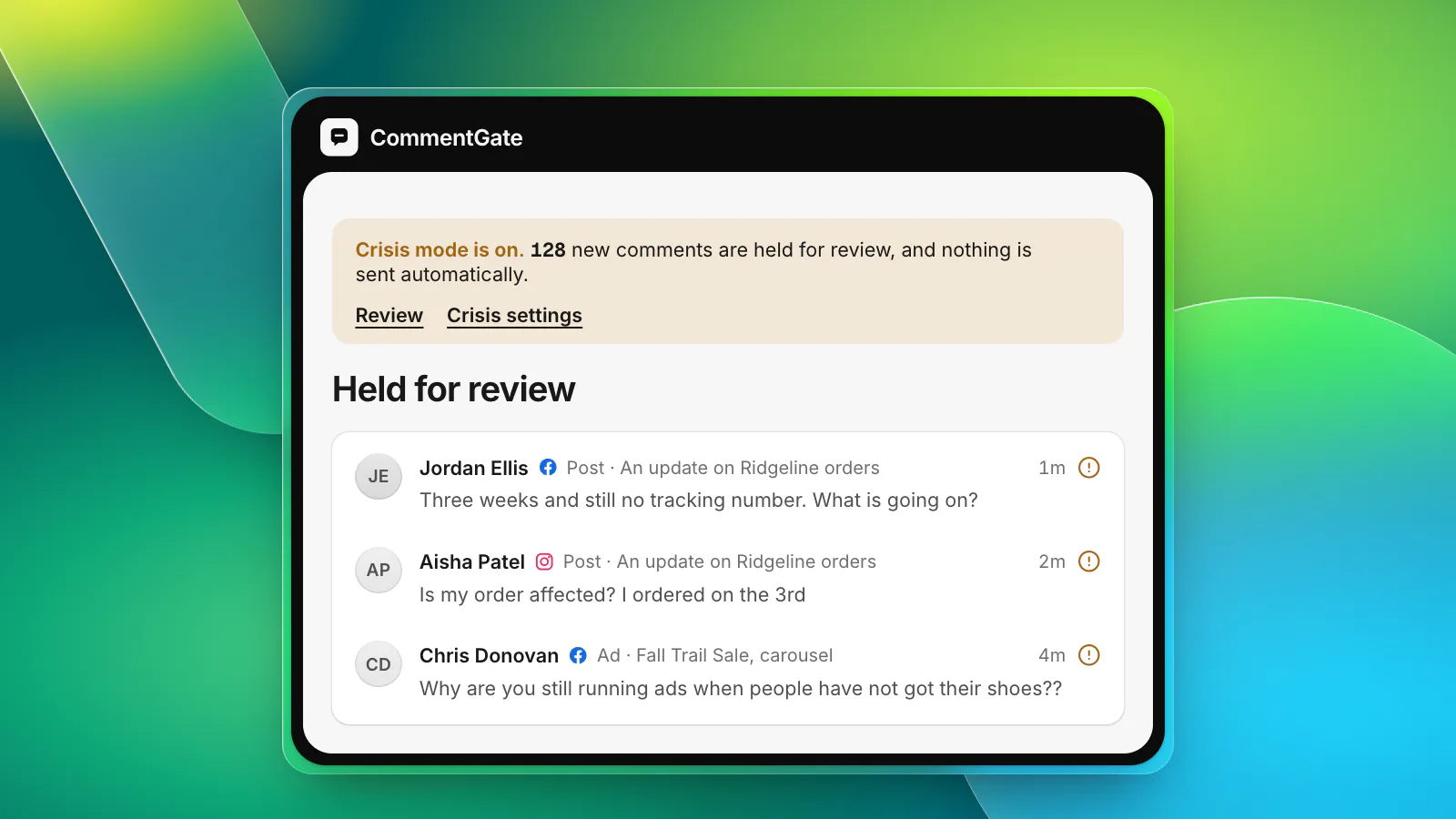
Every client will eventually have one: a shipping failure, a product problem, a post that goes viral for the wrong reason. Agree in advance who can pause ads, who can hold all comments for review, who writes the public statement, and how the client is reached at night. Our crisis-day checklist is a good starting point to adapt per client.
6. Report what clients care about
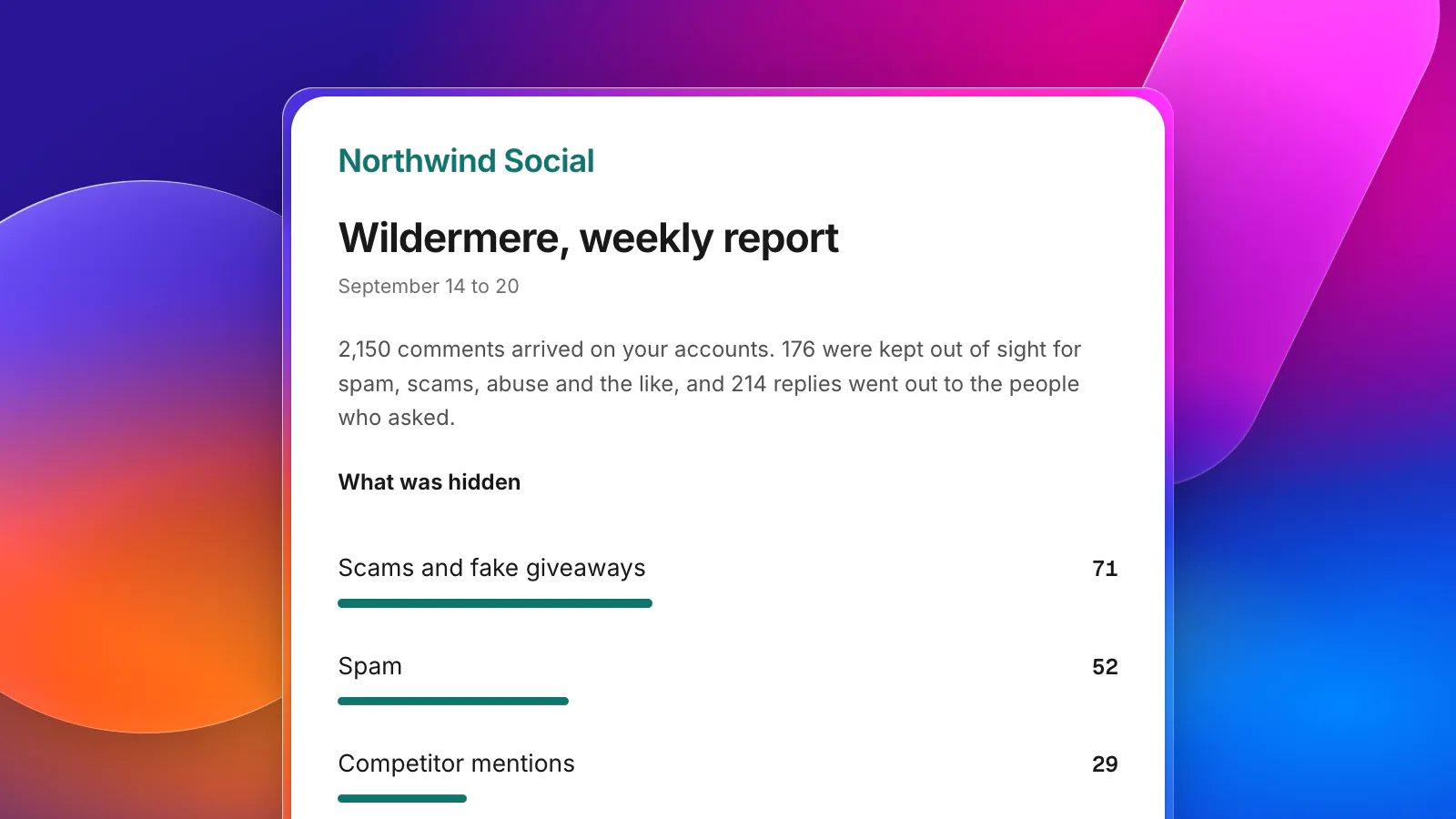
Clients do not want a list of every comment. They want to know that their ads were safe, that customers were answered, and whether anything needs their attention. A good monthly report fits on one screen:
- Comments hidden, by kind (scams, spam, abuse, competitor plugs), with one or two examples.
- Questions answered, and how fast.
- Notable comments: strong praise worth reusing, recurring complaints worth fixing, escalations and what happened to them.
- What changed: a new rule, a new blocked word, a new market.
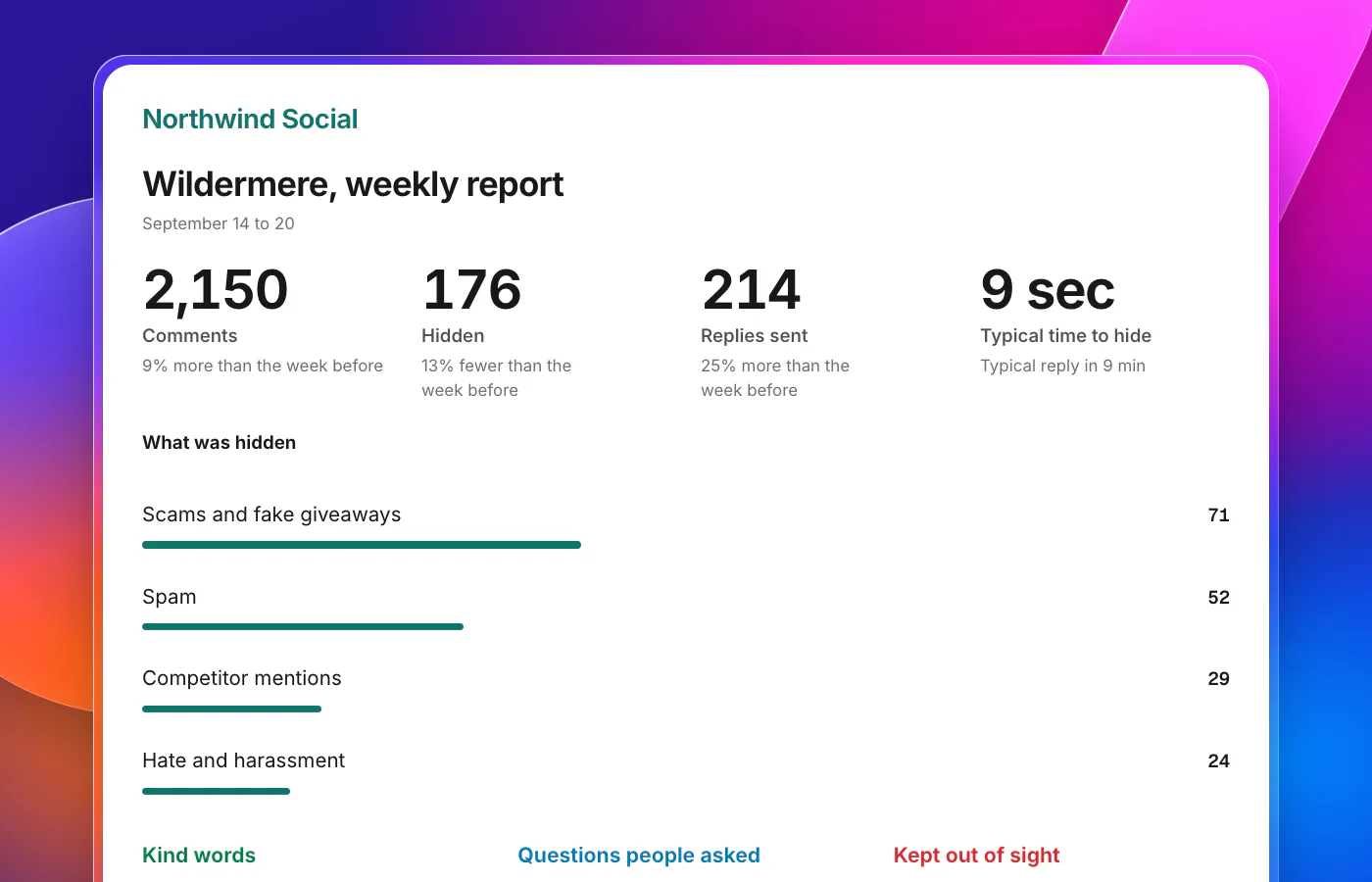
Send it on a schedule, in your agency's name, and never with the tool's name on it.
How agencies run this in CommentGate
CommentGate for agencies is built around the steps above.
- Brands. Each client is a brand with its own accounts, switches, rules and brand voice. Switch between them in one click, or work across all of them.
- Several Facebook logins. Pages from different Facebook logins can sit in the same brand, so nobody logs in and out.
- Roles per client. Owner, Admin, Manager and Moderator, with Managers and Moderators limited to certain accounts if you like. Clients get the Client role: their reports and a read-only list of their comments.
- Assign and note. Hand a judgement call to the account manager with context, and see every step each comment went through.
- White label reports. Weekly or monthly, as an email, a page and a PDF, with your agency's name, logo, colour and sender name. Replies from clients go to the address you choose.
- One plan for every brand, priced by the comments they receive together, or a separate plan for a client who pays directly. See pricing.
Alerts go to Slack, Discord or email when hidden comments spike on any client, and crisis mode holds one brand's comments without touching the rest. For your own tools, there is an integrations page with Zapier, Make, webhooks and more.