The commentgate CLI: comment moderation from your terminal
Answer what the autopilot is unsure about with one key per comment, change its guidance, hide and reply in bulk, and pull reports into scripts. Here is how to install the commentgate command and put it to work.
Product 5 min read
On this page
If most of your working day happens in a terminal, switching to a browser tab to check comments is a small interruption you pay many times a day. The commentgate command brings the parts that need you to where you already are: the comments the autopilot is unsure about, how it is doing, what it hides, and your numbers. It also does the jobs a dashboard is bad at, like acting on fifty comments at once or feeding totals into a script.
It works with every platform CommentGate covers: Facebook, Instagram, TikTok, YouTube and Threads, on posts and on ads.
Install
You need Node.js 20 or later. Install it globally:
npm install -g commentgate
Or run it without installing, which is handy on a server or a teammate's machine:
npx commentgate --help
Then create a key in CommentGate under Settings, API keys (it is shown once), and save it on this computer with commentgate login. Check which brand you are signed in to with commentgate whoami, which also tells you whether the key can act or only read.
Every command takes --help, with examples, and --json for scripts.
The morning routine: needs-you
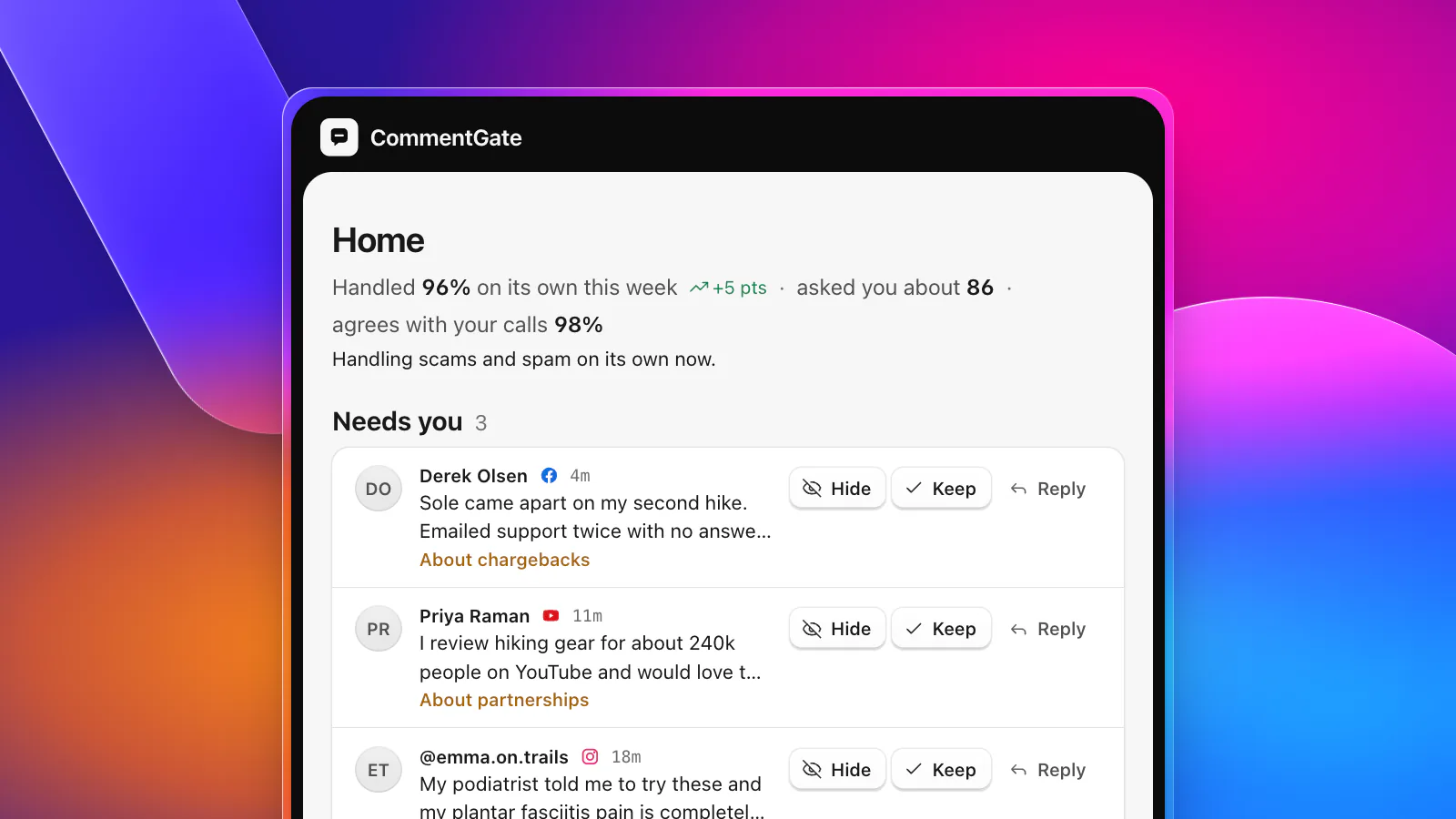
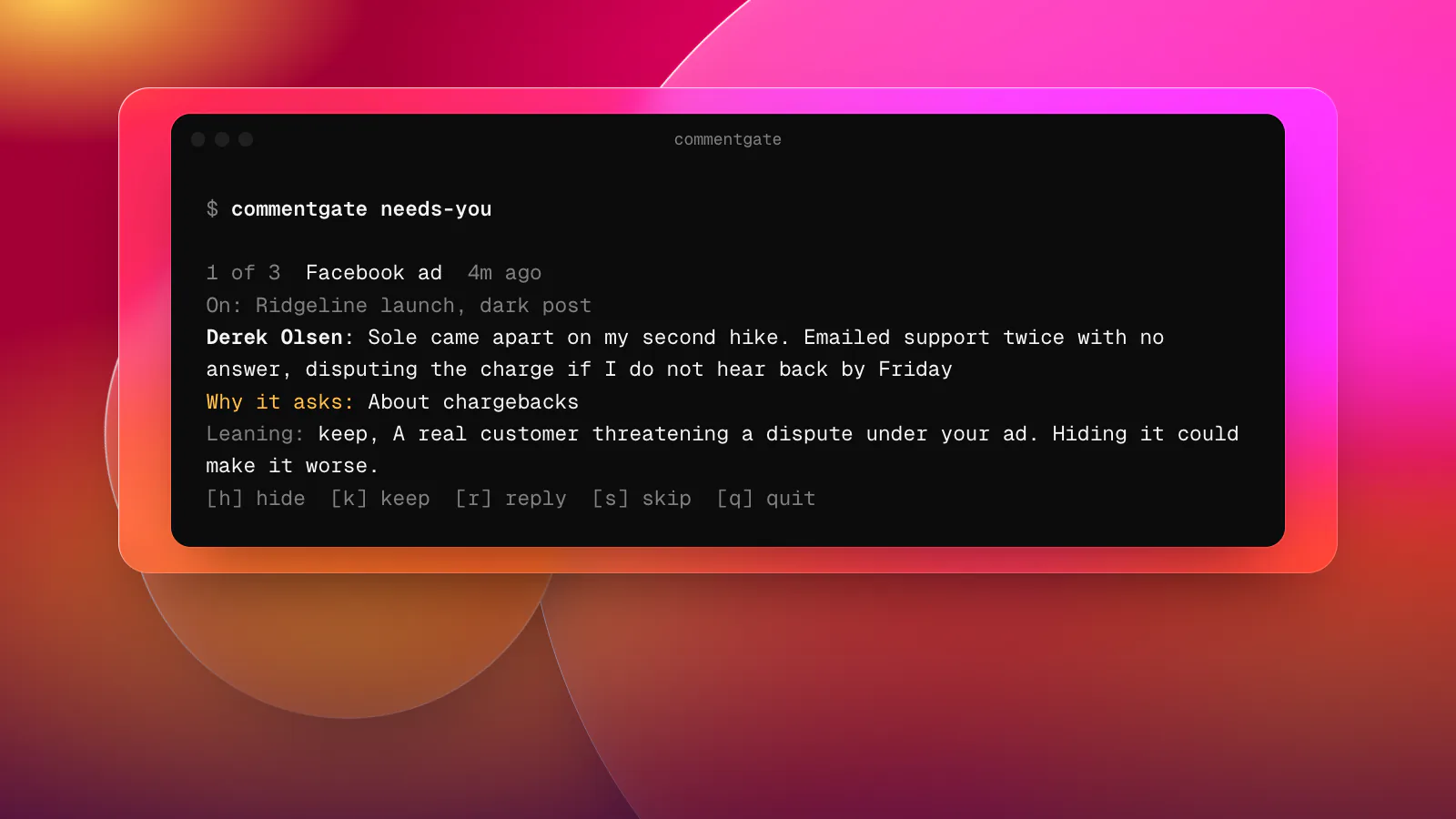
CommentGate hides scams, spam and hate on its own, and asks a person when it is not sure. commentgate needs-you walks you through those comments one at a time, newest first. For each one you see where it is (the platform, and whether it is on an ad), the post it is under, who wrote it, why CommentGate is asking and which way it leans. Then you press one key:
- h hides it.
- k keeps it (and unhides it if it was hidden).
- r opens a prompt for a public reply, which is posted and keeps the comment up.
- s skips it for later, and q stops.
At the end you get a tally, such as "Done: 2 kept, 1 replied", and a note if more are waiting. Every answer teaches the autopilot exactly like answering on Home in the app. What reaches you here should be the real judgement calls: a chargeback threat under an ad, a partnership offer, a safety report. If obvious spam keeps showing up in this list, that is a correction worth making, and the autopilot learns from it.
When the output is not a terminal (piped or in a script), needs-you prints a table instead of asking. --list does the same in a terminal. To answer one comment from a script, use commentgate needs-you answer <id> keep, hide, or reply "Yes, it ships to Canada in 3 to 5 days.".
How is it doing: status
commentgate status shows this week against last week: comments decided, the share handled on its own, the share it asked you about, how often it agreed with your corrections, and the areas it now handles alone.
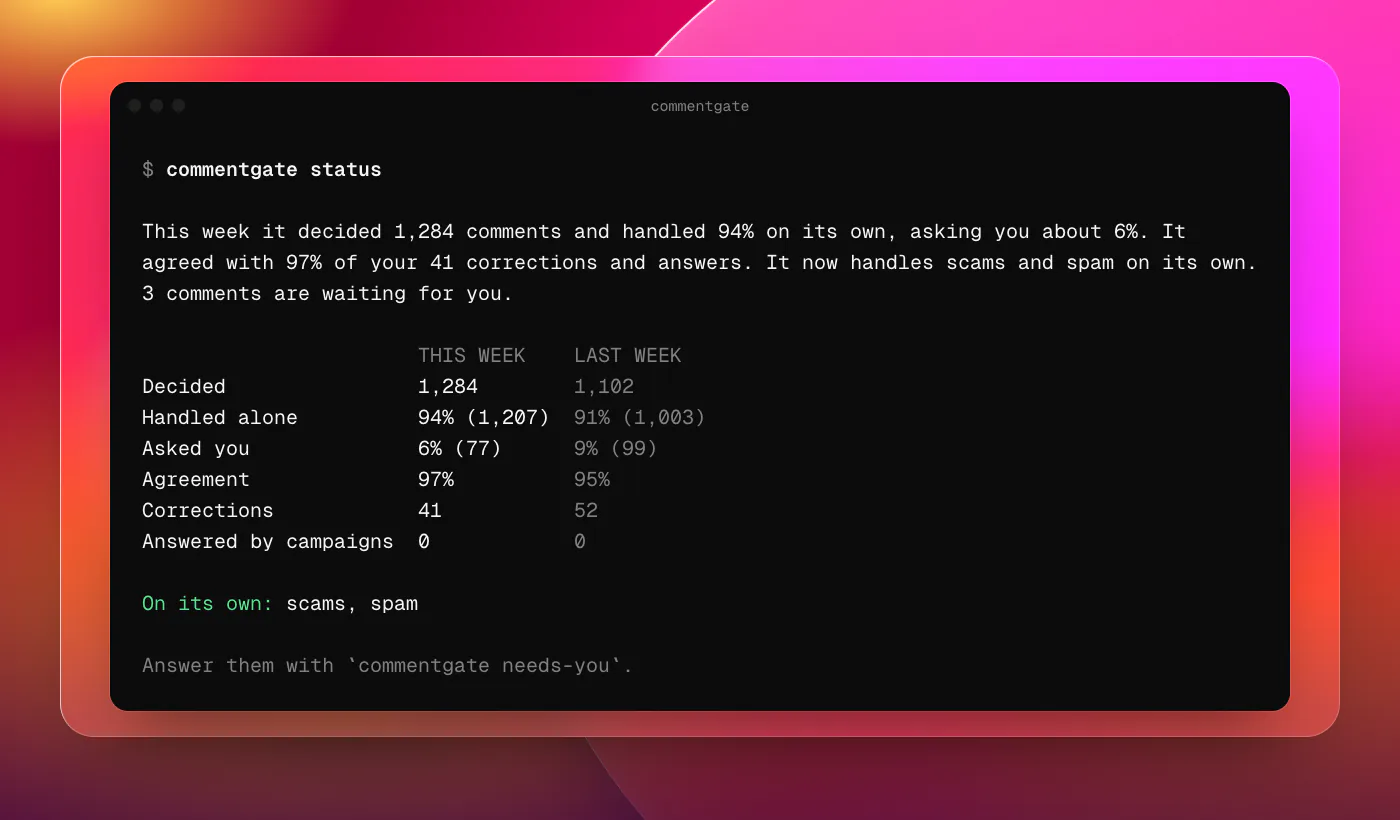
An area moves to "on its own" once CommentGate agrees with at least 95% of the last 100 answers there, with at least 50 answers behind it. If agreement falls under 85%, it becomes more careful at once and asks more. The status line is the quickest way to see whether your corrections are landing.
Steering it: guidance and protections
Guidance is the plain-language note the autopilot follows, up to 2,000 characters.
commentgate guidanceprints it.commentgate guidance set "Never hide questions about sizing or shipping, even rude ones."replaces it.commentgate guidance editopens it in your$VISUALor$EDITOR, which is the better choice for anything longer than a line.commentgate guidance clearremoves it.
Protections are the switches on Setup. commentgate protections lists them with their state; commentgate protections on links or off competitors flips one. The names are scams, spam, hate, competitors, profanity, links, contact (phone numbers and emails), media (images, GIFs and stickers) and negative. commentgate protections answers draft sets how questions are answered: off, draft (you approve each reply) or send.
Changes apply to new comments from then on. Changing guidance and protections needs an owner, admin or manager key; a moderator's key can answer, hide and reply. If you want help writing the guidance itself, see replies in your brand's voice.
Comments in bulk
commentgate comments list takes every inbox filter:
| Flag | Values |
|---|---|
--status | visible, hidden, deleted, review, pending |
--platform | facebook, instagram, tiktok, youtube, threads |
--surface | organic (posts) or ad |
--ad, --post, --account | a platform ad or post id, or a connected account |
--since, --until | 24h, 7d, 2w, a date, or an ISO time |
--pages | fetch up to 20 pages at once |
Actions take one or more comment ids: hide, unhide, allow, archive, unarchive, restore, delete, like, block, unblock, and reply <id> "text". Pass - instead of ids to read them from standard input, so a filtered list can feed an action.
A real use: after a launch, you notice the competitor switch caught a few customers comparing your product fairly. List what it hid on that ad with commentgate comments list --ad <ad id> --status hidden --json, pick out the ids you want back with jq, and pipe them into commentgate comments allow -. Each one is unhidden and counted as a correction.
When a platform does not allow something, you get its reason as a sentence: "TikTok does not allow deleting other people's comments. Hide it instead." Delete works on Facebook and Instagram, like works there and on TikTok posts, and block only on Facebook. On TikTok, YouTube and Threads, hide takes the place of delete.
Numbers: reports
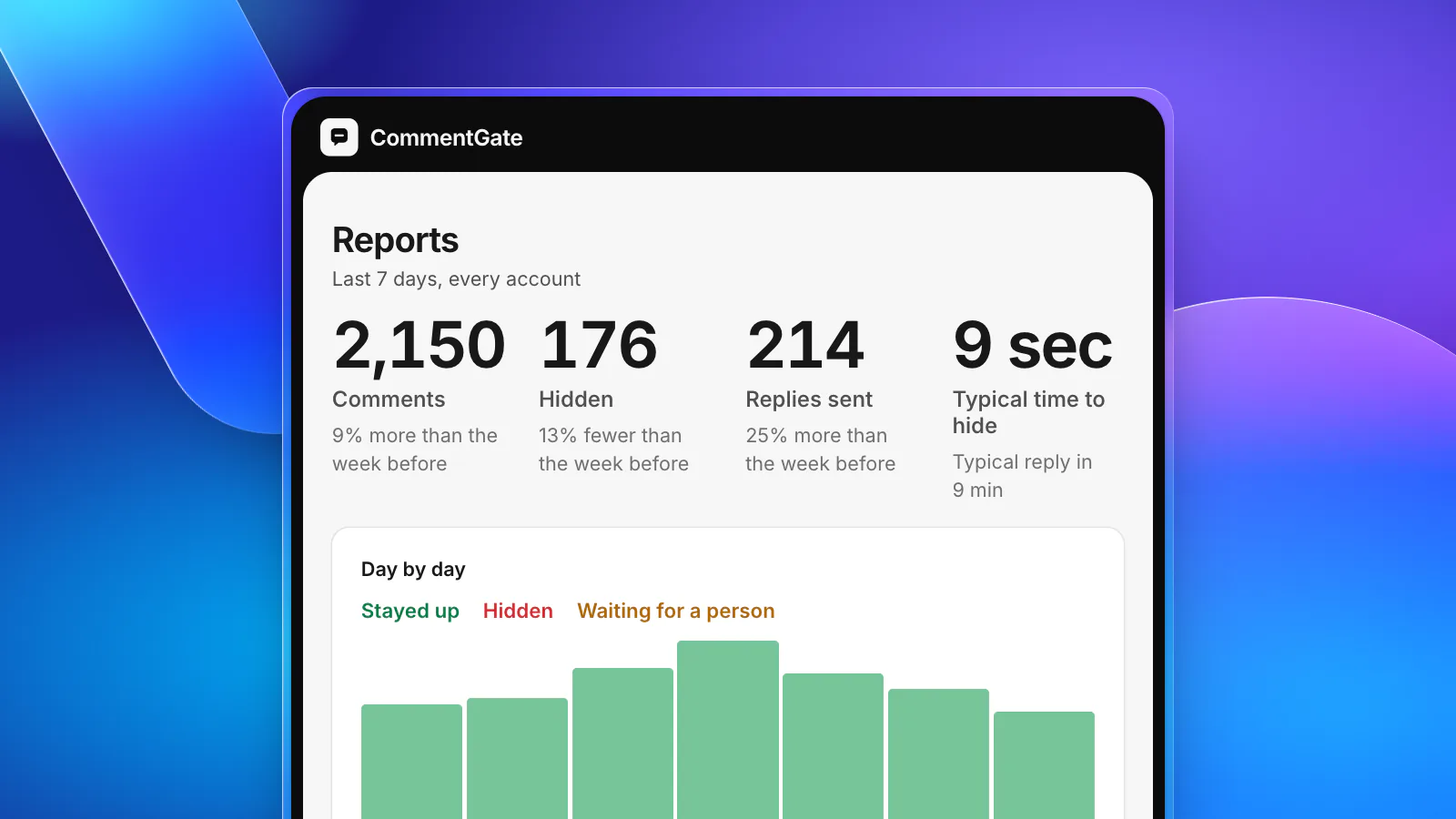
commentgate reports shows the last 30 days by default. Pick a period with --last 7d, --month 2026-08, --today, or --from and --to, and narrow it with --platform, --surface or --account. Days are counted in your workspace time zone (Settings, Brand).
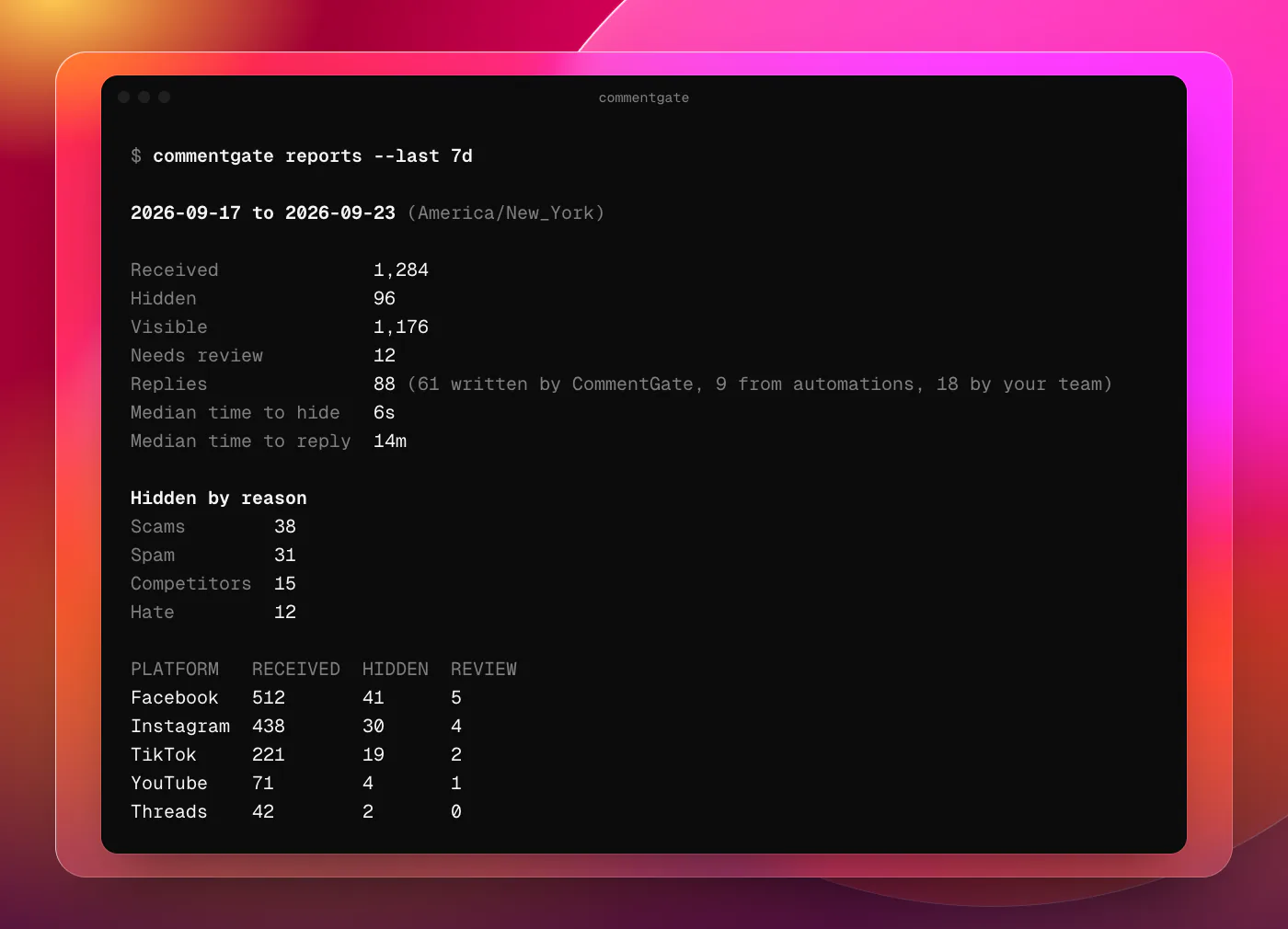
You get received, hidden, visible and waiting counts, replies split by who wrote them, the median time to hide and to reply, and hidden comments by reason. With --json, the same totals go straight into a spreadsheet, a dashboard or a weekly message to your team. Which of these numbers to watch, and how to read them, is in measuring comment moderation.
Several brands, scripts and CI
- Profiles. Save one key per brand with
commentgate login --profile <name>, then add--profile(or-p) to any command, or make one the default withcommentgate profiles use <name>. Agencies can keep every client a keystroke apart. - Environment. In CI or a scheduled job, set
COMMENTGATE_API_KEYinstead of logging in.NO_COLORor--no-colorturns off colour. - Exit codes.
0done,1a network or server problem (safe to retry),2a wrong command line,3not signed in or the key cannot do this,4not found,5refused by the platform or by CommentGate. - Where keys live. In
~/.config/commentgate/config.json(or%APPDATA%\commentgateon Windows), readable only by you.commentgate logoutforgets a key on this computer; revoking it in Settings stops it everywhere.
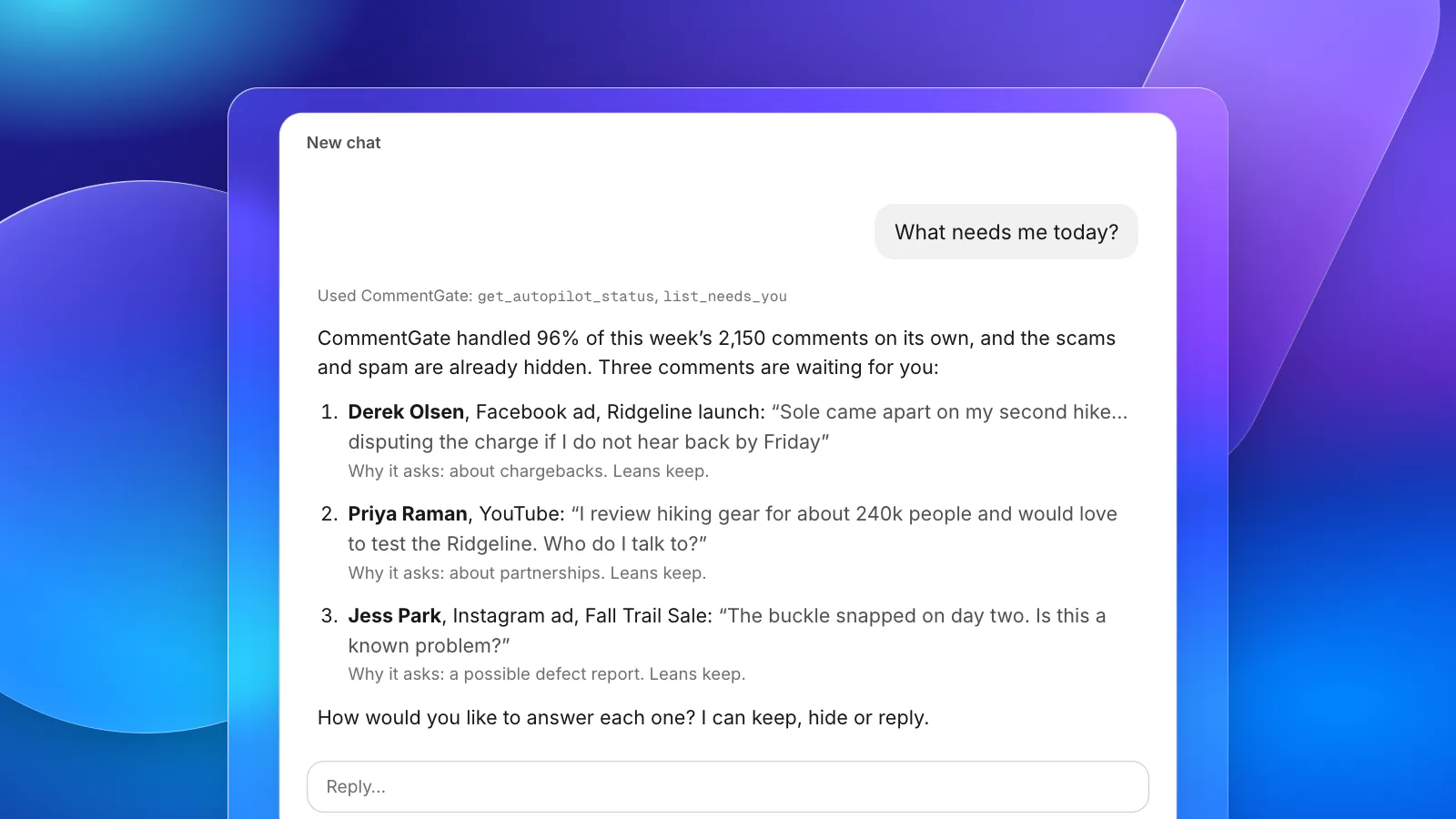
Local assistants: commentgate mcp
CommentGate has a hosted MCP server for AI assistants, covered in managing your comments from Claude or ChatGPT. For assistants that only run servers on your own computer, such as a local Claude Desktop or Cursor setup, add a server whose command is npx with the arguments -y commentgate mcp. It uses your saved key, and --profile picks the brand.
The full command reference is in the developer docs, next to the REST API and webhooks it is built on.