TikTok comment moderation for brands: hide, block words, and Spark Ads
TikTok gives brands fewer tools for comments than Meta does, and they work differently on posts and on ads. Here is what you can actually do, where the limits are, and how to cover both.
Platforms 6 min read
On this page
TikTok comment sections move fast. A video that finds its audience can collect more comments in an afternoon than your Instagram gets in a month, and a Spark Ad puts that same comment section in front of people who have never heard of you. The spam follows the reach: fake discount links, "follow me for daily drops", people pretending to be your support team.
The tools TikTok gives brands for this are narrower than Meta's, and they are different on posts and on ads. Knowing where the edges are saves a lot of frustration.
The one rule: you hide, you do not delete
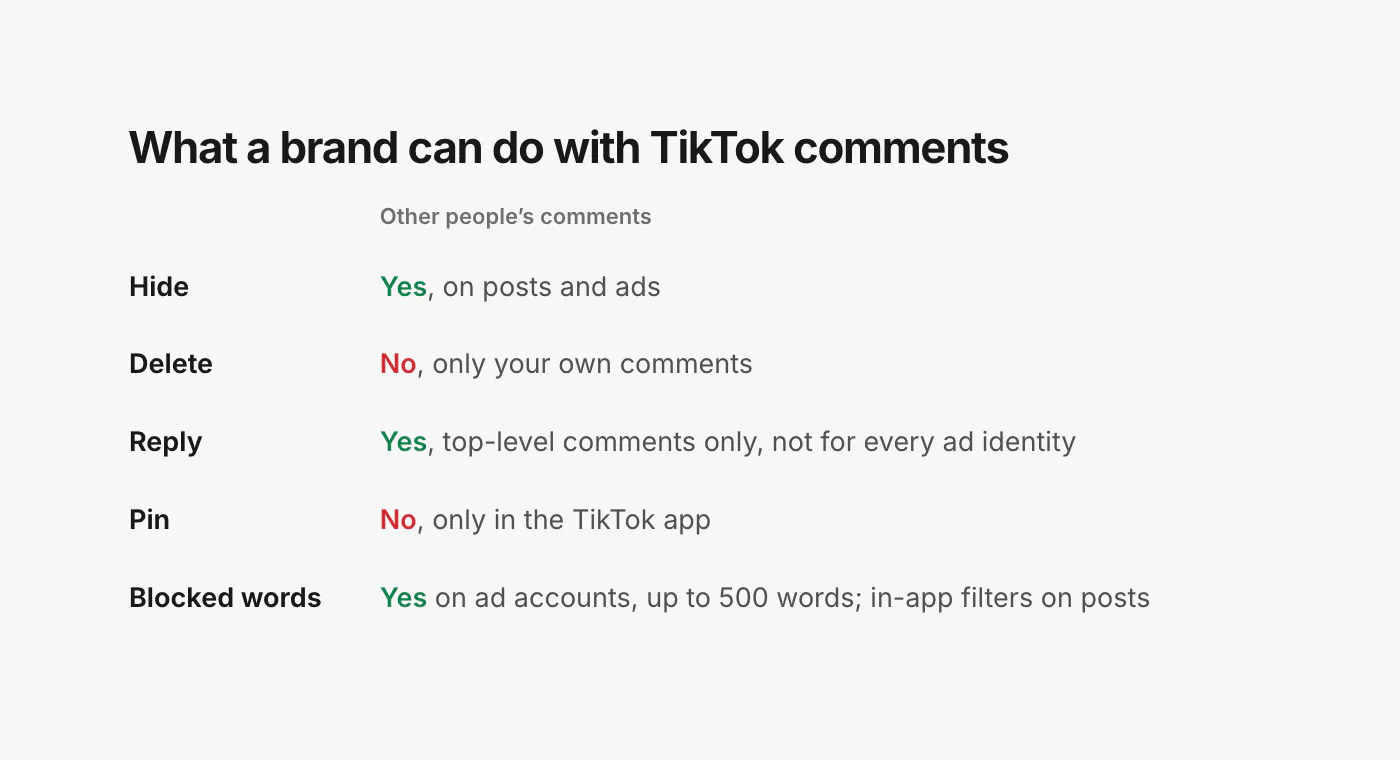
On TikTok, a brand cannot delete another person's comment. Not from the app, not through any tool. TikTok's own documentation says it directly: "Comments made by other users cannot be deleted, and can only be hidden" (TikTok, delete a comment). On ads it is the same: you can remove comments your own ad identity posted, and hide everything else (TikTok, ad comments).
That sounds like a limitation, but hiding is what you want anyway. A hidden comment disappears for your viewers, which is what protects the sale. And because hiding can be undone, a mistake costs nothing: bring the comment back and move on.
If a tool or an agency tells you it "deletes" TikTok comments for you, it is hiding them and calling it something else.
Three kinds of TikTok comment section
Where a comment lives decides which tools you have.
Organic posts
Videos and photo posts on your TikTok account. You can hide, reply and like comments here, and TikTok's in-app comment filters apply, including a keyword filter you set up in the app. Those filters have no outside control: nothing but the TikTok app can add or change the words.
There is one useful detail, though. Comments TikTok's filters catch are not thrown away; they are hidden. TikTok marks comments hidden "through system-level filters" the same way as comments you hid yourself (TikTok, list comments). So a tool that reads your comments can show you what the filter caught and let you bring back the ones it got wrong, like a customer whose question happened to contain a filtered word.
Spark Ads
A Spark Ad promotes a post that already exists on a TikTok account, usually yours or a creator's. The ad and the post share one comment section: people who comment on the ad are commenting on the post, and TikTok counts those paid comments on the same video. That is good for social proof, and it means moderating the post covers the ad.
In-feed ads (non-Spark)
Regular ads built in TikTok Ads Manager without an organic post behind them. Their comments only exist on the ad, and they are managed through the ad account, not your TikTok profile. This is where TikTok's blocked words come in.
Blocked words on ad accounts
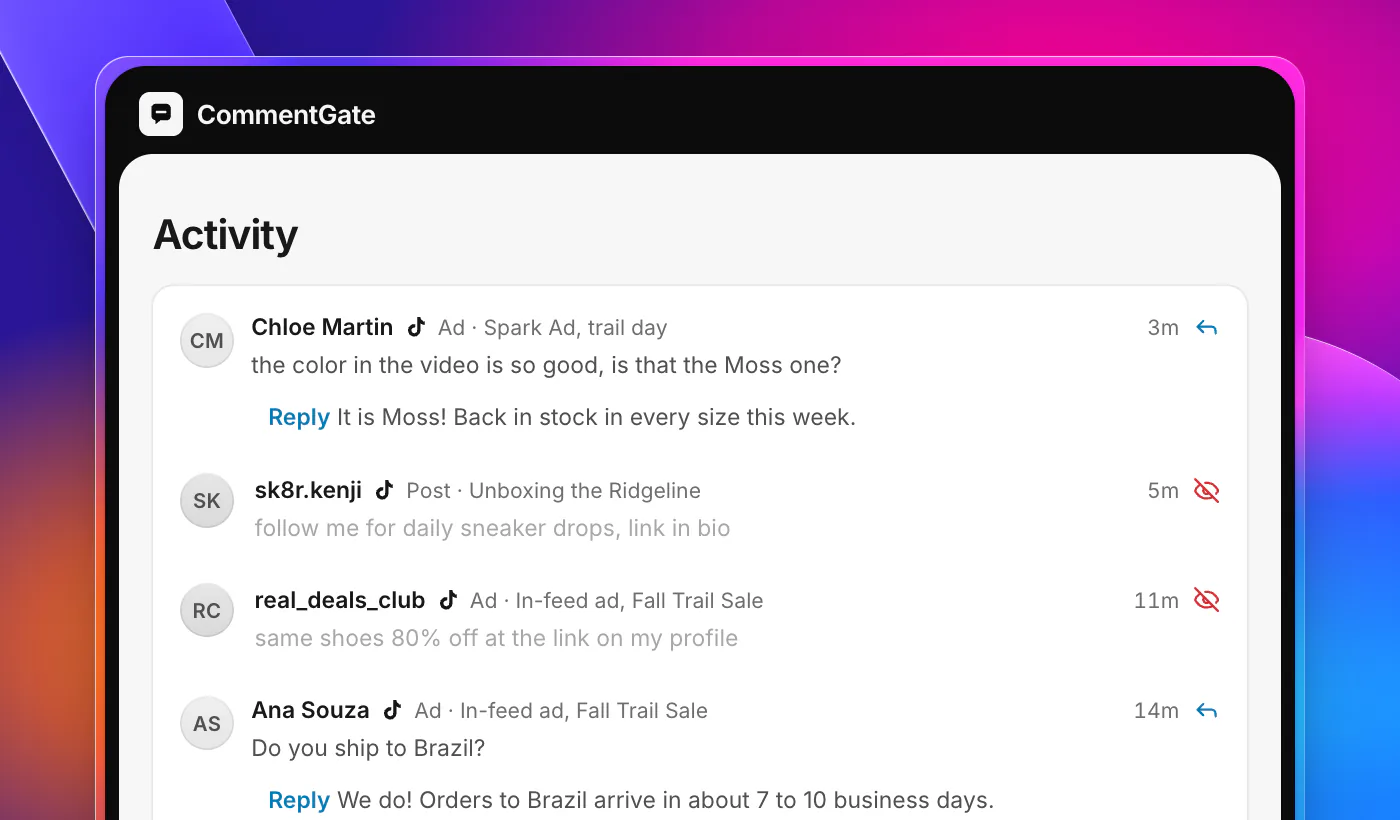
TikTok has a native blocked-word list for ads, and it is the fastest tool you have. A comment that contains a blocked word is hidden automatically, the instant it is posted, on every ad in that ad account. It is hidden from everyone except the person who wrote it, so they see nothing unusual and have no reason to try again with a different spelling. Remove a word from the list and the comments it hid become visible again.
Each ad account can hold up to 500 blocked words (TikTok, blocked words). That is plenty for:
- Your competitors' brand names and the names of their best-known products.
- Words that only show up in scams against your customers: "claim", "winner", "prize", "giveaway" if you never run one on ads.
- Link shorteners and the domains of the lookalike stores that copy your products.
- Slurs and the variants people use to get around filters.
Organic posts have no equivalent list outside the app. The keyword filter in TikTok's own settings is the closest thing, and it only covers what you type into it there.
Replies: top-level only, and not on every ad
You can reply to comments on your organic posts. On ads, TikTok allows replies only to first-level comments, and only for some ad identities (TikTok, reply to an ad comment). Spark Ads running on a creator's post through an authorization code, for example, cannot be answered from the ad account. If the creator's account is also connected, the reply can go on the post itself.
Two practical notes on replying:
- Vary your wording. TikTok warns that many near-identical replies sent in a short window can be hidden as spam (TikTok, reply to a comment). Saved replies are fine; sending the same sentence to fifty people in ten minutes is not.
- Answer before you hide. If a comment has a real question and something you do not want public (an order number, a phone number), answer it first. It is harder to have a useful conversation under a comment nobody can see.
What is not possible
A few things brands ask for regularly are simply not available on TikTok outside the app:
- Pinning. TikTok removed pinning from its tools for businesses in 2023 (TikTok, what's new). You can still pin a comment by hand in the app.
- Deleting other people's comments, covered above.
- Changing your in-app filters from anywhere but the app.
- Private replies in answer to a comment. TikTok's comment-to-message option is "only available for Business Accounts registered in Vietnam, Indonesia, and Thailand" (TikTok, comment to message), so for a US brand the reply is public or it is nothing.
How fast can anyone act?
This is where TikTok differs most from Facebook and Instagram. TikTok sends word of a new comment on an organic post "within five minutes" of it being written (TikTok, comment updates). Nothing outside the app hears about it sooner, whoever is doing the moderating. Ad comments on in-feed ads have to be checked on a schedule, which is why blocked words matter so much there: they act inside TikTok, with no delay at all.
In practice that means a TikTok comment is handled in minutes, not seconds. For most brands that is fine, because the first few minutes of a comment's life are also when the fewest people have scrolled past it. For a scam aimed at your customers on a big ad, the blocked-word list is the part that works instantly.
A routine for TikTok
- Turn on TikTok's in-app filters for spam and offensive comments on your account, and add a short keyword list for the words that only ever mean trouble for you.
- Build a blocked-word list on every ad account with competitor names, scam words and lookalike store domains. Revisit it monthly.
- Check hidden comments once a week. Filters catch real customers now and then, and bringing their comment back (and answering it) costs you a minute.
- Reply to questions on your best-performing videos and ads first. Those comment sections have the most readers.
- Never argue in a TikTok comment section. Hide what is abusive, answer what is fair, and let the rest go.
Doing it all in one place
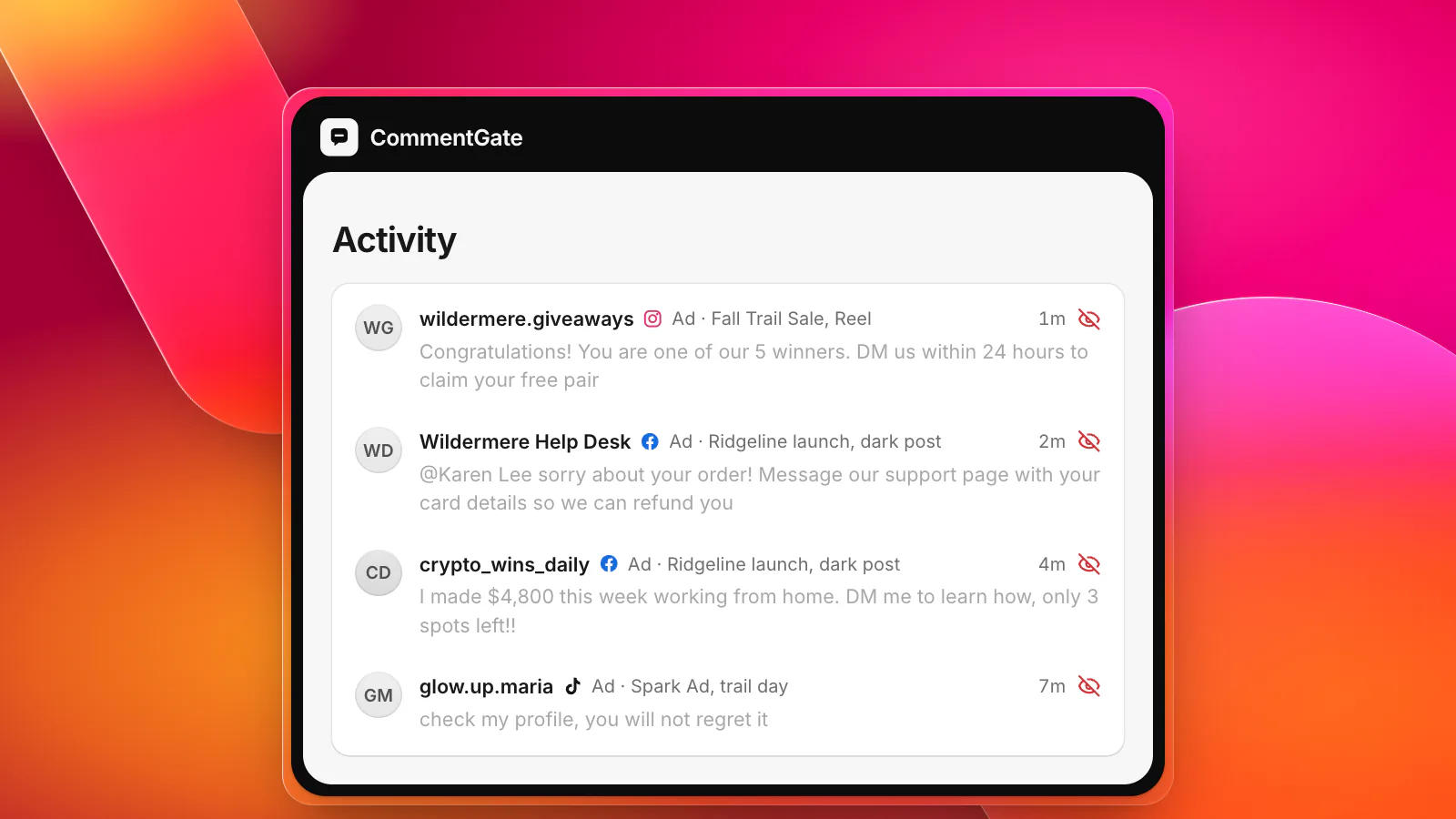
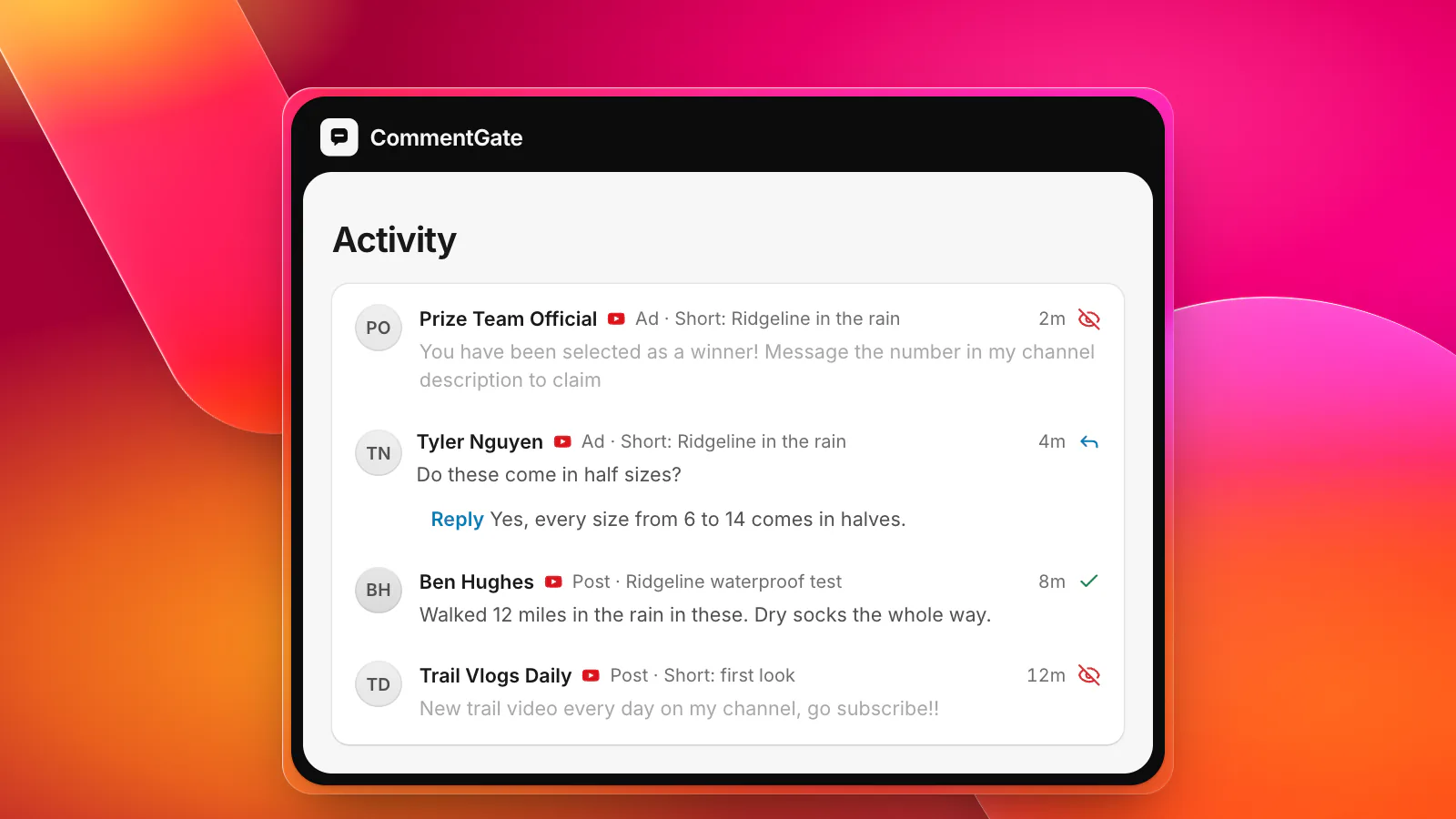
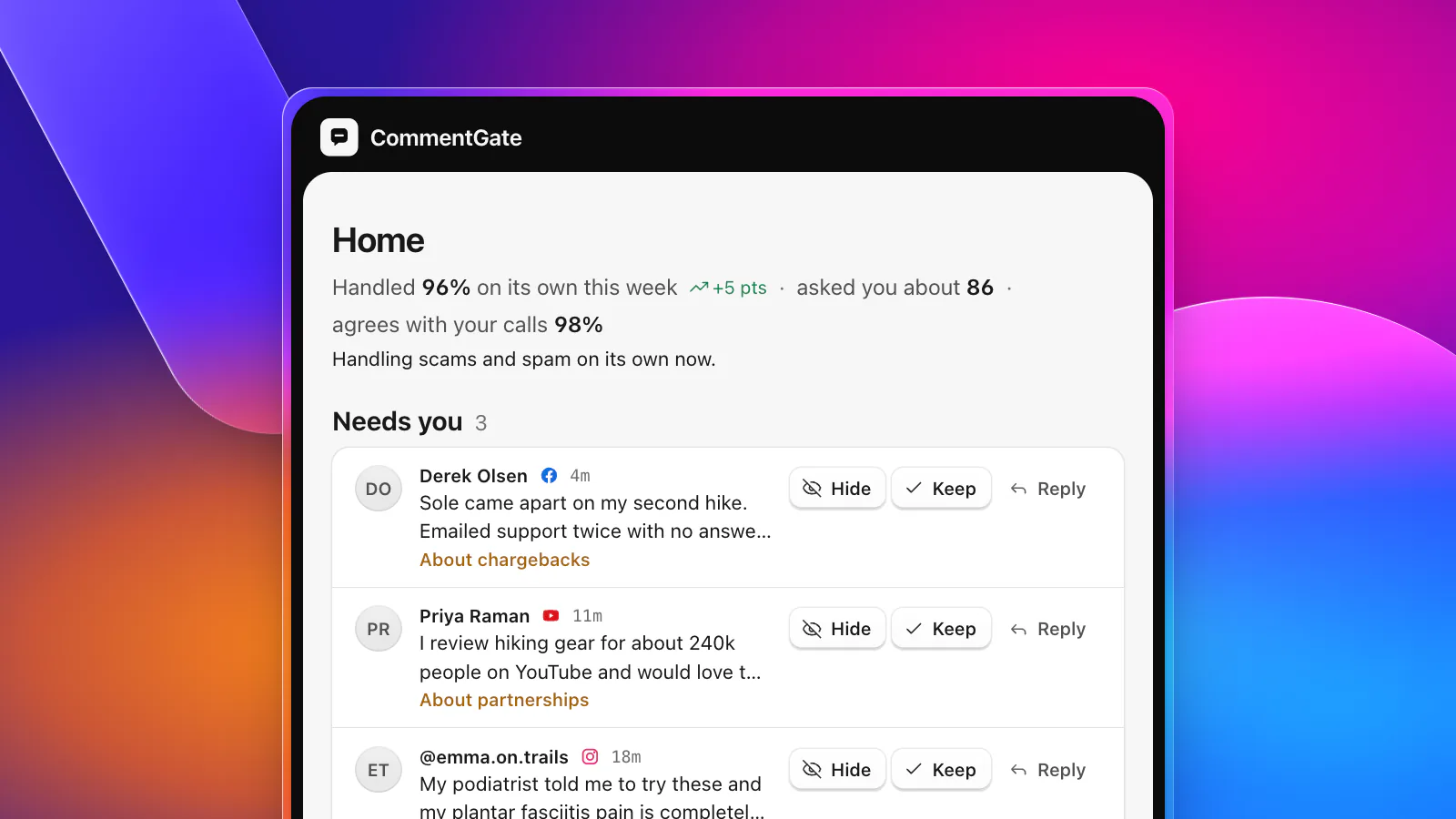
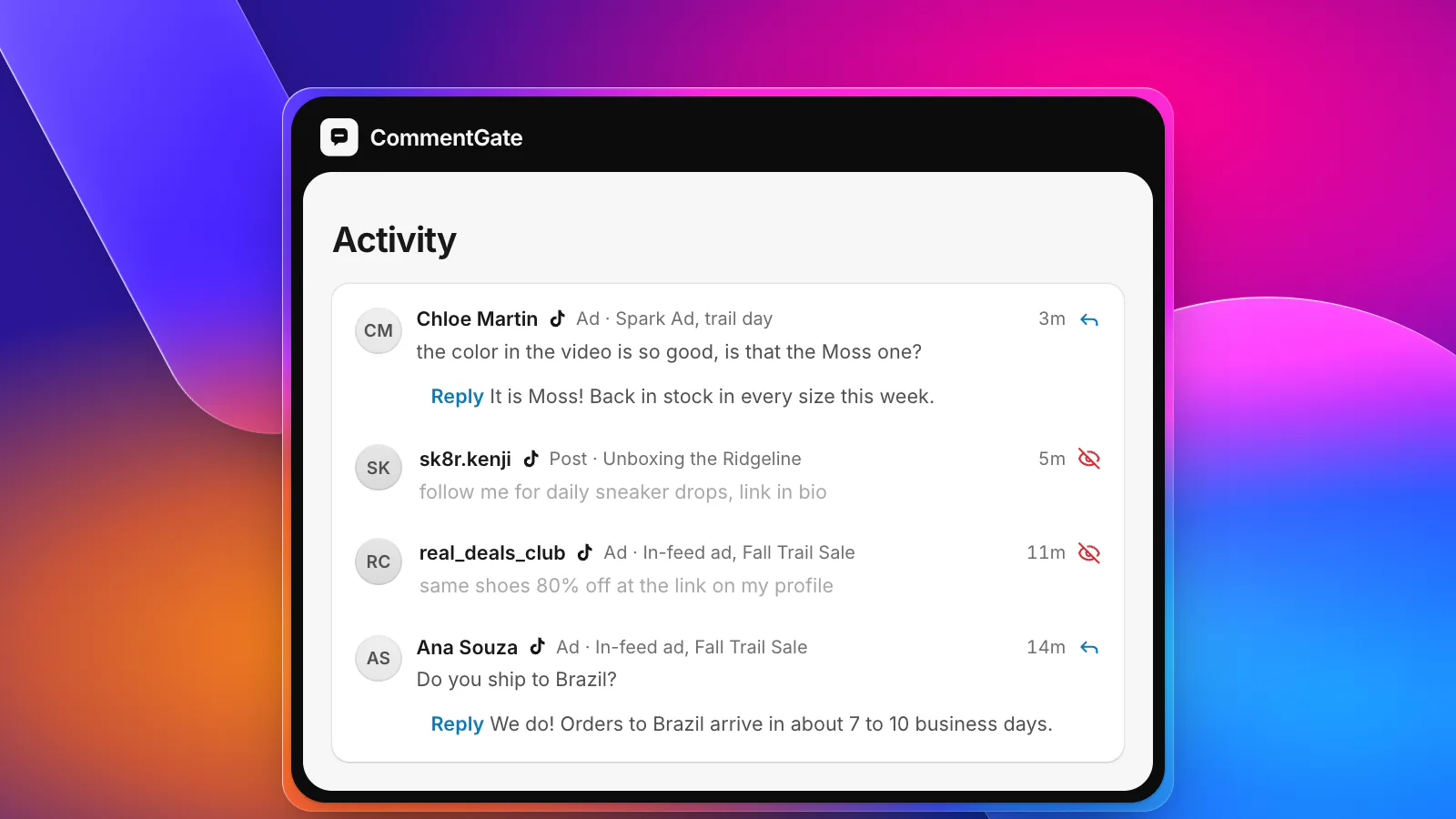
CommentGate connects to your TikTok business account and your TikTok ad account, so organic posts, Spark Ads and in-feed ads come into one list next to Facebook, Instagram, Threads and YouTube. The same switches apply everywhere: hide scams and fake giveaways, spam, hate and competitor mentions. On TikTok, "hide" is exactly what it does, and every hidden comment can be brought back with one click.
Your blocked words go to TikTok itself on your ads, so those comments disappear the moment they are posted. Comments TikTok's own filters hid show up too, and you can bring back the ones that were real customers. Replies you approve (or let it send on its own) go out on top-level comments wherever TikTok allows them, and CommentGate learns from your corrections, so the kind of comment you keep unhiding stops being hidden.
TikTok asks business accounts to reconnect once a year. CommentGate tells you when it is time, and it takes a few clicks. See what each platform allows or the full feature list.