Advantage+ and catalog ads: where their comments go and what you can moderate
Catalog ads build a different post for every product and person, and Meta treats their comments differently on Facebook, Instagram and Threads. Here is where those comments end up, what anyone can do about them, and what nobody can.
Platforms 5 min read
On this page
Catalog ads are a favorite of e-commerce brands and dropshippers for good reason: you connect a product catalog, and Meta shows each person the products most likely to interest them. What most buyers never find out until something goes wrong is that the comments under those ads work differently from every other ad they run. On one platform they are scattered across many generated posts, on another no outside tool can list them, and on a third there are none.
This guide sorts it out.
What "Advantage+" covers
Meta uses Advantage+ as the name for a whole suite of automation, not one ad type. Its help center lists end-to-end options like Advantage+ sales campaigns, and single features like Advantage+ audience, Advantage+ placements, Advantage+ creative ("your images and videos are optimized to versions your audience is more likely to interact with") and Advantage+ catalog ads ("automatically show people your most relevant products based on their interests, intent and actions") (Meta: Advantage+ features).
For comments, only a few of these change anything:
- Advantage+ catalog ads (still often called dynamic product ads) change where comments live. Most of this guide is about them.
- Advantage+ placements decide where an ad appears, and each placement collects its own comments. An ad that runs on Facebook, Instagram and Threads can have three comment sections.
- Advantage+ creative changes how your images and videos look to different people. Meta's documentation does not describe where the comments on those enhanced versions are kept, so check the ad's comments from Ads Manager rather than assuming.
Audience and budget automation change who sees the ad and how much it spends, not how comments are stored.
Why catalog ads are different
A normal ad runs on one post. A catalog ad runs on a template: in Meta's developer documentation, you create a template creative by setting template_data, and the actual post each person sees is filled in from your catalog (Meta: Instagram Advantage+ catalog ads). One ad, many generated posts, one per product it shows.
That is where the differences between platforms come from.
Facebook: many small threads
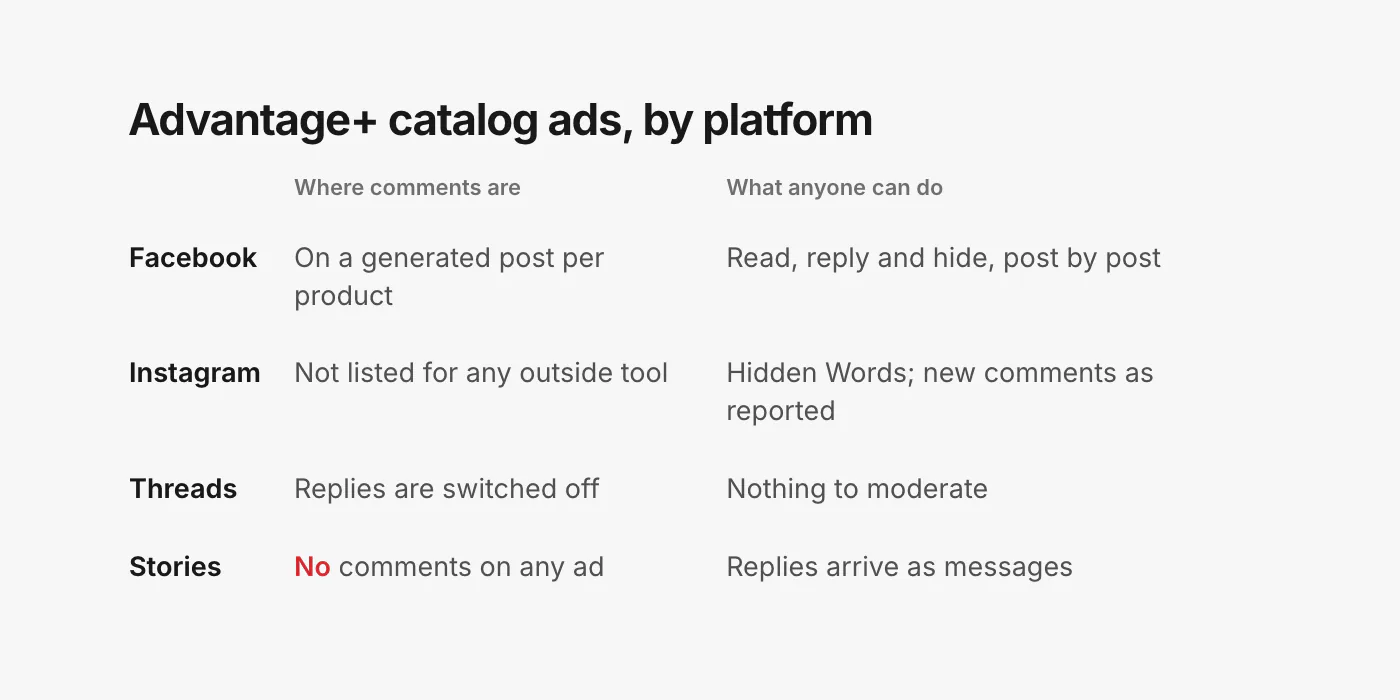
On Facebook, the comments on a catalog ad are attached to the individual generated posts. Meta documents how to fetch them: you ask for the ad's dynamic_posts, and "once you get dynamic posts, you can fetch comments, likes, product_id" for each one (Meta: Advantage+ catalog ads, get started). In other words, a catalog ad showing 40 products can have 40 small comment threads, each tied to a product.
Two limits from the same page: "You cannot use this endpoint to retrieve comments from Instagram", and "Placement Asset Customization ads will not be returned".
In practice this is good news. Facebook catalog ad comments can be read, answered and hidden like any other ad comment. They are just scattered, so checking them by hand means opening many small threads, and a question about one product can sit unanswered because nobody thought to look under it.
Instagram: no outside tool can list them
Instagram is where catalog ads get difficult. Meta says it plainly: "Because each Instagram post is dynamically generated, you cannot get the instagram_permalink_url and effective_instagram_media_id of the ad creative template. That means that you cannot get the likes and comments of your Advantage+ catalog ad posts on Instagram" (Meta: Instagram Advantage+ catalog ads). The moderation guide repeats it: "Comment moderation features do not work with Advantage+ catalog ads" (Meta: Instagram post moderation).
That limit applies to every tool built on Meta's developer platform, including ours and every competitor's. There is one opening. Meta's notifications to apps about new Instagram comments do not exclude dynamic ads; the only related limitation they list is that "the ad ID will not be returned for media used in dynamic ads" (Meta: Instagram webhooks). So a new comment can still be reported as it arrives, without saying which ad it came from, while older comments cannot be loaded at all.
What still works on Instagram catalog ads:
- Hidden Words. Meta says Hidden Words on Instagram is set at the profile level "and extend[s] to ads from the Page or profile" (Meta: manage comments on your ads). Meta does not single out catalog ads, but the filter is set on the profile, not the ad. Keep your scam phrases and lookalike store names in it.
- Meta's own comment tools. The same help page says Meta's comment tools are available from Ads Manager and from notifications on Facebook, Instagram and Threads. Check what they show you for your catalog ads.
Threads: no replies at all
Catalog ads can run on Threads, but "ad engagement (reply, quote, save, share) is disabled for Advantage+ catalog ads in Threads at this time" (Meta: Threads Advantage+ catalog ads). There is nothing to moderate. Meta's reply moderation for Threads ads also lists catalog ads as unsupported (Meta: Threads ads reply moderation).
Stories: never
Catalog ads can run in Instagram Stories, but Stories are "not posts open to comment" (same Instagram moderation guide). Replies to a Story go to your messages, not a comment section.
Does any of this affect delivery?
Meta does not say. It publishes nothing about whether comments on a catalog ad, or hiding them, change how the ad is delivered. Choose catalog ads for what they do for your sales, and plan the comment side around the limits above.
A routine for catalog ads
- Fill your filters first. Facebook Page blocked words and profanity filter, Instagram Hidden Words. On Instagram catalog ads they are your main protection.
- Keep your answers per product. Catalog ad questions are about one product at a time: sizes, colors, stock. Write the answers down so anyone replying has them.
- On Facebook, sweep the generated posts, not just the ad. The busiest products collect the most comments, and each needs its own reply.
- On Instagram, check what Meta shows you in Ads Manager and notifications, and lean on Hidden Words for the rest.
- Report impersonators that appear under catalog ads the same way as anywhere else. Our guide to fake support accounts covers where.
Catalog ads in CommentGate
CommentGate follows what Meta allows and says plainly where it stops.
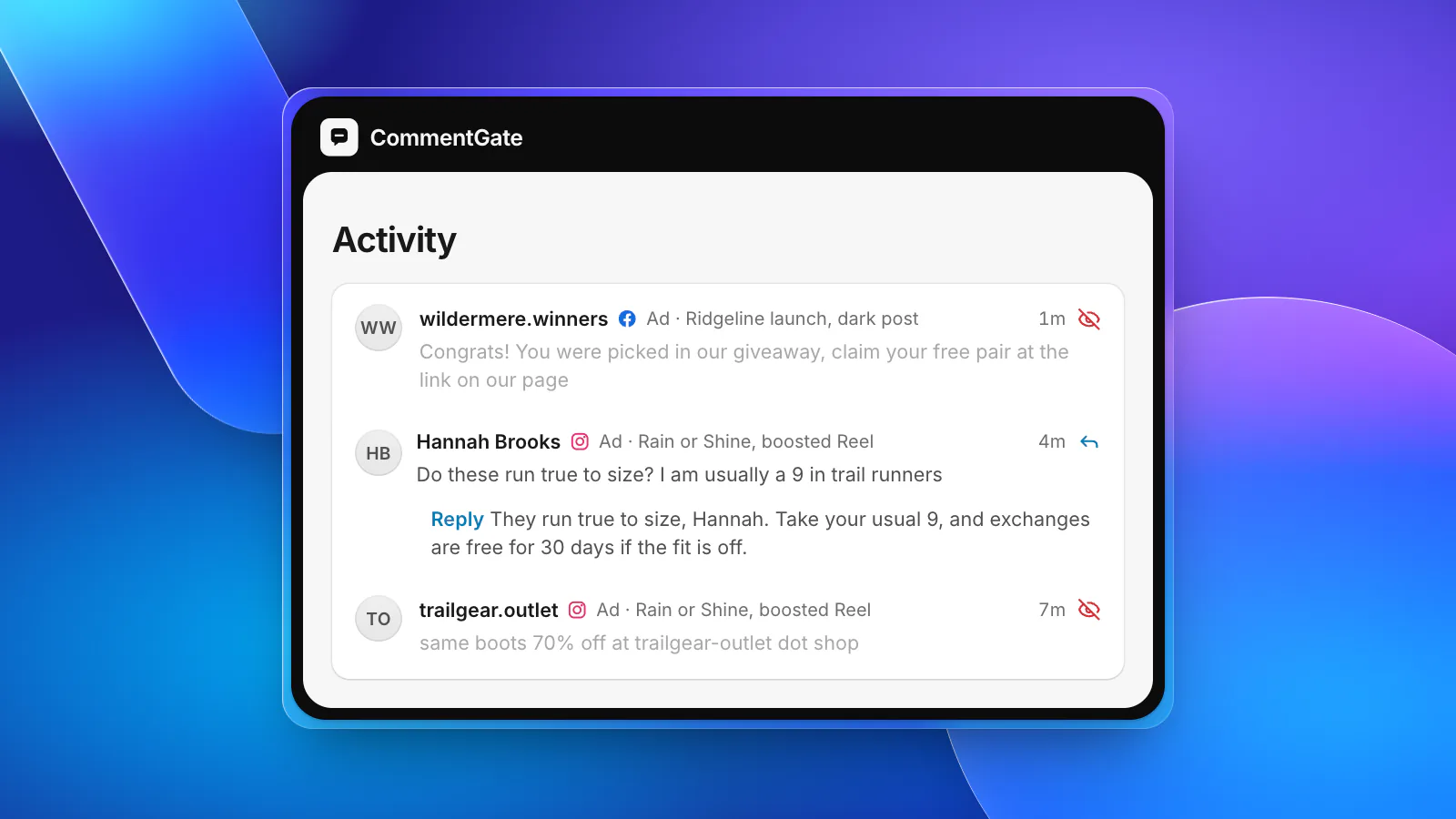
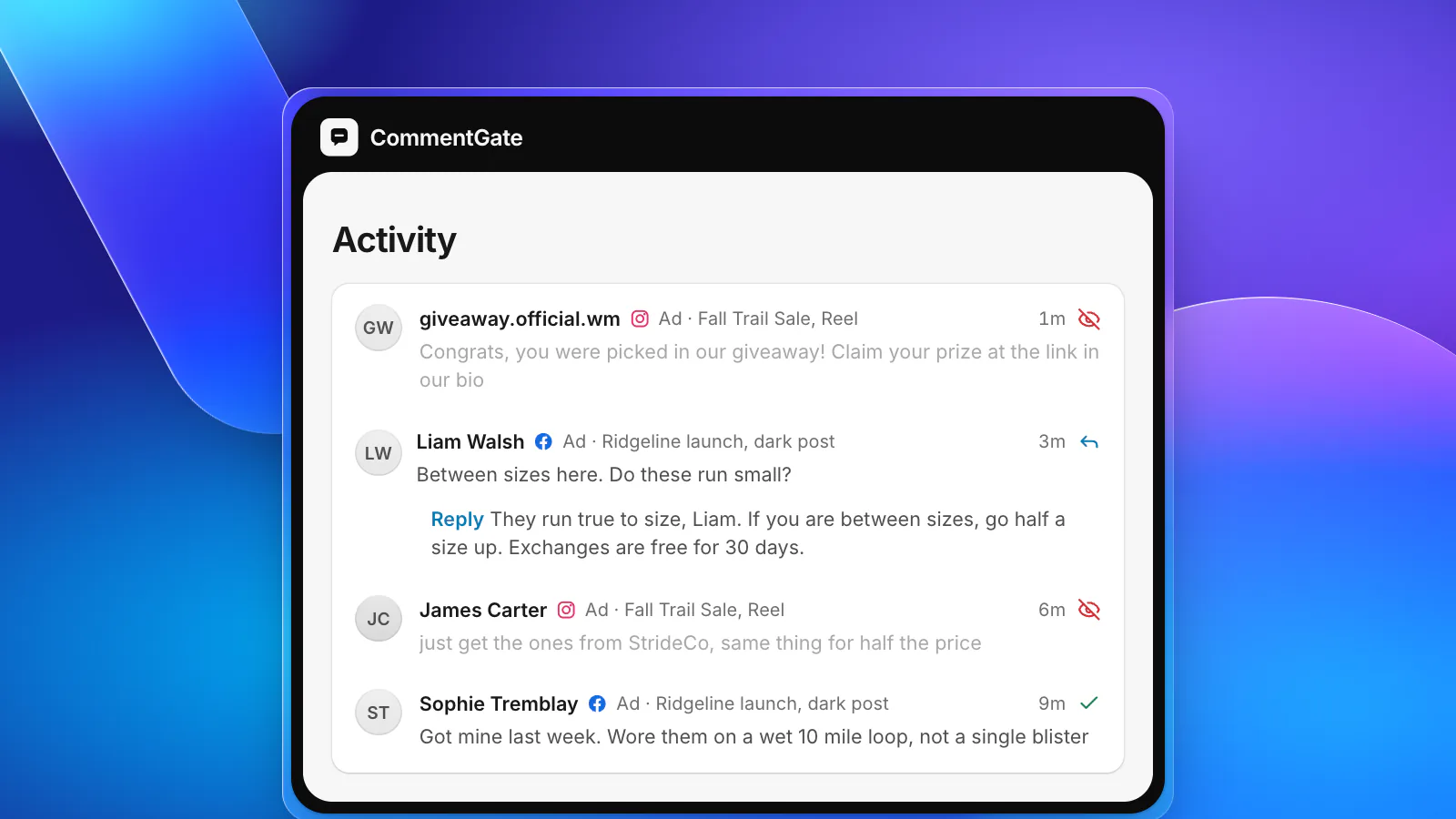
- Facebook catalog ads are covered like any other ad: every generated post's comments land in one list, labelled with the ad, and scams, spam and competitor plugs are hidden within seconds while questions get drafted answers.
- Instagram catalog ads: new comments are hidden as Instagram reports them, but older ones cannot be loaded, because Meta does not let any tool list them.
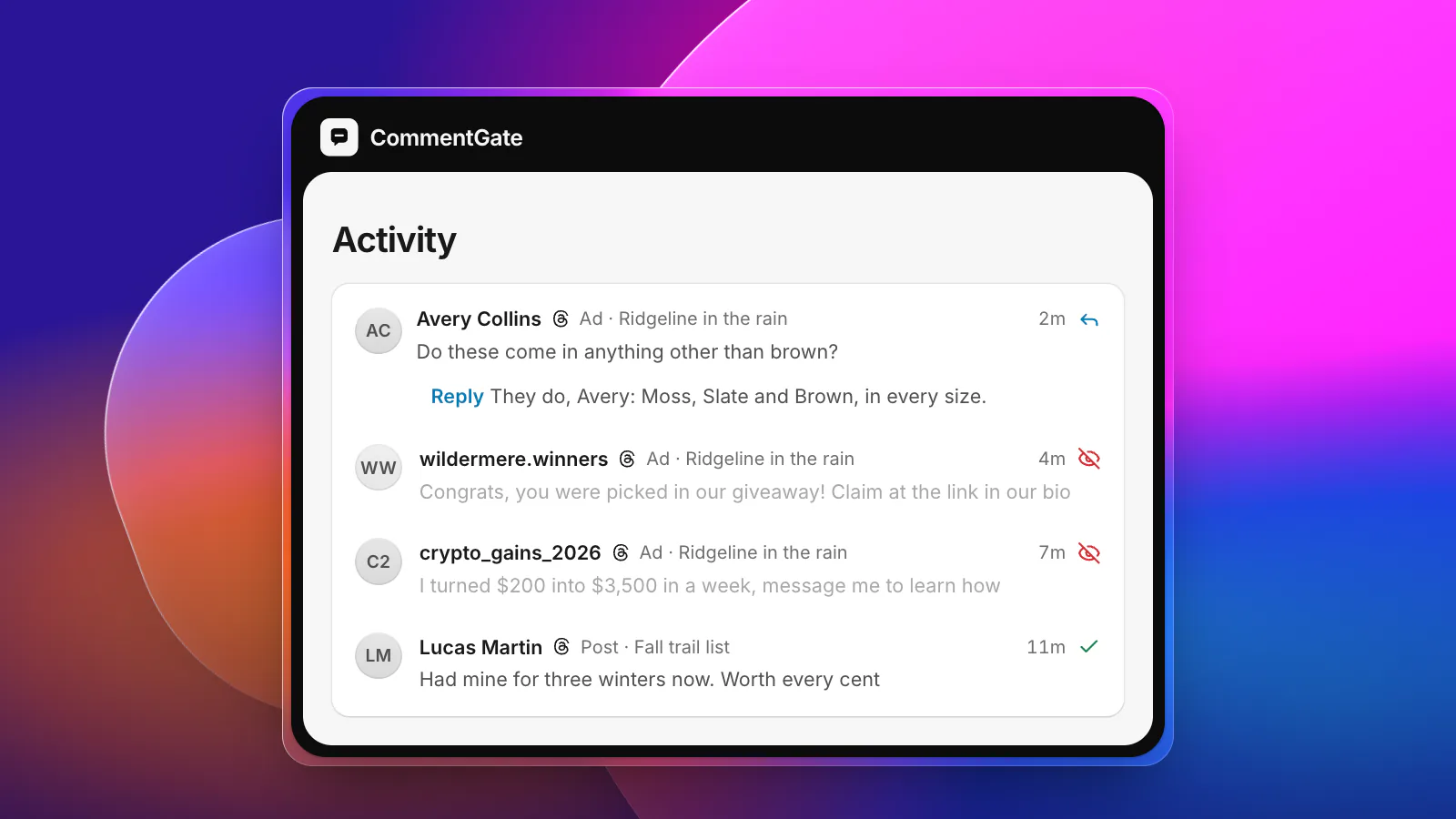
- Threads catalog ads take no replies, so there is nothing to do.
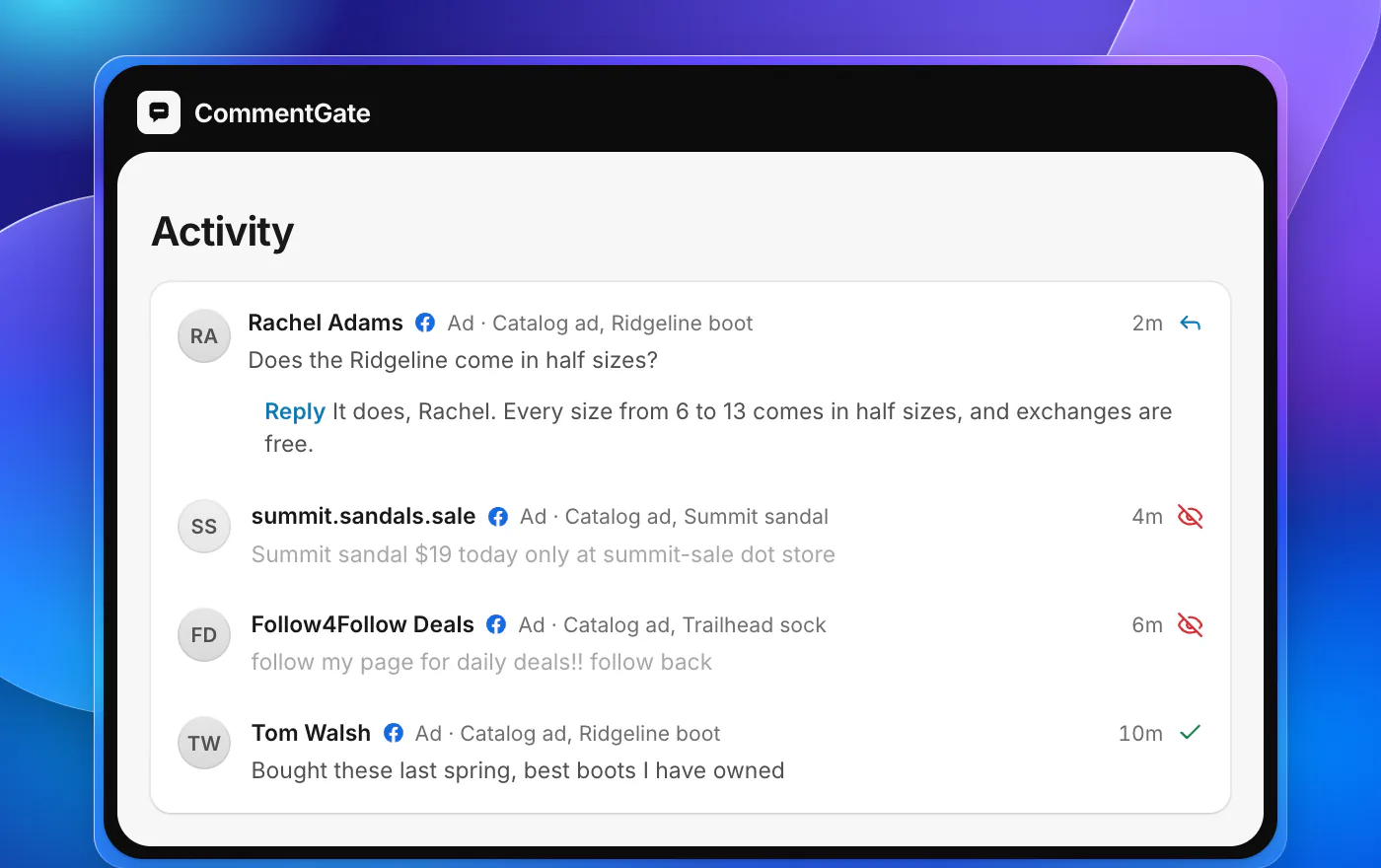
Everything it is not sure about waits for you in Needs you, and every correction teaches it your line. For the full surface by surface picture, see the Facebook and Instagram page or look up Advantage+ catalog ads in the glossary.
Sources
- Meta Business Help Center: Meta Advantage+ features
- Meta Business Help Center: Manage comments on your ads in Meta Ads Manager
- Meta for Developers: Instagram Advantage+ catalog ads
- Meta for Developers: Instagram post moderation
- Meta for Developers: Advantage+ catalog ads, get started
- Meta for Developers: Instagram webhooks
- Meta for Developers: Threads Advantage+ catalog ads
- Meta for Developers: Threads ads reply moderation