Dark posts vs boosted posts: why their comments behave differently
A boosted post and a dark post can look identical in the feed, but their comments live in different places, reach different people and outlast the ad in different ways. Here is what changes, and how to moderate each.
Platforms 7 min read
On this page
Ask a media buyer whether a post is "dark" or "boosted" and you will get an answer about targeting, creative or reporting. Ask where its comments go and you will often get a pause. The two look the same to the person scrolling, with the same Sponsored label, the same likes and the same comment button. Underneath, they are different objects, and the comments behave differently in ways that matter for anyone who has to keep them clean.
Two ways to make an ad
Meta describes boosted posts as "ads you create from existing posts on your Facebook Page", and draws the line itself: they "are different from creating new ads, which involves creating new ad creative that has not been published on your Page before" (Meta: about boosted posts). In Ads Manager the same thing is called Use existing post: you pick a post you already published and run it as the ad (Meta: create ads from existing posts).
The other way is new creative. When you upload an image or video in Ads Manager and write the copy there, Meta still needs a post to attach it to, so it makes one: "When you provide ad creative, an unpublished post is created" (Meta: Instagram ads, get started). That unpublished post is what the industry calls a dark post. It never appears on your Page, but it takes likes, shares and comments like any other post.
TikTok has the same split under different names. Spark Ads run on an existing organic post, and TikTok says the views, comments, shares, likes and follows from the ad are "attributed to your organic posts" (TikTok: about Spark Ads). Non-Spark ads are the dark posts of TikTok: they exist only as ads.
Where the comments live
Boosted and existing posts: one thread, in public
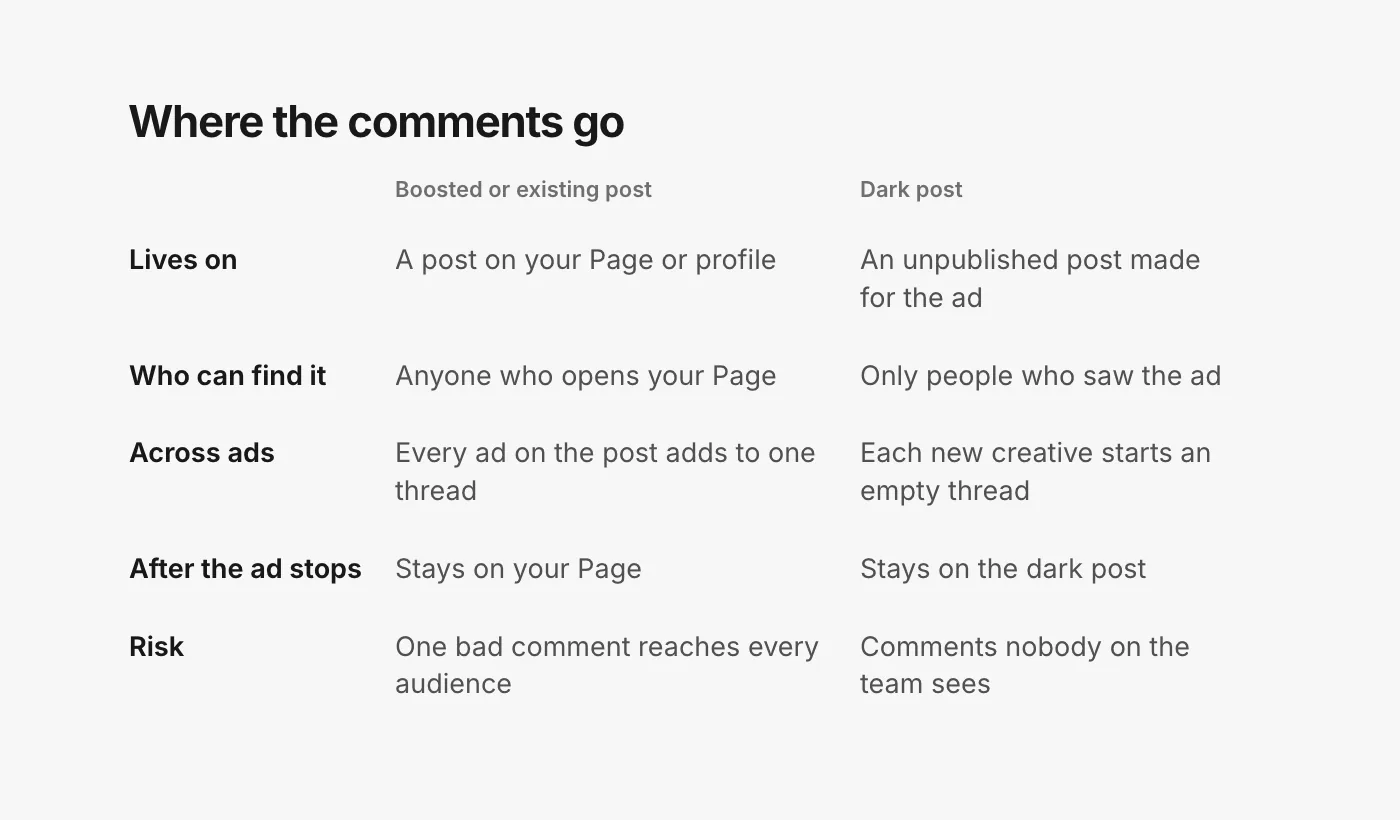
When an ad runs on an existing post, the ad's comments land on that post. Your followers who open the post from your Page see the same thread as the stranger who saw the ad. If you build five ads in five ad sets from the same post, every one of them adds to that single thread.
That is why many buyers prefer existing posts for their best creative: the proof piles up in one place, and each new ad starts with the likes and comments the post already has. It is also why the moderation stakes are higher. A scam link under a boosted post is not only in front of the ad's audience; it is on your Page, where it stays after the campaign ends.
A few details from Meta's help pages are worth knowing:
- Edits travel both ways. When you run an existing post as an ad, "modifying details on the ad, such as adding a phone number, will also change the information on the existing post you selected" (Meta: create ads from existing posts).
- Use the right post ID. If you search for the post by ID in Ads Manager, Meta says to take the ID from the ID column of your Page posts rather than copying it from a URL (same page).
- Facebook and Instagram do not share a thread. If you have the same content on both and run the Facebook post in an Instagram placement, "your total engagement metrics (such as likes) will not show engagement from the Instagram post" (Meta: ads from existing Instagram posts).
Dark posts: a new thread per creative
Every ad built from new creative gets its own unpublished post, so it starts with zero comments and collects its own. Duplicate that ad with fresh creative and you have a second, separate thread. A buyer testing ten hooks has ten comment sections, none of them on the Page.
This is where comments go unread. Nobody on the team scrolls past a dark post, and the only way to see one is to open the ad from Ads Manager or catch its notifications. Meta's own route is in Ads Manager: open the ad, choose Edit, then the menu next to the ad name, and pick Manage Facebook comments, Manage Instagram comments or Manage Threads replies, depending on where the ad ran (Meta: manage comments on your ads). It works, one ad at a time.
Instagram keeps ad comments apart
On Instagram there is one more wrinkle. Meta's developer documentation splits comments into "organic" (on the Instagram post itself) and "non-organic" (on the ad), and says that reading the ad's media returns "only non-organic comments" while the organic ones sit on the original post (Meta: Instagram post moderation). So an Instagram post you promote can carry two sets of comments: the ones your followers left and the ones the ad drew. Check both.
Meta's help page also notes you cannot manage Instagram comments from Ads Manager if the ad runs with only your Facebook Page identity and no Instagram profile connected (Meta: manage comments on your ads). Connect the Instagram account before the ad goes live, not after the comments arrive.
Threads never boosts
Threads ads are always their own object: "Ads cannot be created from an existing Threads post." You can promote a Facebook or Instagram post on Threads, but "social engagement (likes and comments) on the Threads ad does not propagate back to the original post" (Meta: use Facebook and Instagram posts as Threads ads). Replies on a Threads ad stay on the Threads ad. Our guide to Threads ads covers what you can do with them.
Does the choice change delivery?
This is the question buyers really want answered, and the honest answer is that Meta does not say. Meta's help pages explain that it considers "how relevant each ad is to a person before delivering an ad", and its ad relevance diagnostics include an engagement rate ranking based on an ad's expected engagement (Meta: about ad relevance diagnostics). Nowhere does Meta publish how comments in particular are weighed, whether an existing post's earlier comments count toward a new ad, or whether hiding a comment changes anything. Meta also says the diagnostics themselves "aren't inputs into the ad auction".
So treat any claim that "boosted posts get cheaper CPMs because of their comments" as folklore until Meta says otherwise. What you can reason about is the reader: someone deciding whether to buy sees more comments on a post that has been running for a month, and those comments either help or hurt depending on what they say.
Moderating each kind
The work is the same (hide what harms readers, answer what buyers ask, send judgement calls to a person) but the risks differ.
Boosted and existing posts
- Moderate the post, not the ad. Every ad that uses it feeds the same thread, so one sweep covers them all.
- Old comments matter. A complaint from three weeks ago that nobody answered is the first thing a new audience reads when you relaunch the post. Answer it before you spend.
- Hide rather than delete. On Facebook, a hidden comment "will still be visible to the person who wrote it and their friends" and hidden for everyone else (Facebook Help: hide a comment), so the author has no reason to post it again louder.
Dark posts
- Keep a list of live ads, because the Page will not show them to you. Every new creative is a new place to check.
- Watch the first hours of a new ad closely. A fresh thread has no answered questions to set the tone yet.
- Turn on your Page and profile filters. Meta's profanity filter and blocked words on Facebook, and Hidden Words on Instagram and Threads, "extend to ads from the Page or profile" (Meta: manage comments on your ads). They cost nothing and cover every dark post automatically.
One list for both
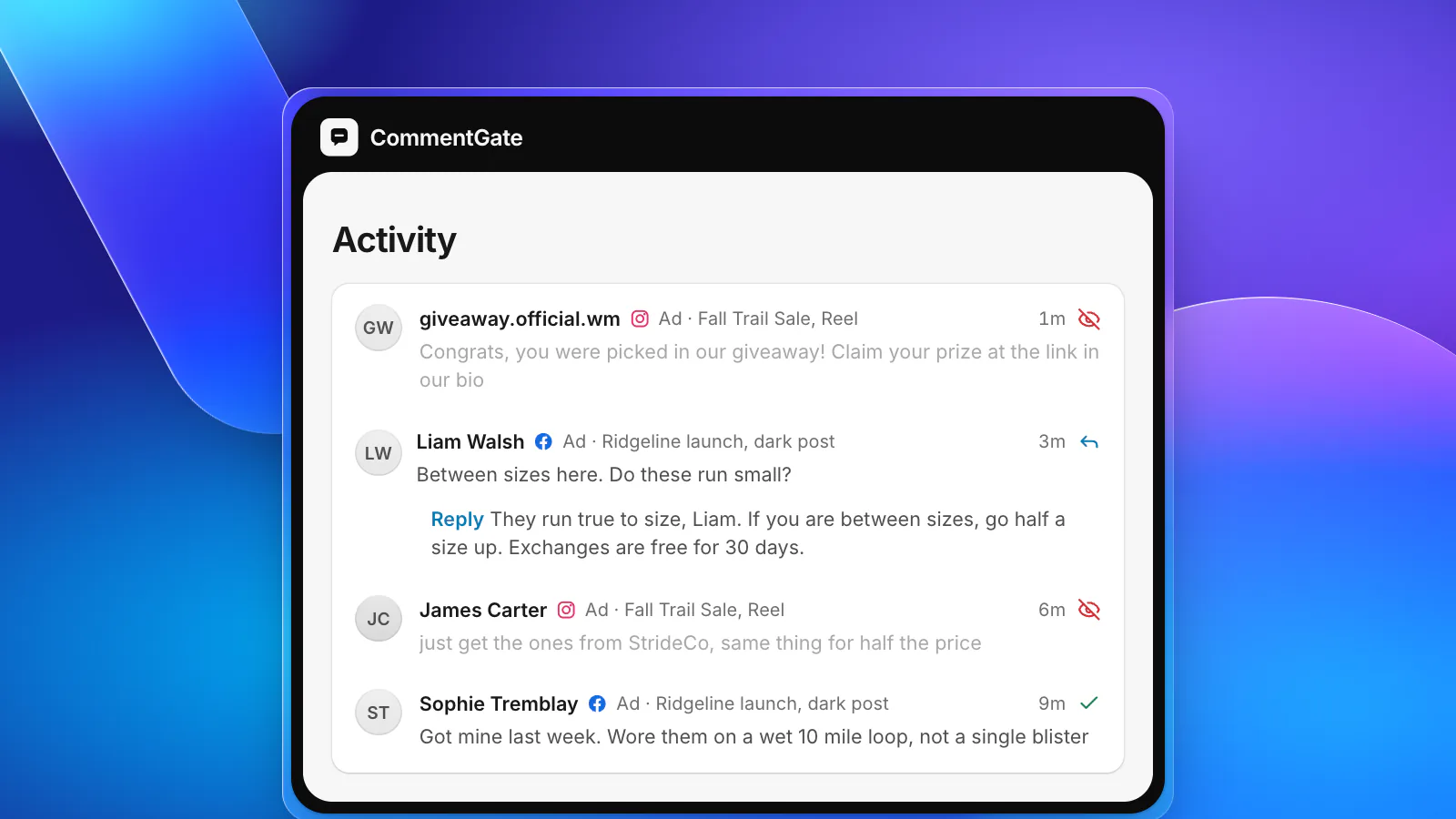
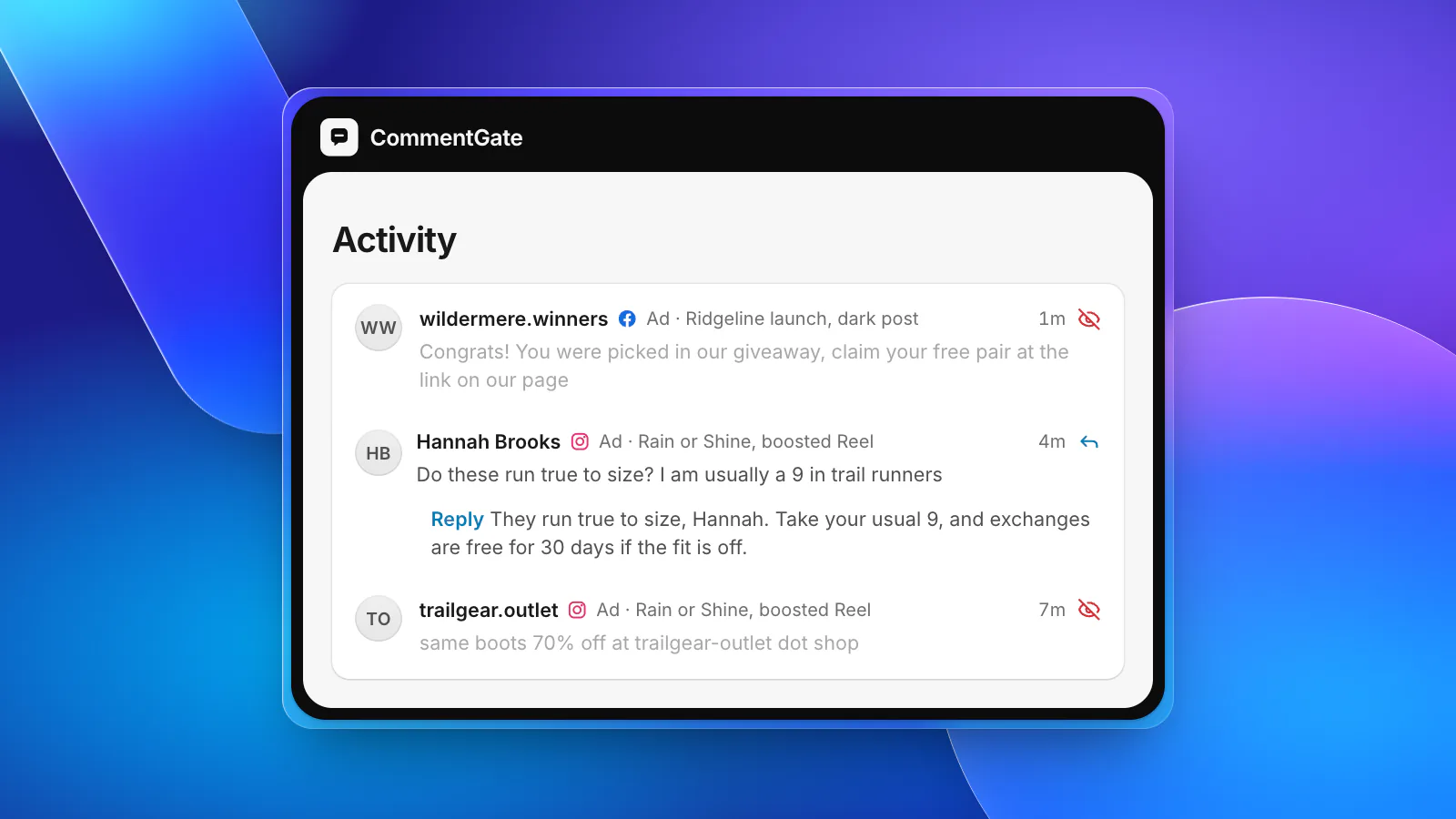
CommentGate does not care which kind of ad a comment came from. Connect your Facebook Page, the Instagram account linked to it and your ad accounts, and comments from dark posts, boosted posts and organic posts land in the same list. Connecting the ad account is what labels each comment with the ad it came from, including dark posts that never appear on the Page.
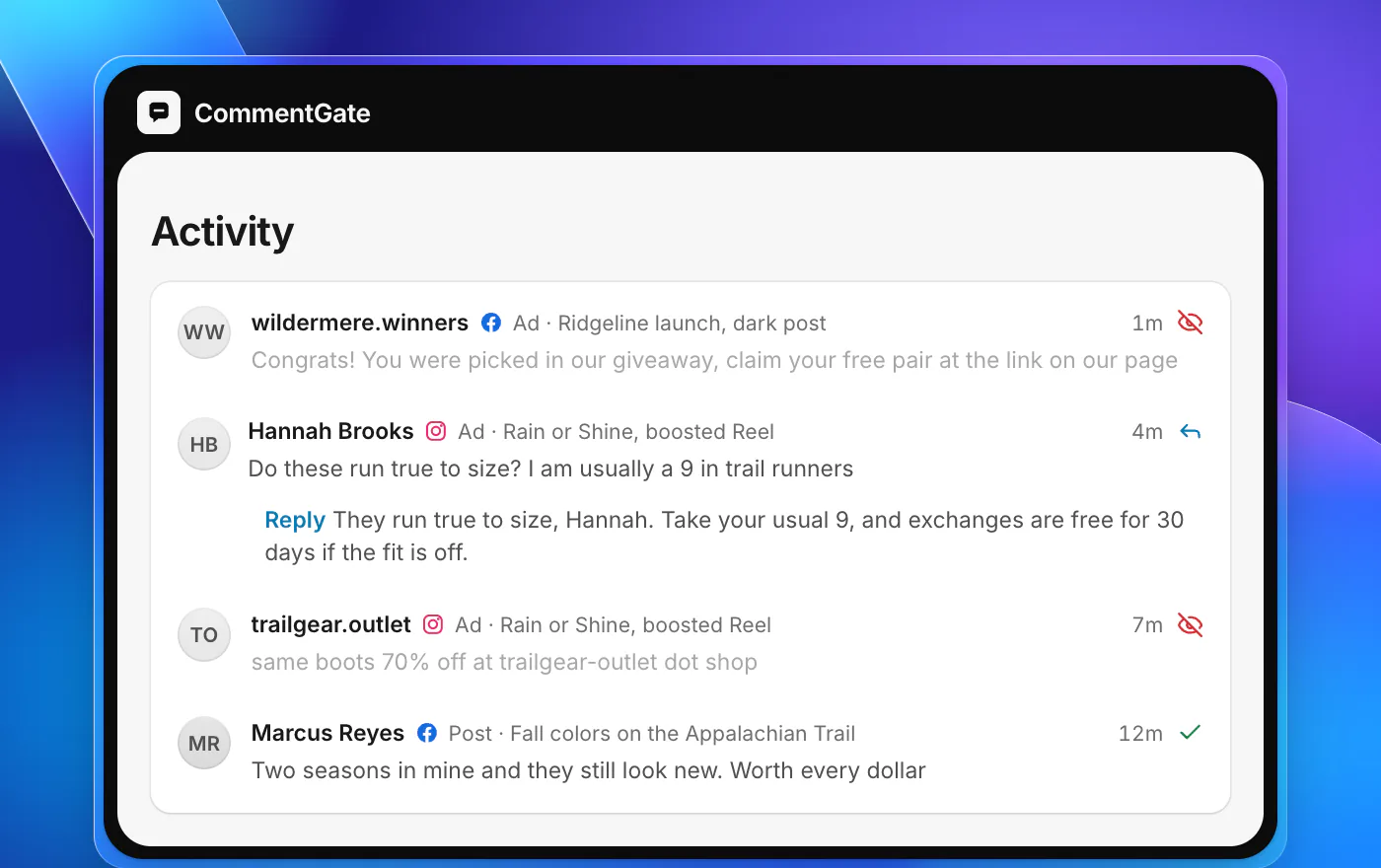
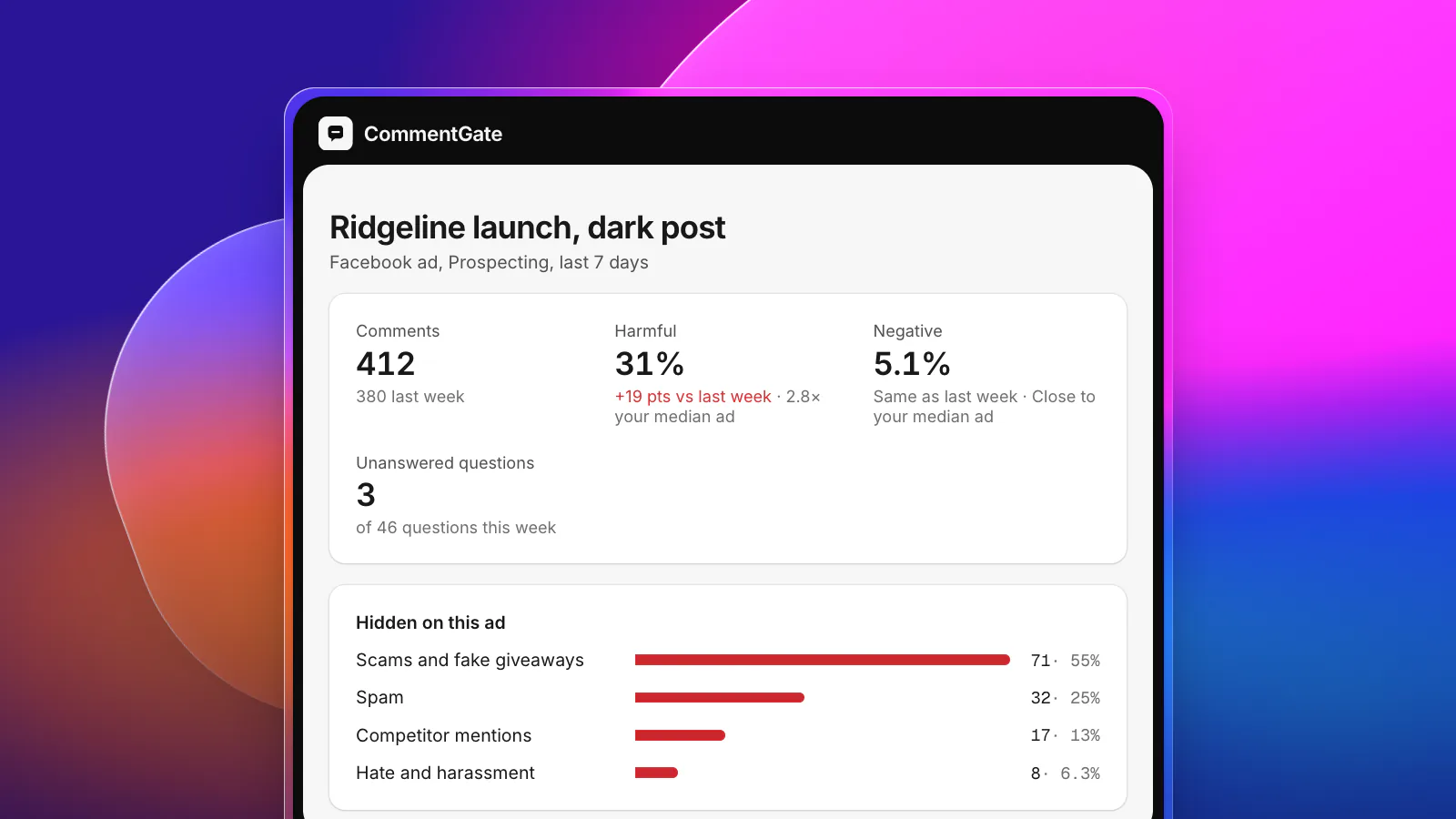
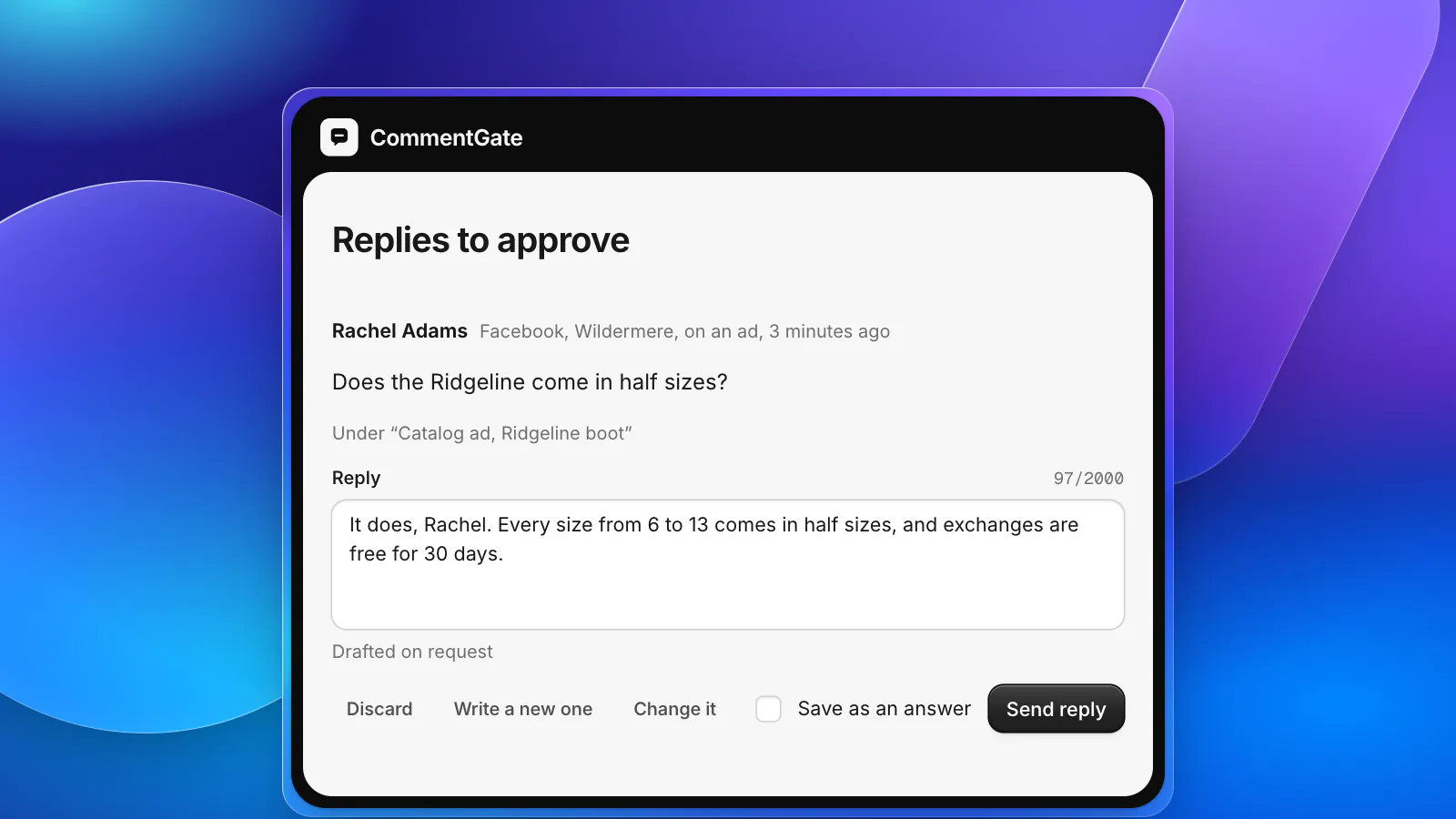
From there the switches do the routine work on every one of them: scams and fake giveaways, spam, hate and competitor plugs are hidden within seconds on Facebook and Instagram, and questions get a drafted answer you approve or let send. On TikTok, Spark Ads and non-Spark ads are both covered; your blocked words are also added to your TikTok ad accounts so TikTok hides them the moment they are posted. The comments that need a person, like a customer threatening a chargeback under a boosted post, wait for you in Needs you instead of being guessed.
If you want a stricter setup on cold traffic, a rule under Advanced can apply only to the ads you pick. See how it works for media buyers, what Meta allows on each surface on the Facebook and Instagram page, or look up dark post and boosted post in the glossary.
Sources
- Meta Business Help Center: About boosted posts
- Meta Business Help Center: Create ads from existing posts in Meta Ads Manager
- Meta Business Help Center: Create ads from existing Instagram posts
- Meta Business Help Center: Manage comments on your ads in Meta Ads Manager
- Meta Business Help Center: About ad relevance diagnostics
- Facebook Help Center: Hide a comment from a post on your Facebook Page
- Meta for Developers: Instagram ads, get started
- Meta for Developers: Instagram post moderation
- Meta for Developers: Use Facebook and Instagram posts as Threads ads
- TikTok Ads Help: About Spark Ads