Scaling a winning ad without losing control of its comments
Duplicating, raising budgets and opening new placements all change where comments land and how many people read them. Here is what each scaling move does to the comment section, and how to keep up.
Playbooks 6 min read
On this page
You found a winner. The hook lands, the cost per purchase is where you want it, and now the job is to put more money behind it without breaking it. Buyers think hard about budgets, audiences and the learning phase at this point. Very few think about the comments, and scaling is exactly when they get out of hand.
More spend means more readers, more strangers, and more of the accounts that follow reach wherever it goes: fake giveaways, crypto pitches, fake support desks. It also means the comment section is now doing more selling than it ever did in testing. Here is what each common scaling move does to it.
What each scaling move does to comments
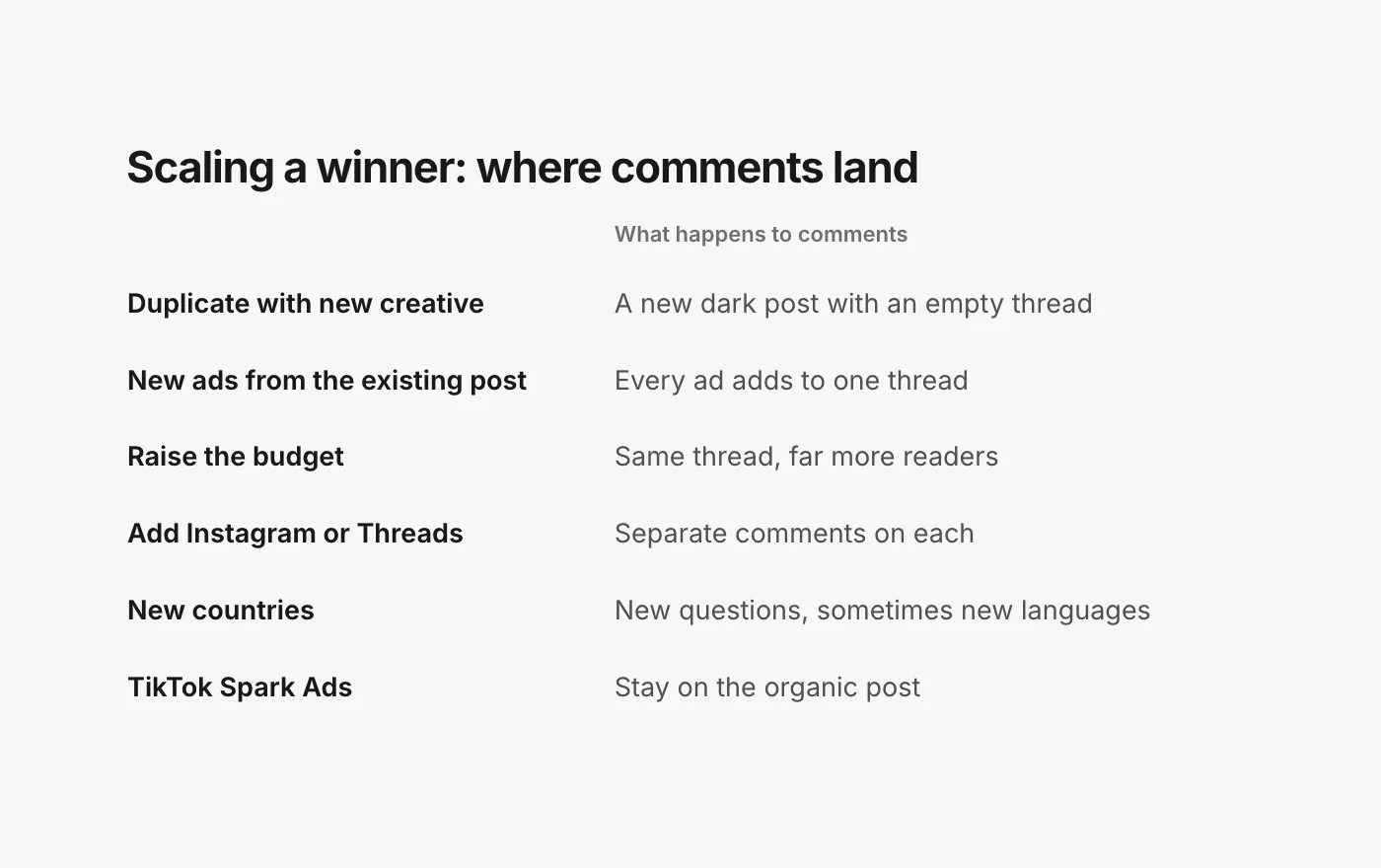
Duplicating with fresh creative
Every ad built from new creative in Ads Manager gets its own unpublished post: "When you provide ad creative, an unpublished post is created" (Meta: Instagram ads, get started). Duplicate a winning ad into three new ad sets with the creative uploaded again and you have three new comment threads, each starting from zero. The proof your original collected does not come along, and the new threads are one more place nobody on the team is looking.
New ads from the existing post
The alternative is to build each new ad with Use existing post and pick the original (Meta: create ads from existing posts). Every ad then runs on the same post, and its comments build one thread. This keeps the social proof together and gives you one place to moderate. Meta's tip on finding the right post applies here: search by the post ID shown in the ID column of your Page posts, not an ID copied from a URL (same page).
The trade-off is that everything is in one place, good and bad. One unanswered complaint or one scam that slipped through is now in front of every audience you scale into.
Raising the budget
A bigger budget on the same ad does not create a new thread; it sends more people to the one you have. Nothing about the comments changes except how many people read them and how many new ones arrive per hour. The routine that kept up at a small budget often does not keep up at a large one.
A related caution from Meta: "Editing certain details of your campaign, ad set or ad may restart the learning phase or cause the ad review system to re-review your ad" (Meta: edit an ad). Moderating comments is not editing the ad, so hiding and replying do not touch any of that. But resist the urge to fix a comment problem by rewriting the copy of a live winner.
Opening new placements
Adding Instagram or Threads to a winner that ran on Facebook does not merge the conversations. If you run a Facebook post in an Instagram placement, Meta says "your total engagement metrics (such as likes) will not show engagement from the Instagram post" (Meta: ads from existing Instagram posts). On Instagram, the ad's own comments are kept apart from the organic post's comments (Meta: Instagram post moderation). And on Threads, "social engagement (likes and comments) on the Threads ad does not propagate back to the original post" (Meta: Threads ads from Facebook and Instagram posts). One ad, three comment sections.
New countries
Taking a winner from the US to the UK, Canada, Australia or the EU brings comments about local shipping, local returns and prices in other currencies, sometimes in other languages. Your facts need to cover those markets before the spend does. Our guide to moderating in many languages covers the language side.
Scaling on TikTok
Spark Ads keep everything on the organic post: TikTok says the views, comments, shares, likes and follows from a Spark Ad are "attributed to your organic posts" (TikTok: about Spark Ads). New Spark Ads on the same post add to one comment section that stays after the campaign. Non-Spark ads are separate. TikTok's blocked words are set per ad account, up to 500 of them (TikTok API: blocked words), so a new ad account you scale into starts with none. More in Spark Ads comments.
Does a messy comment section hurt delivery?
Buyers ask this constantly, and none of the platforms answers it in writing. Meta says it considers how relevant an ad is to a person before delivering it, and its diagnostics include an engagement rate ranking (Meta: about ad relevance diagnostics). It does not publish whether comments are part of that, how scam comments or hidden comments count, or whether cleaning up a thread changes anything. We have not found a TikTok or Google help page that says either.
So scale on the reason you can defend: the people reading the comments are the people you are paying to reach, and what they read changes whether they buy.
A scaling checklist
Before you scale
- Read the winner's whole thread once. Answer open questions, hide scams and plugs, reply to fair complaints.
- Decide: new ads from the existing post (one thread, one place to watch) or fresh creative (new threads to track). Write down which ads exist.
- Copy your blocked words and Hidden Words to every Page, profile and TikTok ad account the new ads will run from.
- Update your answers for any new market: shipping times, returns, sizes, currency.
While it scales
- Check every new ad in its first hours. New threads have no answered questions setting the tone.
- Watch for a change in the mix, not only the volume. More comments is expected. A jump in the share that are scams or angry is the signal.
- Keep the judgement calls with a person. A chargeback threat or an injury report under a winner is a business decision, not a moderation one.
When one turns
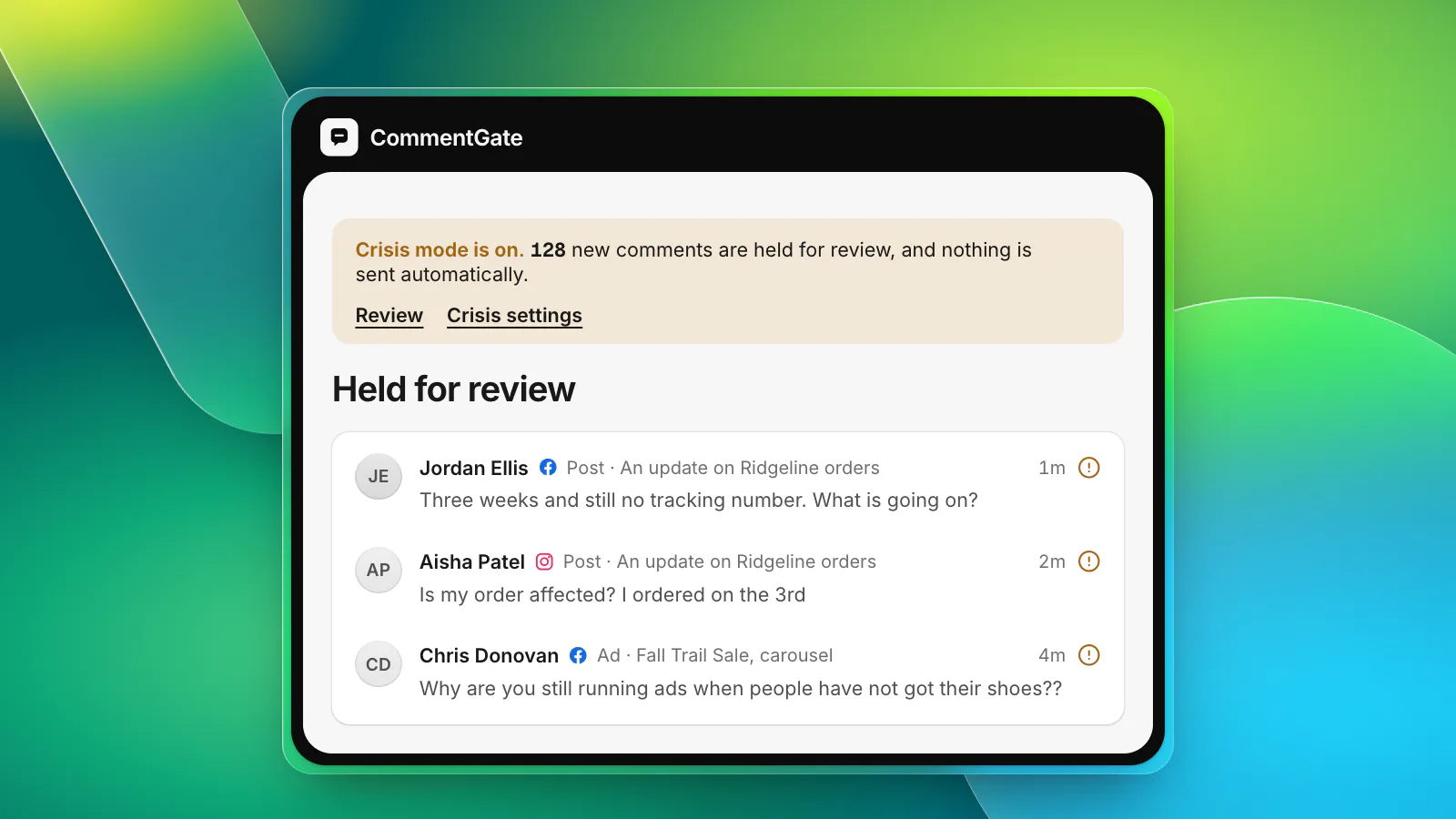
Pause, do not delete. Follow the crisis day checklist.
Scaling with CommentGate
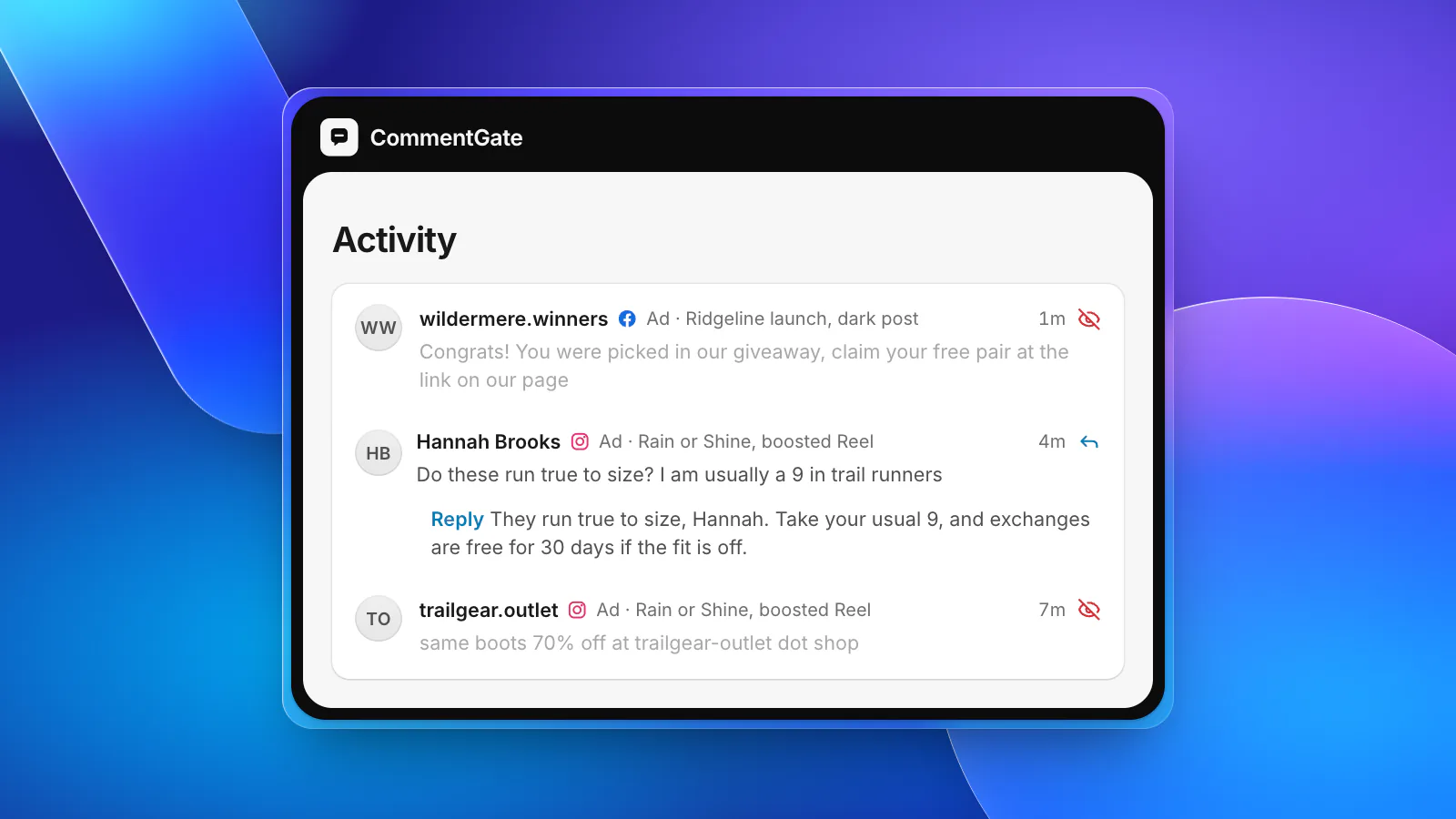
The part of this that breaks first is keeping track of every new ad. CommentGate reads the ad accounts you connect, so a new duplicate is picked up on its own, with nothing to set up, whether it is a fresh dark post, a new ad on an existing post, a new Instagram placement or a new Spark Ad. Each comment is labelled with the ad it came from.
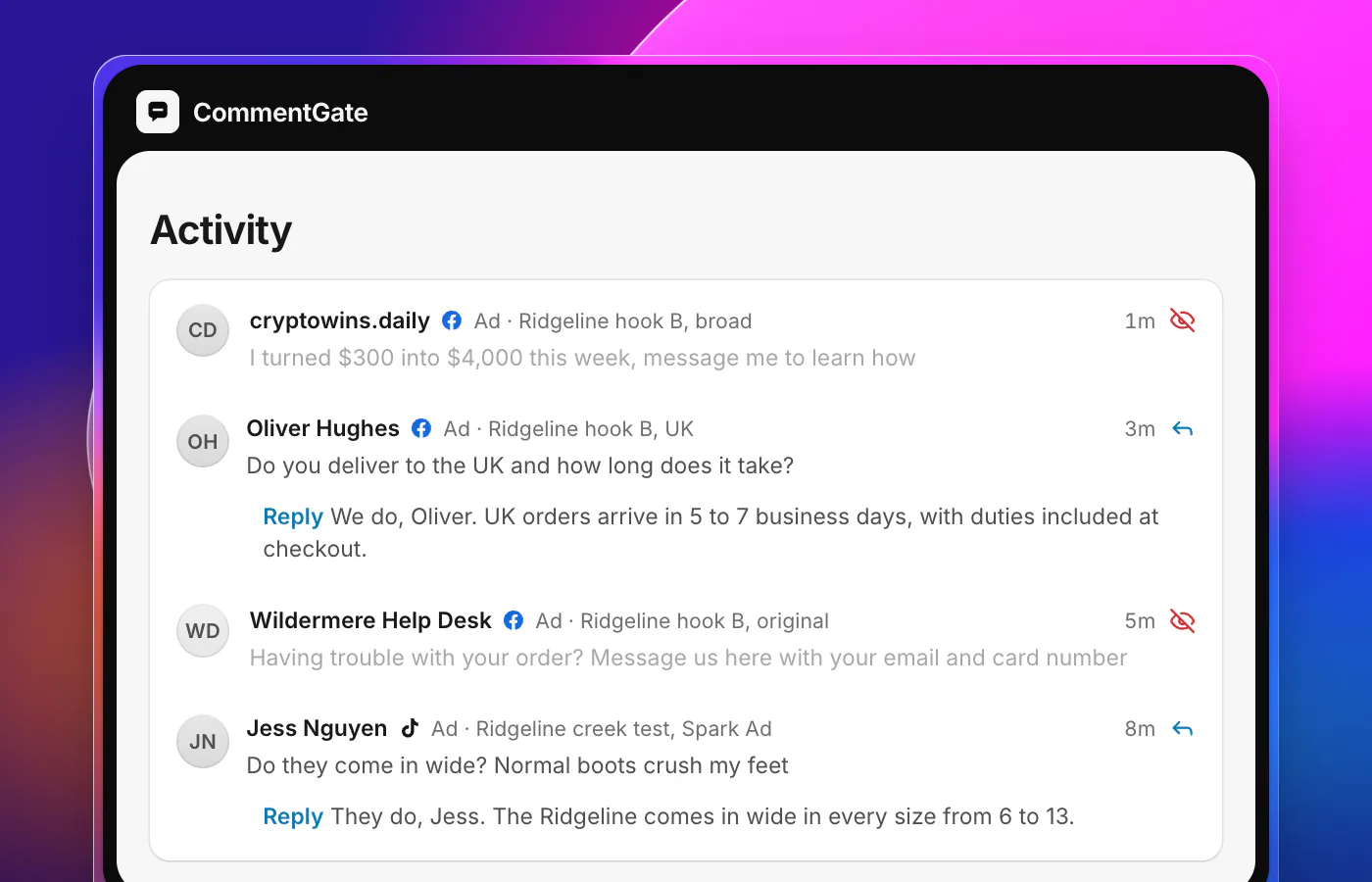
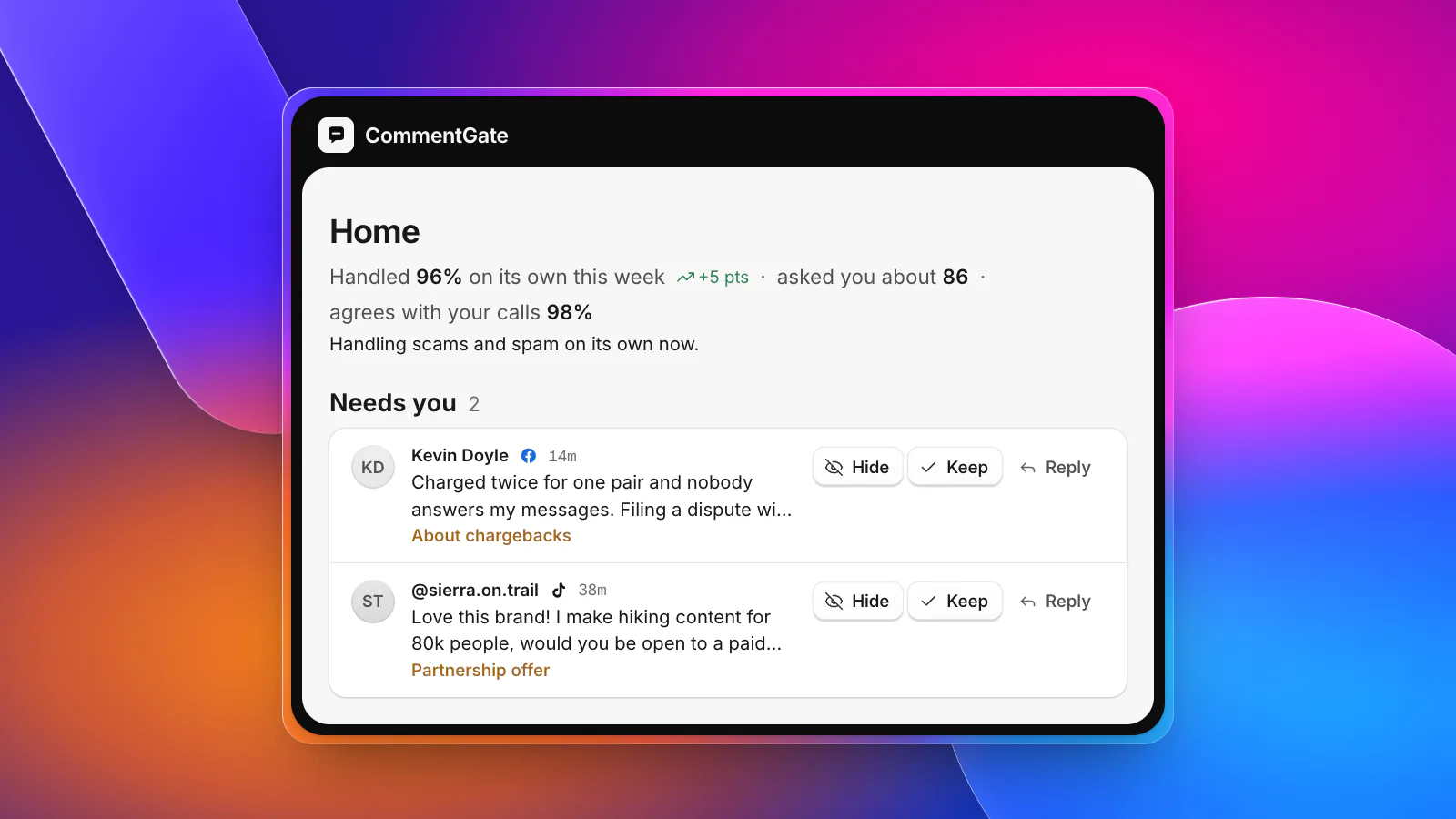
The switches do the same work on every copy: scams, spam, hate and competitor mentions are hidden within seconds on Facebook and Instagram and within minutes on TikTok, and questions get drafted answers from your notes. Your blocked words are added to each connected TikTok ad account, so TikTok hides them the moment they are posted. If cold traffic needs a stricter setup, a rule under Advanced can apply to every ad on an ad account, which means copies you make next week are included without anyone remembering to add them.
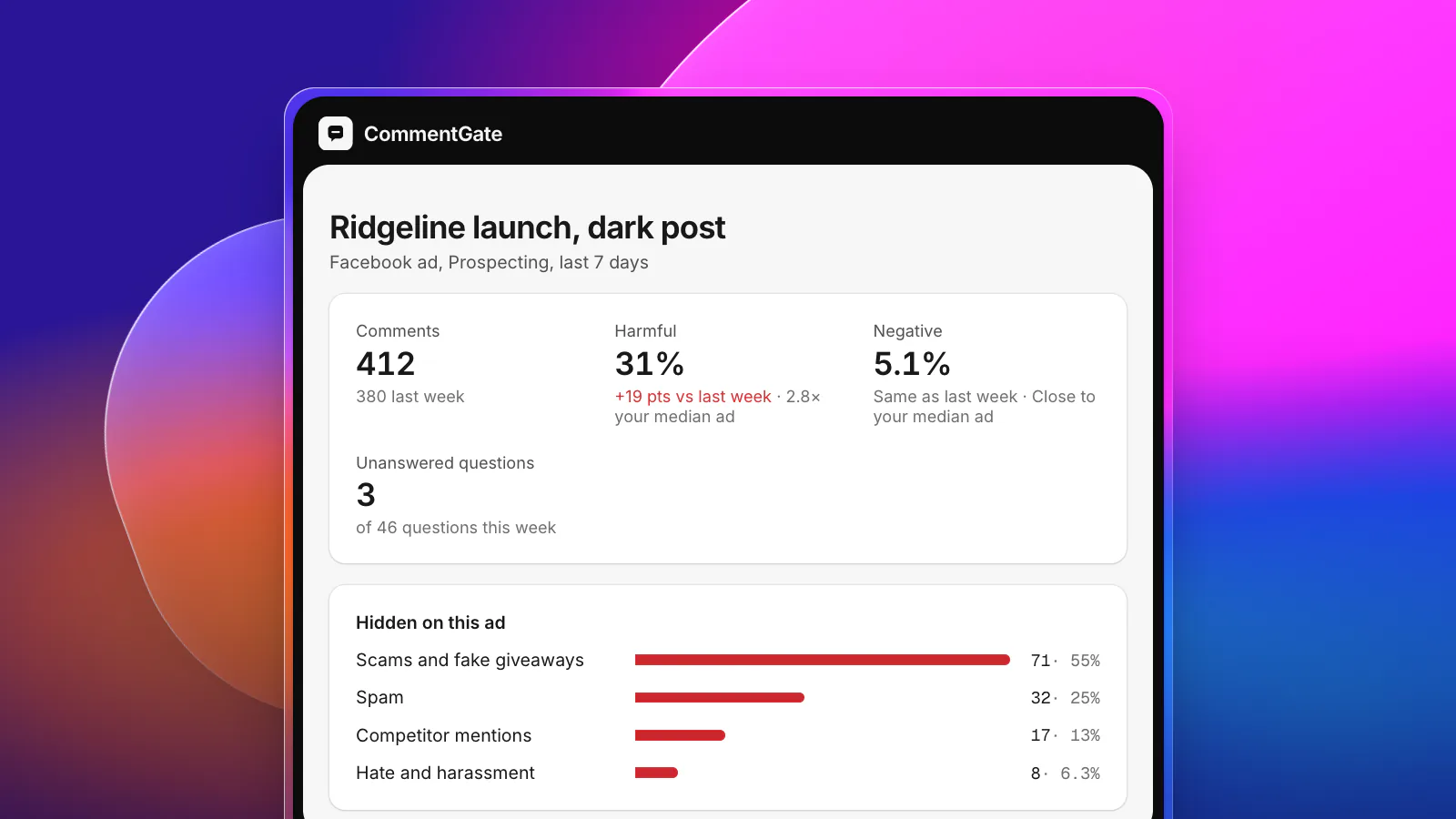
Ad health is built for this moment. It compares each ad with its own previous week and with your typical ad: the share of comments that were harmful, the share that were unhappy and the questions still waiting. When an ad suddenly draws far more harmful or unhappy comments than usual, you get an alert in Slack, Discord or email, with a link to the ad in Ads Manager on Meta (reports and alerts). That is the difference between hearing about a pile-on from the client and hearing about it an hour in.
See how it fits media buyers, or estimate what moderating at your volume would cost with the moderation cost calculator.
Sources
- Meta for Developers: Instagram ads, get started
- Meta for Developers: Instagram post moderation
- Meta for Developers: Use Facebook and Instagram posts as Threads ads
- Meta Business Help Center: Create ads from existing posts in Meta Ads Manager
- Meta Business Help Center: Create ads from existing Instagram posts
- Meta Business Help Center: How to edit campaigns in Meta Ads Manager
- Meta Business Help Center: About ad relevance diagnostics
- TikTok Ads Help: About Spark Ads
- TikTok API for Business: Blocked words