Setting up a comment moderation rota for a small team
Comments do not keep office hours, and "whoever sees it first" means nobody on a Saturday. Here is how two to five people can share comment duty: coverage hours, shifts, handoffs, alerts in Slack or Discord, and who decides what.
Playbooks 6 min read
On this page
In a small team, comment moderation usually belongs to whoever notices first. That works on a Tuesday afternoon. It does not work at 9 p.m. on a Friday when a new ad starts delivering, or the week your social person is on vacation, or when two people answer the same customer with two different answers.
A rota fixes this with three simple things: someone is always responsible, everyone knows who, and work passes cleanly from one person to the next. It does not need a big team. Two people can run one.
First, decide what the rota is for
The rota is not for hiding spam. If a person has to find and hide every scam comment, the rota will fail at night and on weekends, when nobody is watching and scams sit under your ads for hours. Let automatic hiding take care of scams, spam and hate around the clock, and keep your people for the work that needs a person:
- Questions from people about to buy: sizing, shipping, returns, "is this legit?".
- Drafted replies waiting for approval, if you approve replies before they go out.
- Judgement calls: chargeback threats, defect or safety reports, press questions, partnership offers, medical claims under ads.
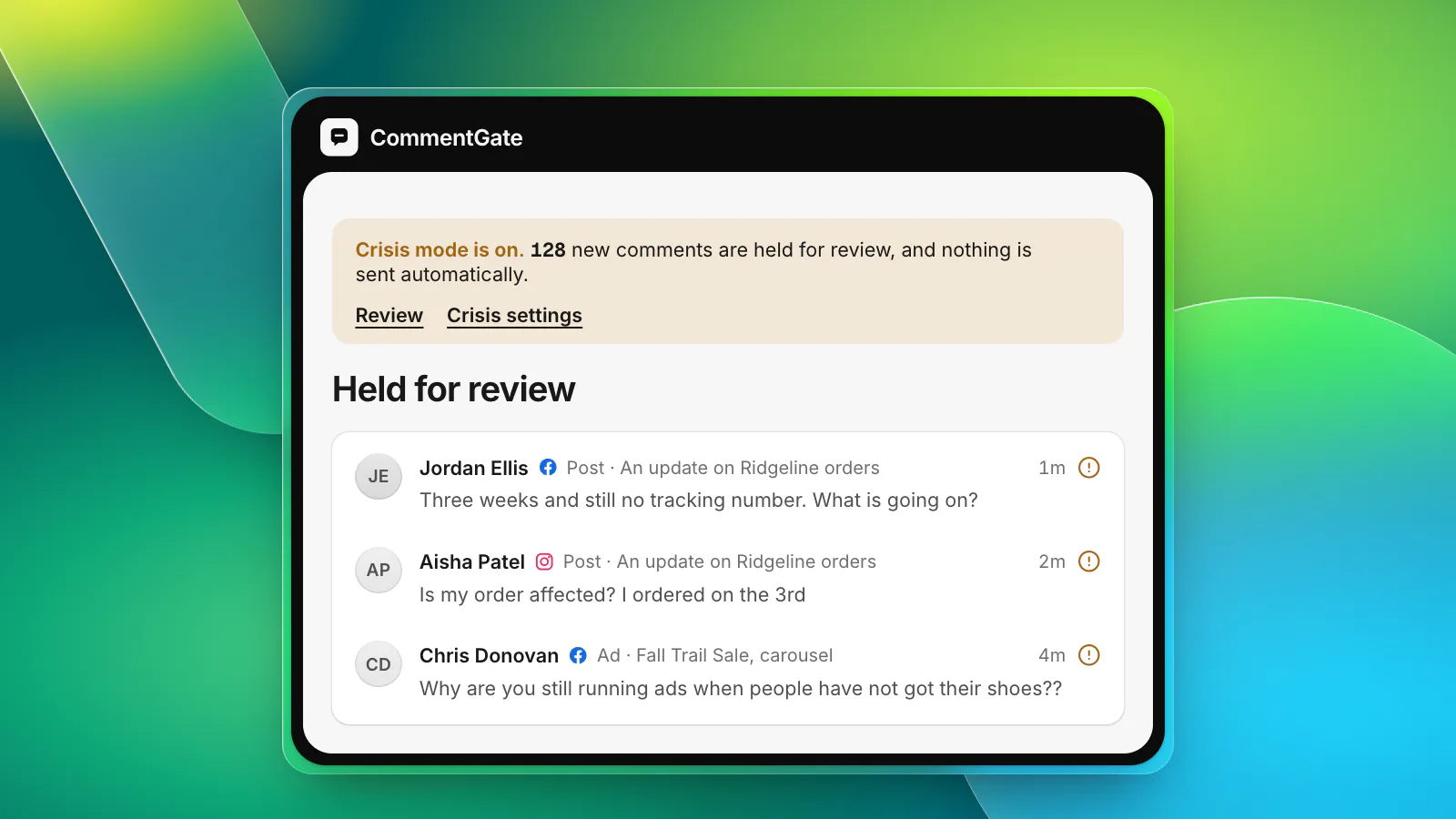
- Anything unusual: a sudden rush of negative comments, a thread going wrong, an account that stopped connecting.
That list is much smaller than "all comments", which is why a small team can cover it. Our guide on when to automate and when a person should decide goes deeper on where to draw that line.
Set coverage hours from your comments, not your office
Look at when comments actually arrive. A day-by-day and hour-by-hour view of the last month usually shows a clear shape: a rise when ads start delivering in the morning, a peak in the evening, and a long quiet night. If you sell across time zones, your evening peak may run from the East Coast's 7 p.m. to the West Coast's 10 p.m., and customers in the UK or Australia add their own peaks.
Then decide, in writing:
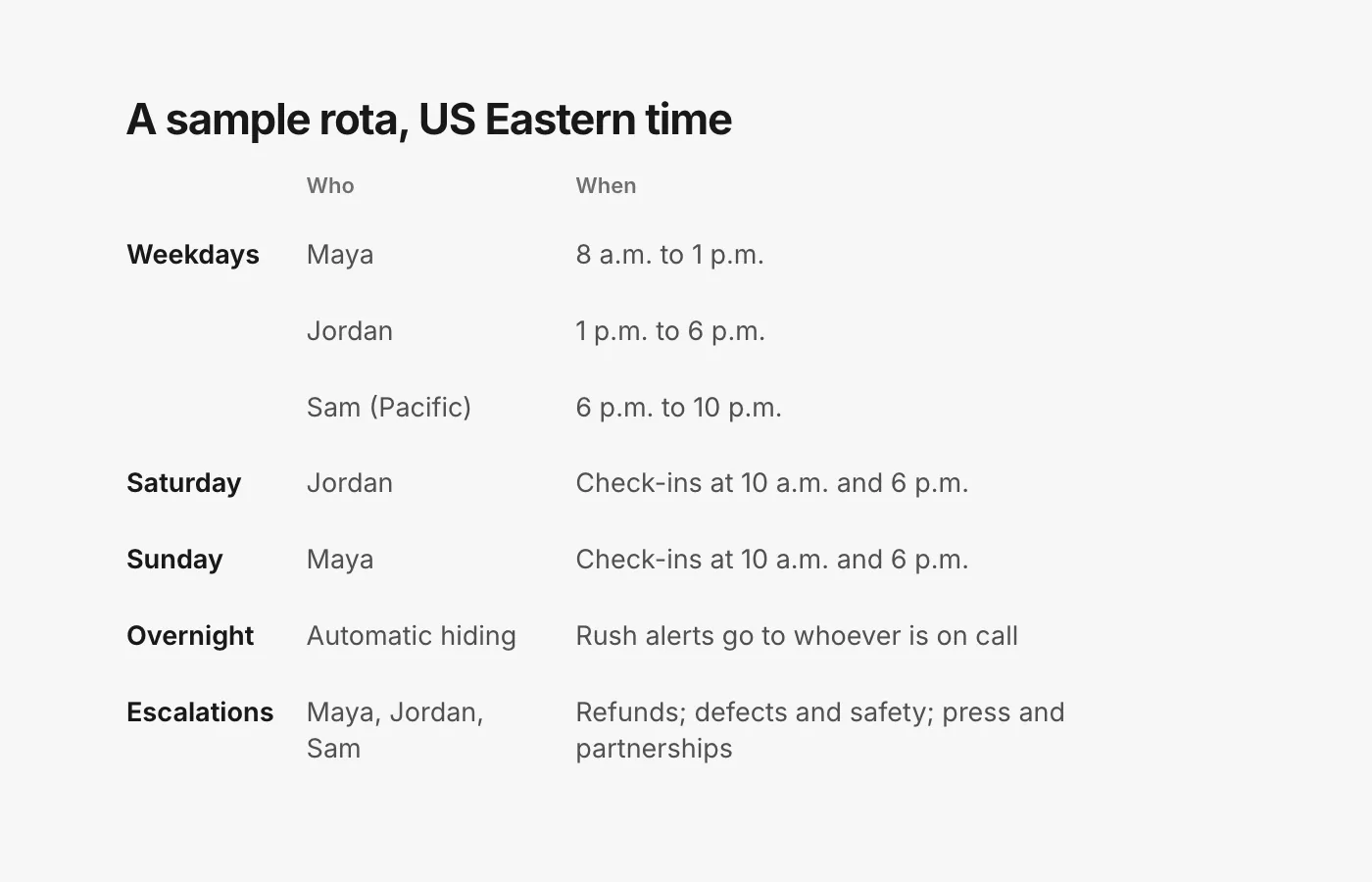
- Covered hours: when someone checks within a set time, for example "weekdays 8 a.m. to 10 p.m. Eastern, checked at least every hour".
- Light hours: weekends and holidays, with fixed check-ins, for example 10 a.m. and 6 p.m.
- Uncovered hours: overnight. Automatic hiding runs, and only a real emergency wakes anyone.
Write the reply promise that goes with it, such as "questions answered within two hours during covered hours", so everyone knows what "on time" means.
Build the shifts
With coverage hours set, split them. A few principles keep a rota fair and workable:
- One owner per block. Never "whoever is free". Two people can share a block only if one is named as the owner.
- Short blocks for busy hours. Nobody reads comments well for eight hours straight. Four to five hours is plenty.
- Use your time zones. A teammate on the West Coast covers the East Coast evening without working late.
- Rotate weekends. Two short check-ins beat an all-day weekend shift.
- Name the escalation owners separately. Whoever is on shift handles the queue; specific people own refunds, product problems, press and partnerships, whatever the shift.
Handoffs that do not drop anything
Most rota failures happen at the handoff: a customer was promised a follow-up, and the next person never knew. Two habits prevent it.
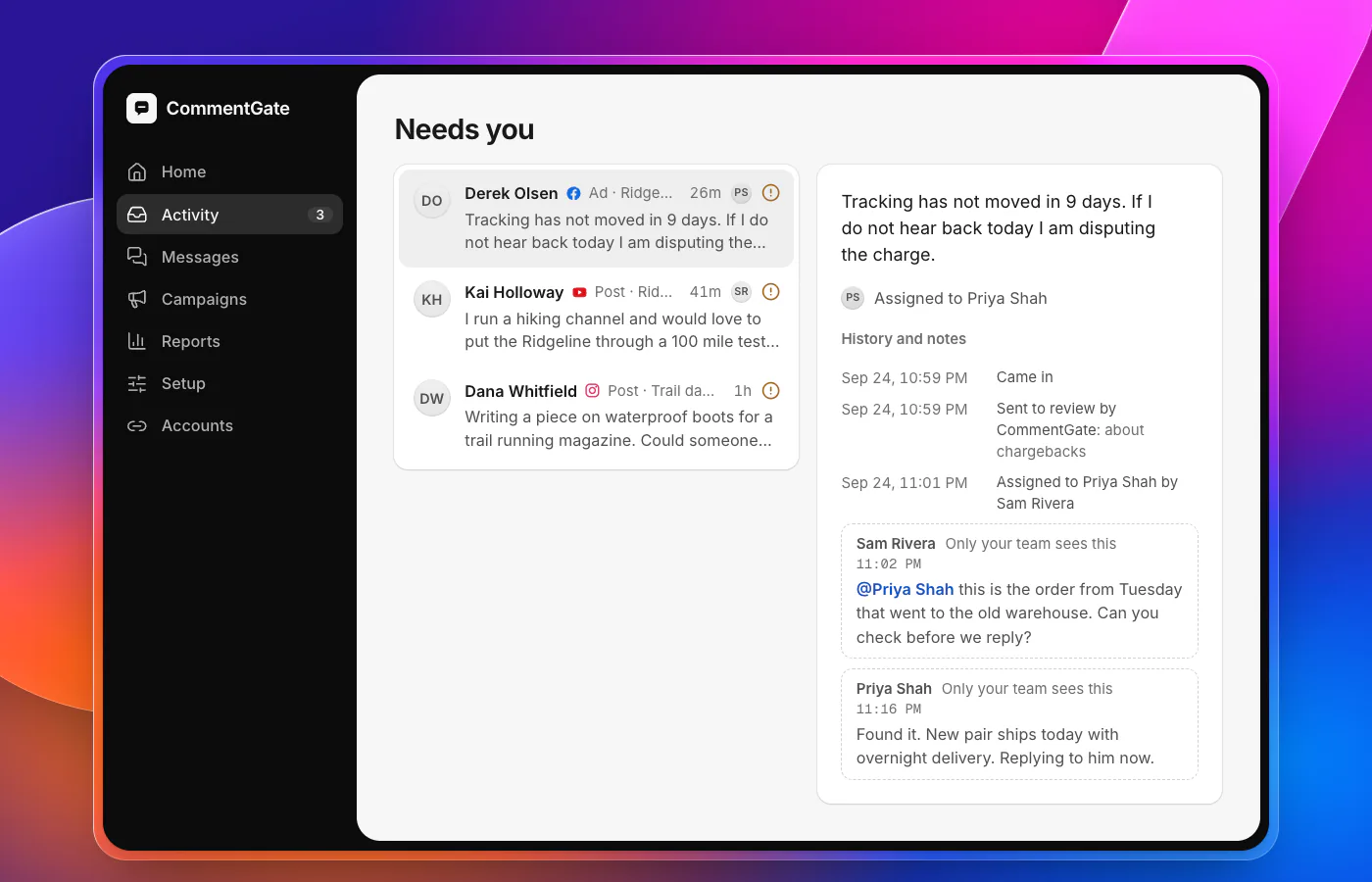
Assign what is open. Anything that cannot be finished in the shift gets assigned to a person, not left in a general pile. The next person filters to what is assigned to them and starts there.
Leave a note on the comment itself. A private note on the comment ("refund approved, reply and close", "waiting on the warehouse, promised an update by 3 p.m.") travels with it, where a chat message gets buried. Mention the teammate who needs to act so they are notified.
At the end of each shift, the person going off writes one line in the team channel: what is still open, and anything promised. It takes a minute and saves the awkward "did anyone reply to her?" the next morning.
Alerts: loud for the few things that matter
Alerts decide whether the rota works outside covered hours. The rule is simple: alert on what needs a person, and nothing else. A channel that posts every comment is a channel everyone mutes.
A setup that works for most small teams:
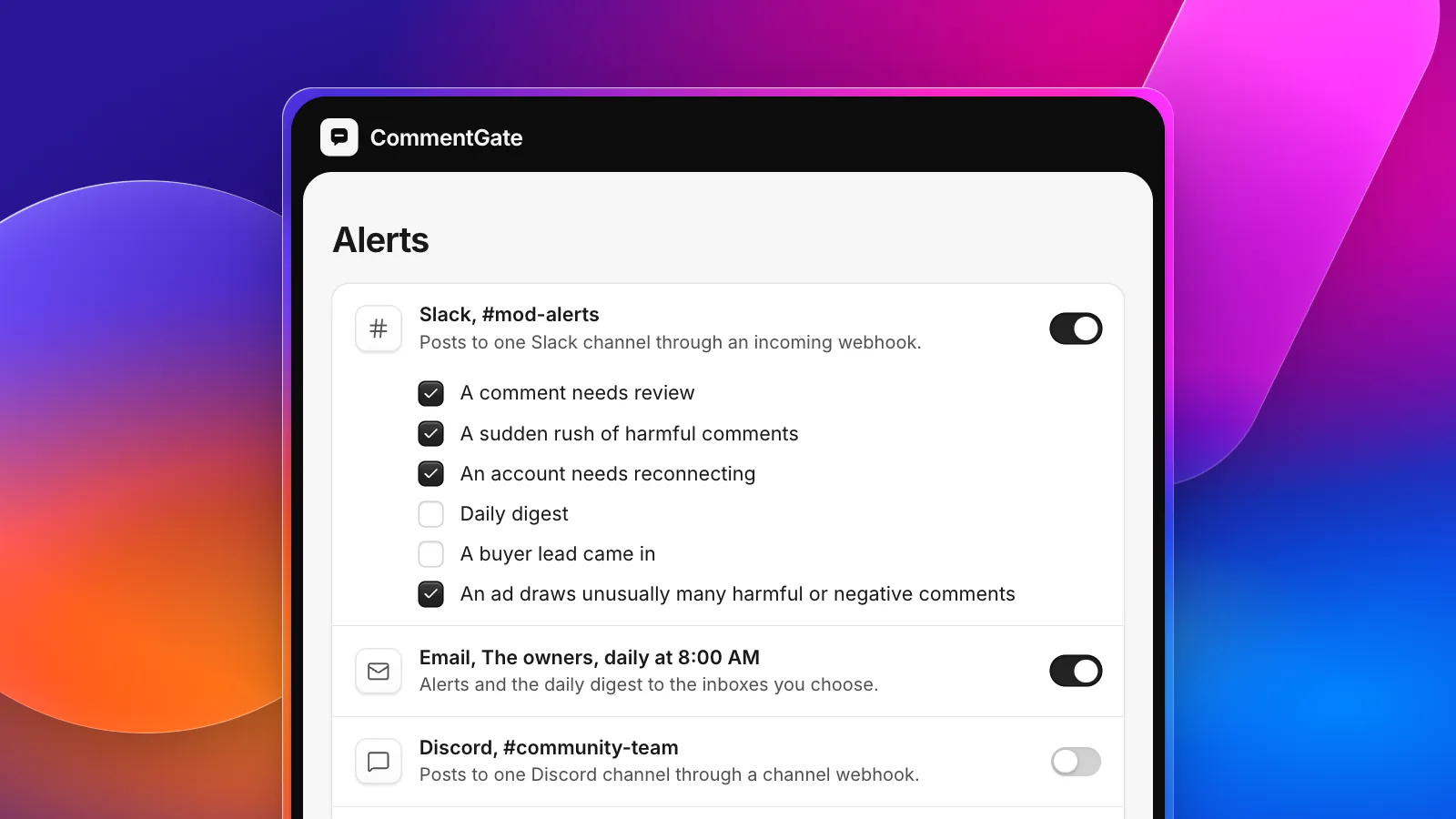
- A team channel in Slack or Discord for comments that need a person, sudden rushes of harmful comments, and accounts that need reconnecting. Slack's incoming webhooks post to one channel chosen when the webhook is created (Slack, incoming webhooks), so make a dedicated channel rather than using a general one.
- A daily summary at the start of the first shift, so the morning person knows what happened overnight.
- Personal notifications only for the person on call outside covered hours, and only for emergencies.
How CommentGate supports a rota
CommentGate is built for exactly this split between what runs on its own and what a person decides.
- Around the clock: scams, spam, hate and competitor mentions are hidden on their own, within seconds on Facebook and Instagram, within minutes on TikTok, and on YouTube, where comments are checked about every 5 minutes, soon after they are found. Comments it is unsure about wait in Needs you rather than getting guessed.
- Assign and notes: in Activity, assign comments to yourself or a teammate, filter to Assigned to me, and leave internal notes with @mentions. Each comment keeps a timeline of who did what.
- Alerts: under Settings, Alerts, add a Slack channel (an incoming webhook), a Discord channel (a channel webhook), email or your own webhook, and pick the events for each. Slack and Discord start with comments that need review, sudden rushes of harmful comments, and accounts that need reconnecting. You can add ad health, new direct messages, buyer leads, the daily digest at the hour you choose, and weekly customer insights on Mondays.
- Rushes: the sudden rush alert fires when at least 5 comments are hidden in 15 minutes and that is more than three times the usual rate over the last 24 hours, at most once an hour. That is the one worth waking someone for. Our crisis day checklist covers what to do next.
- Personal notifications: each person can turn on notifications on their own phone or computer for mentions, spikes in comments needing review, ad health, leads and messages, independently of the team channel.
- Access by role: moderators work Activity and can be limited to specific accounts, which suits a freelancer covering weekends on one brand. Managers handle rules, replies and connected accounts; owners and admins handle people and billing.
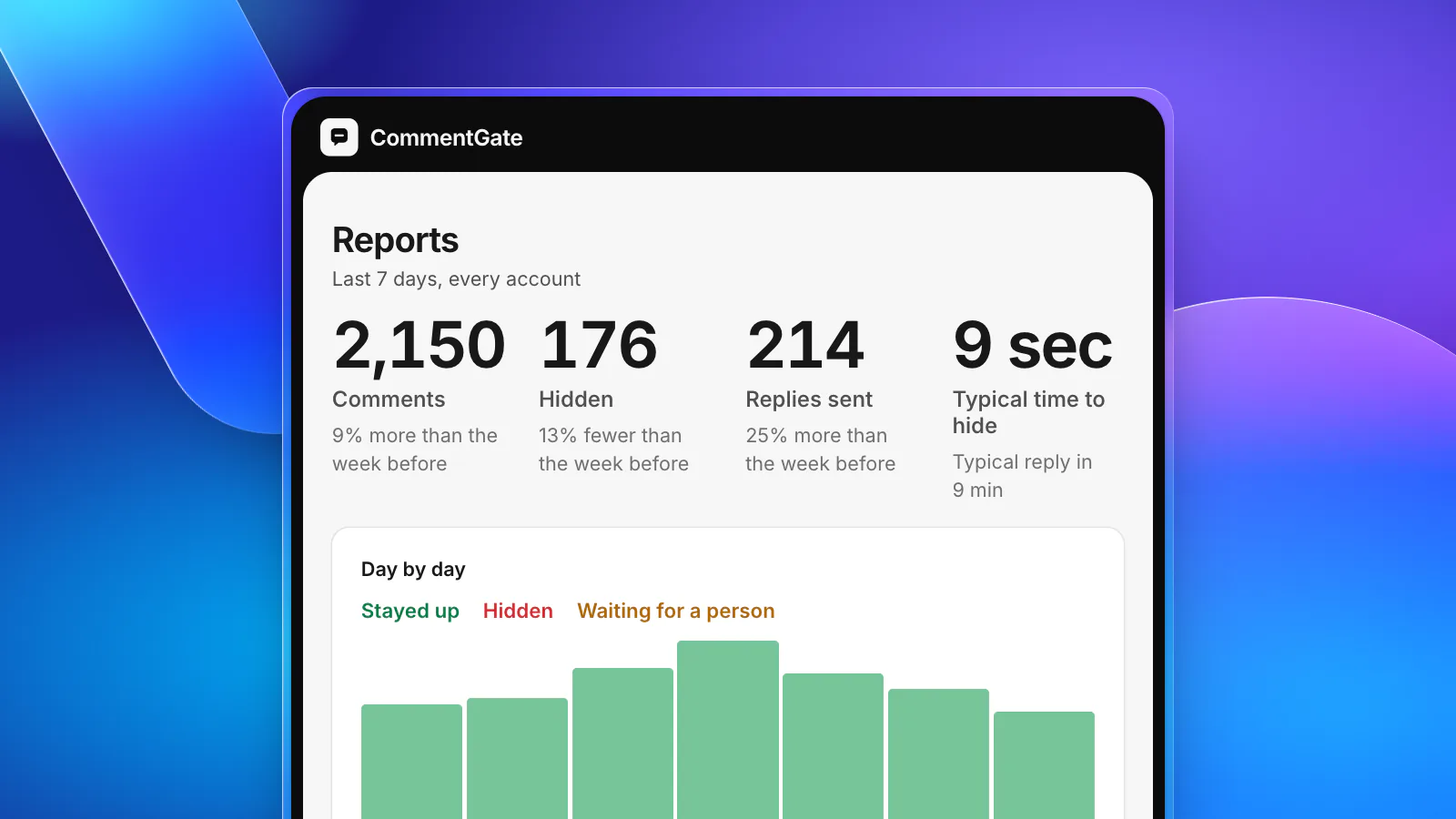
At the end of the week, Reports, Team shows replies by your team, drafted by CommentGate and sent automatically, with the median time to reply, which is the fairest way to check whether the rota's reply promise is being kept. Our guide to measuring comment moderation covers the rest of the weekly review.
A one-page rota to copy
Review it once a month, and whenever you change ad spend a lot: a new campaign can move your busy hours overnight. If you run comments for several clients, the agency playbook covers rotas across brands.