How to hide comments on Instagram: Hidden Words, by hand, and automatically
Instagram gives you three ways to keep a comment out of sight: its own filters, the Hide button, and a tool that reads every comment for you. Here is what each one catches, where each one stops, and how they work on ads.
Guides 6 min read
On this page
Instagram is where a lot of shoppers decide whether a brand is real. They open the comments under a Reel or an ad, read the first few, and either tap through to the store or scroll on. A fake giveaway account, a string of spam or a link to a knockoff store near the top of that list costs sales, and it does so quietly.
Instagram gives you three ways to keep a comment out of sight. They work best together, and each one has a clear limit.
What hiding does on Instagram
When a comment is hidden on Instagram, almost nobody sees it anymore, and the person who wrote it is not told. Instagram's help center says a hidden comment stays "only visible to you and the person who made the comment", and that "the commenter won't be able to see that it's been hidden" (Instagram Help: hide comments).
That is exactly what you want for most unwanted comments. The spammer gets no signal to try again with a new spelling, and your buyers never see the comment. Two small details are worth knowing:
- Hidden comments still count. Instagram includes them in the total comment count on the post.
- Hiding can be undone. At the bottom of the comment section, View hidden comments lists them, and Unhide puts one back.
Deleting is also possible on your own posts, but it is permanent. For anything that might be a real customer, hide first and decide later.
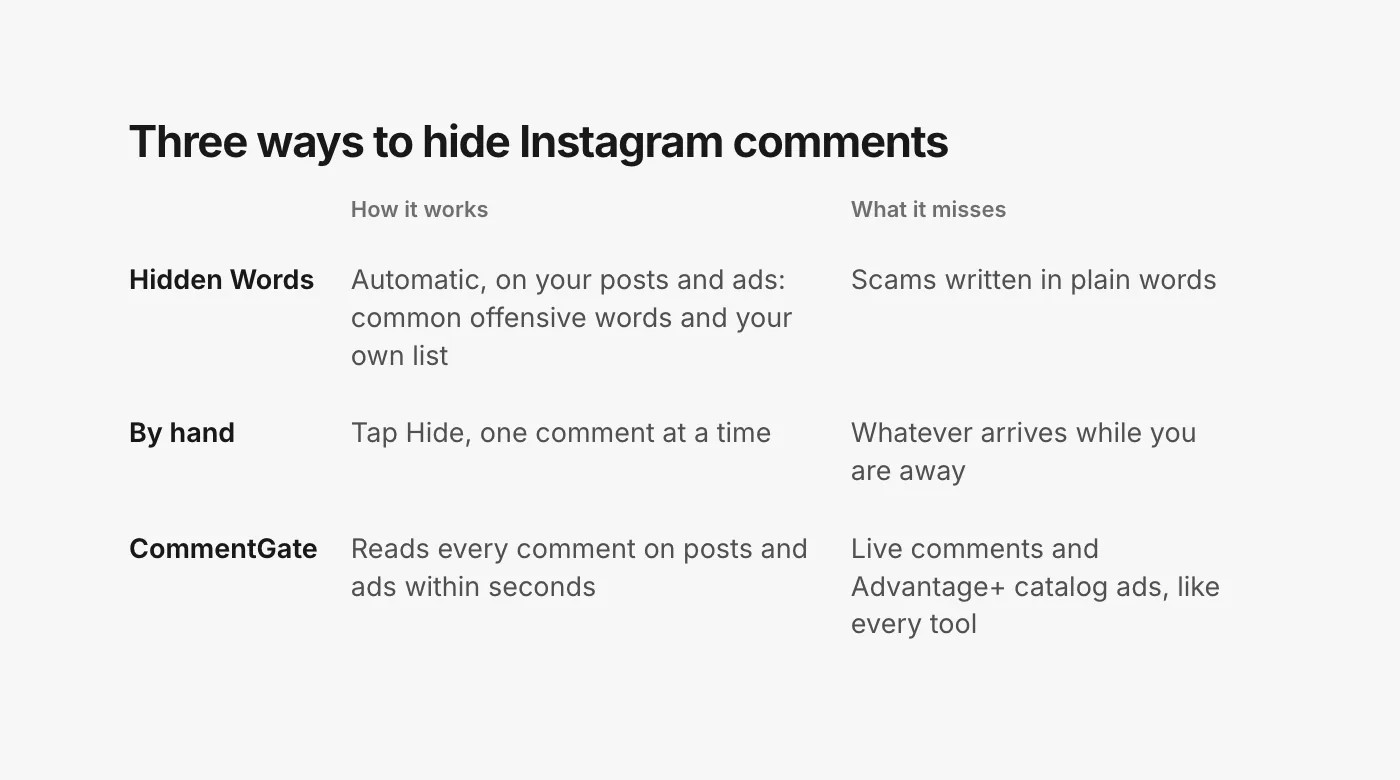
Way 1: Hidden Words
Hidden Words is Instagram's built-in filter. It lives in Settings, under How others can interact with you, and it has two parts that matter for a brand:
- Hide unwanted comments. Comments with "common offensive words, phrases, or emojis that are likely to be abusive or mean" are hidden automatically. Instagram turns this on by default.
- Custom words and phrases. Your own list of "words, phrases, numbers or emojis" to hide from comments on your posts. Separate each entry with a comma.
Instagram also describes a spam setting for content like "racial slurs, curse words, or scams" that does not break its rules but that you would rather not show (Instagram Help: hide comments).
These filters apply to ads, too. Meta's ads help says that Hidden Words on Instagram is "set at the Facebook Page, or Instagram and Threads profile level, and extend to ads from the Page or profile" (Meta Business Help: manage comments on your ads). One list covers your posts and the ads that run as your Instagram account.
What to put on your custom list
A good custom list is short and specific. Words that only ever mean trouble for you:
- Your competitors' brand names and their best-known product names.
- The domains of lookalike stores that copy your products.
- The handles of accounts that impersonate yours, with the usual swaps (an extra underscore, "official", "support", "giveaway").
- Slurs and the variants people use to get around filters.
Keep common words off it. "Scam" is a bad entry: "is this a scam?" is one of the best questions a shopper can ask, and answering it in public sells to everyone reading.
Where Hidden Words stops
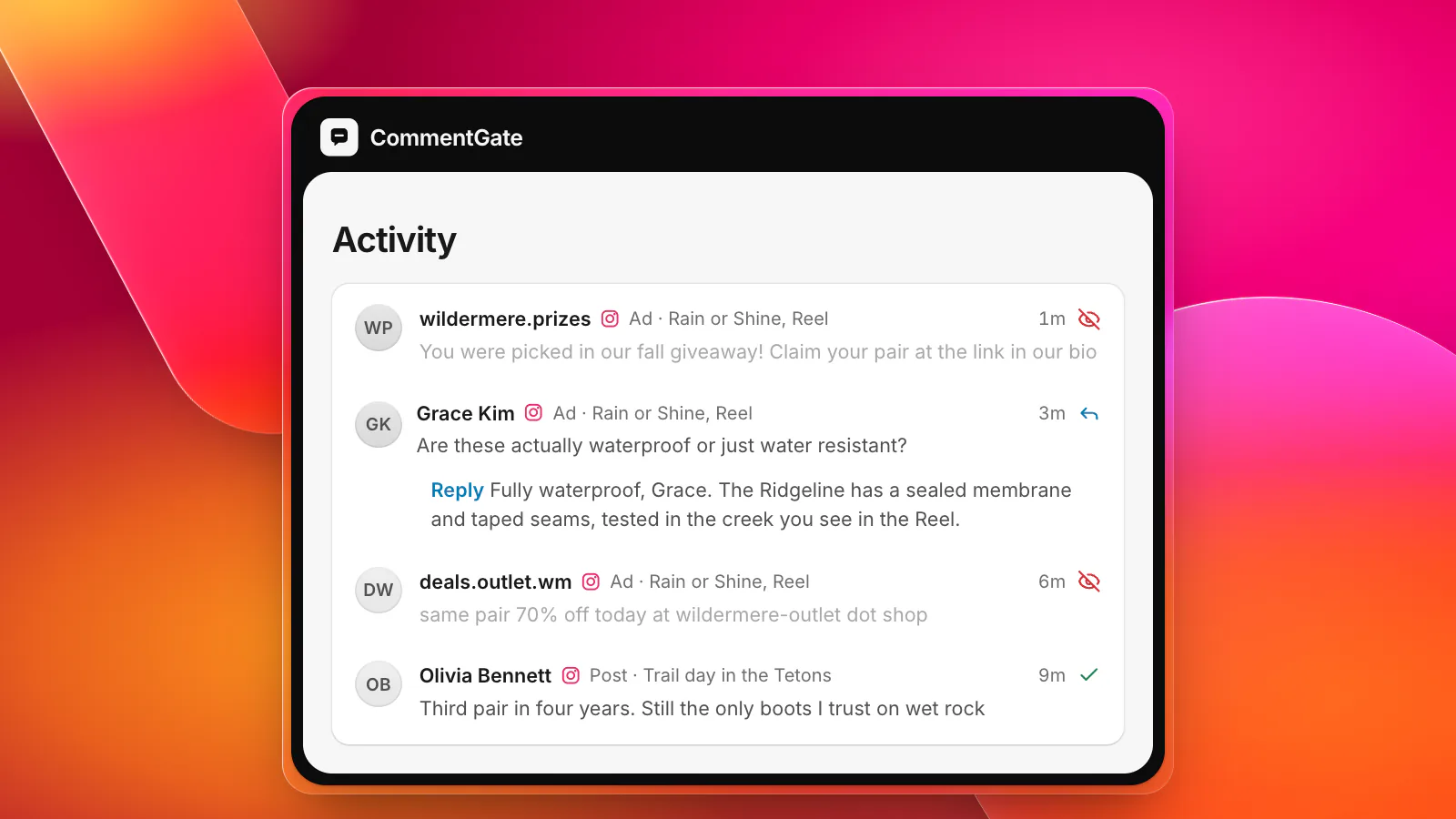
Hidden Words matches words. Scams on Instagram are written to avoid them. "You were picked in our fall giveaway, claim at the link in our bio" contains nothing you could list without also hiding your own giveaway posts. A list also cannot tell a hesitant buyer from a competitor, and it cannot tell your real support account from a fake one with a similar name.
Way 2: Hiding comments by hand
For anything the filters miss, you hide it yourself. In the Instagram app on iOS or Android, go to the comment and tap Hide under it (Instagram Help: hide comments). You can only hide comments under your own posts.
On ads, Meta Ads Manager and Meta Business Suite let you open the comments on each ad and hide or report them. In Ads Manager, open the ad, choose the option to manage Instagram comments, and use the menu next to a comment to Hide comment or Report comment. That option only appears if an Instagram profile is connected to the ad; if you run ads under your Facebook Page's identity alone, there are no Instagram comments to manage there (Meta Business Help: manage comments on your ads).
Three rules make hand moderation smoother:
- Answer first, hide second. On Instagram you cannot reply to a hidden comment (Meta: IG comment replies). If a comment has a real question and something that should not stay public (an order number, a phone number), reply before you hide it.
- Check ads separately. When you promote an existing post, Instagram keeps comments on the ad apart from the comments on the original post (Meta: Instagram post moderation). That is two places to look for what feels like one post.
- Leave honest criticism up. Answer it instead. A comment section with one unhappy customer and a calm reply reads as more trustworthy than a spotless one.
The limit of this method is time. A scam on a busy ad is read by everyone who opens the comments while it is up, and nobody watches every ad at 2 a.m.
When to turn comments off instead
Instagram also lets you choose who can comment (everyone, people you follow, your followers, or both), and turn comments off entirely. On a single post, Turn off commenting hides every comment already there, and turning it back on restores them (Instagram Help: turn comments on or off).
That is a tool for a bad day, not a moderation strategy. Comments are where buyers ask about sizing and shipping, and where other buyers vouch for you. Turn them off on a post that has become a pile-on, answer the concerns somewhere else, and turn them back on. Our crisis-day checklist covers that day in full.
What nobody can hide
A few Instagram comments are out of reach for every tool outside the Instagram app:
- Instagram Live. Live comments can be read while the broadcast runs, but they cannot be hidden or deleted from outside tools (Meta: IG Comment reference).
- Advantage+ catalog ads. Meta says "you cannot get the likes and comments of your Advantage+ catalog ad posts on Instagram" (Meta: Advantage+ catalog ads).
For those, Hidden Words and the app are what you have.
Way 3: Hiding comments automatically
The third way is a tool that reads every comment the moment it arrives and decides what it is, instead of matching words. This is what CommentGate does.
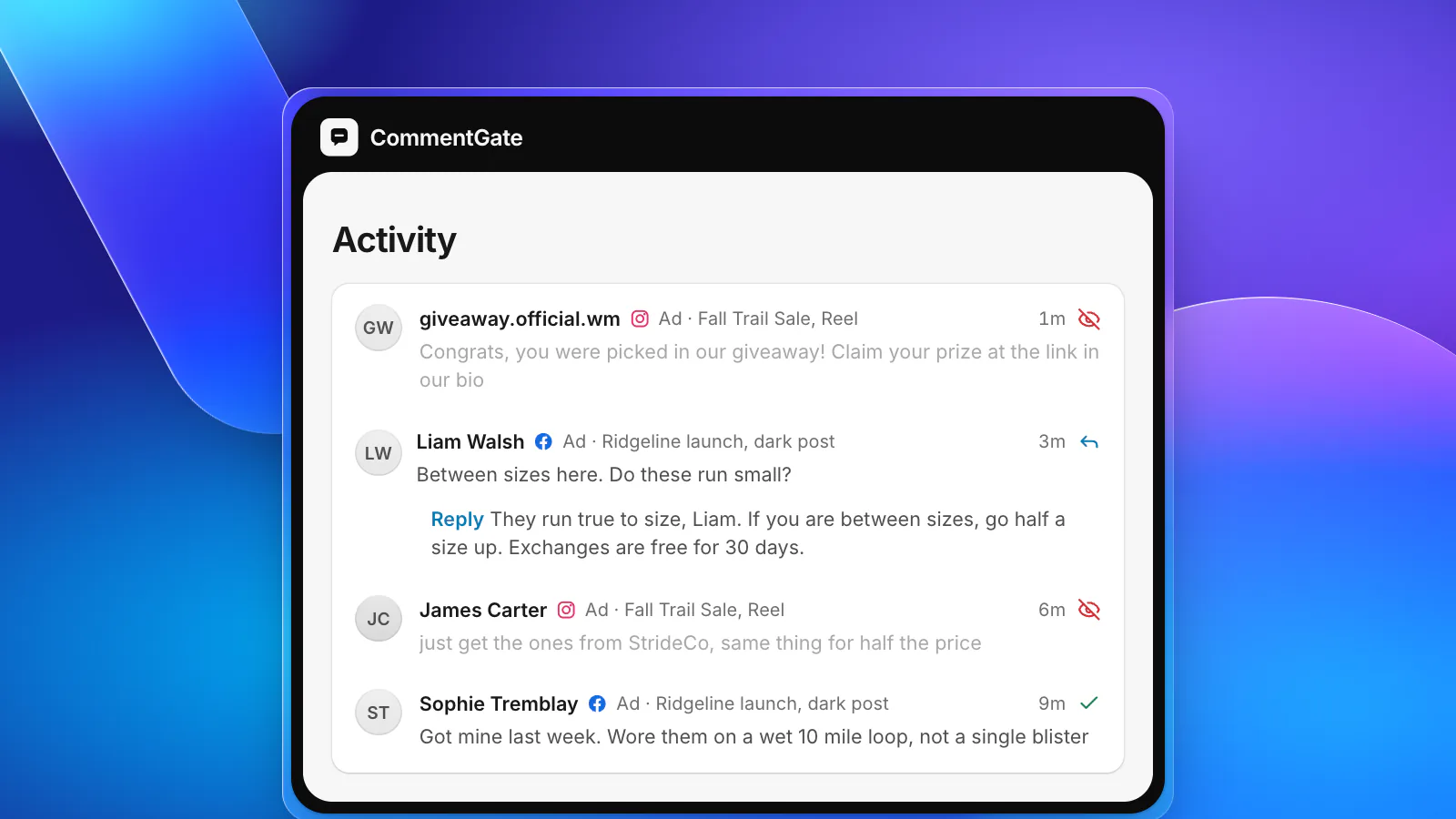
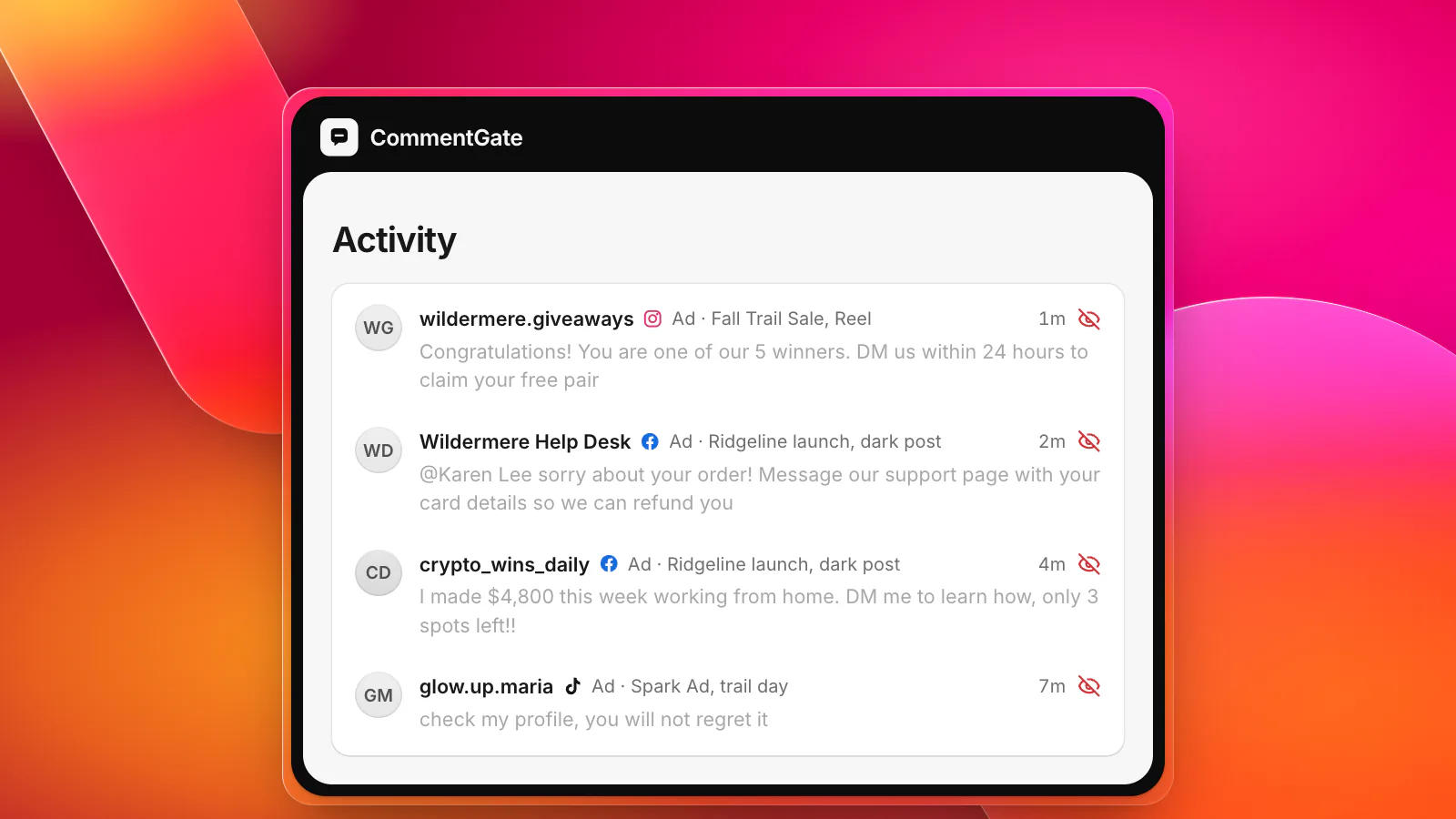
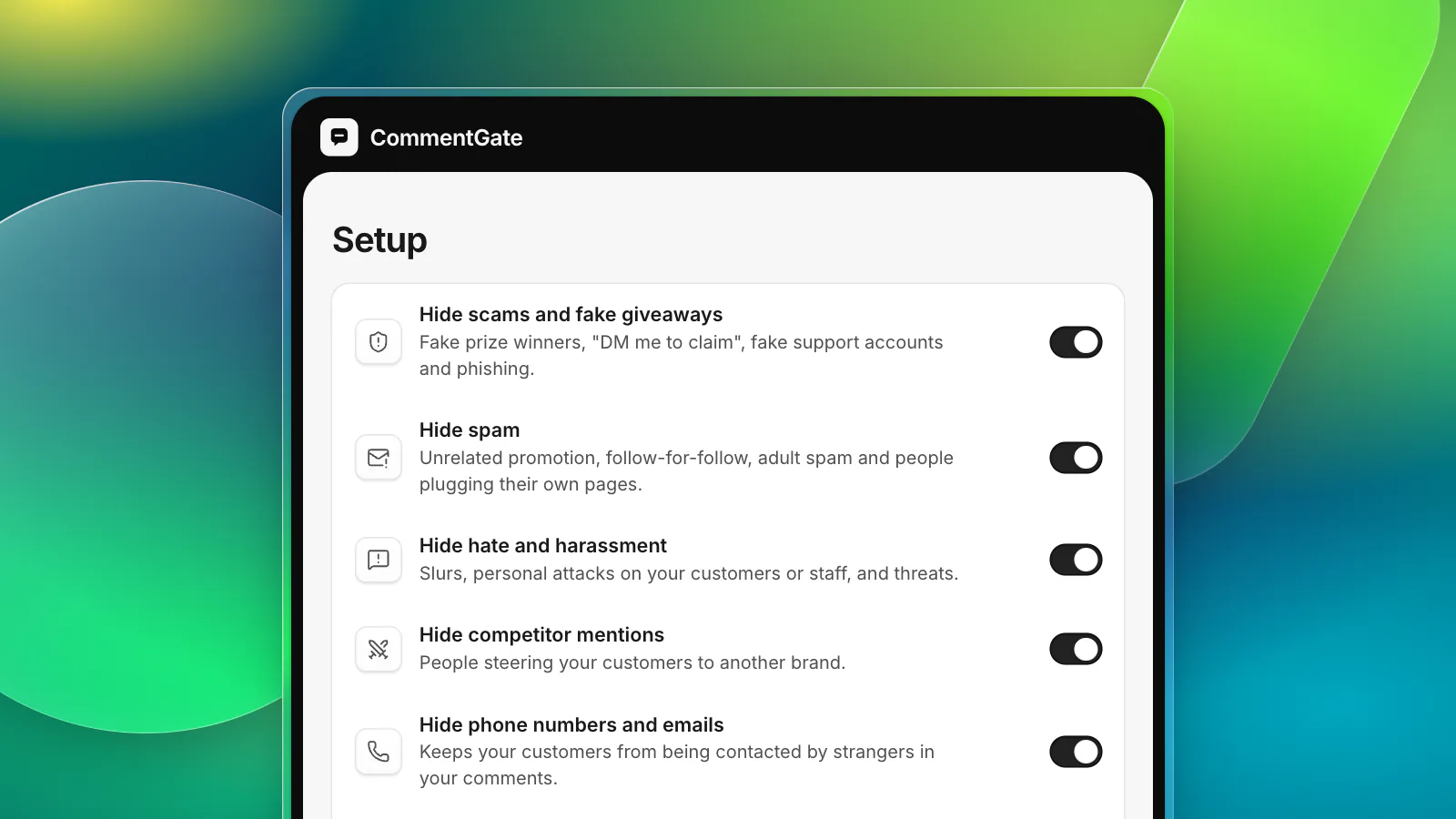
Connect your Instagram account (through the Facebook Page it is linked to) and your ad accounts. From then on, every comment on your Instagram posts, Reels and ads lands in one list, with the post or ad it came from. Four switches are on from the start: hide scams and fake giveaways, hide spam, hide hate, and hide competitor mentions. On Instagram, a comment is read and hidden within seconds of arriving.
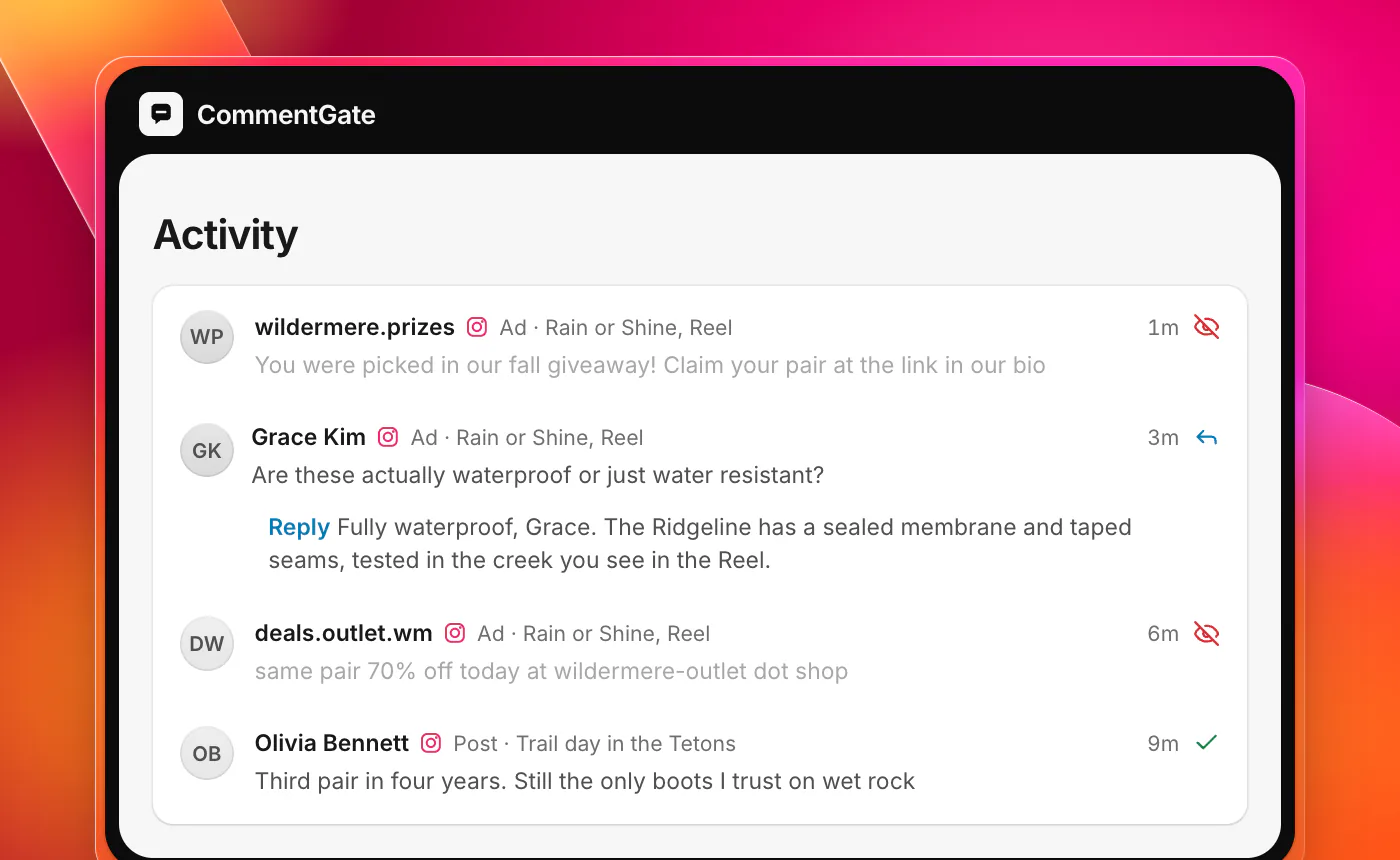
A few things it does that a word list cannot:
- It tells a question from an attack. "Is this legit?" gets an answer; "this brand is a scam, buy from them instead" is hidden as a competitor plug.
- It follows the Instagram order. When a comment deserves both a reply and to disappear, the reply goes out first.
- It asks instead of guessing. A comment it is unsure about waits for you in Needs you, and every time you unhide a comment or keep one it asked about, it learns.
- It keeps working with Hidden Words. Your custom list still does its job inside Instagram. CommentGate catches what the list was never going to.
If you run the same brand on Facebook, TikTok, YouTube and Threads, those comments come into the same list, under the same switches. See what Meta allows on each surface, how to find and hide ad comments on Facebook and Instagram, or turn your rules into written comment guidelines your whole team can follow.
Sources
- Instagram Help Center: Hide comments or message requests you don’t want to see
- Instagram Help Center: Turn comments on or off for Instagram posts
- Meta Business Help Center: Manage comments on your ads in Meta Ads Manager
- Meta for Developers: IG Comment replies
- Meta for Developers: IG Comment reference
- Meta for Developers: Instagram post moderation
- Meta for Developers: Advantage+ catalog ads on Instagram