Product launch day: a comment plan from the first hour to the first week
A launch brings the most comments your posts and ads will ever see, and the first hour sets the tone. A plan for the day before, the first hour, the first day and the first week.
Playbooks 5 min read
On this page
A product launch is the busiest week your comment sections will have. The announcement post, the Reels, the TikToks, the ads behind all of them: every one fills up at once, with buyers, fans, skeptics, and the scammers who follow any crowd.
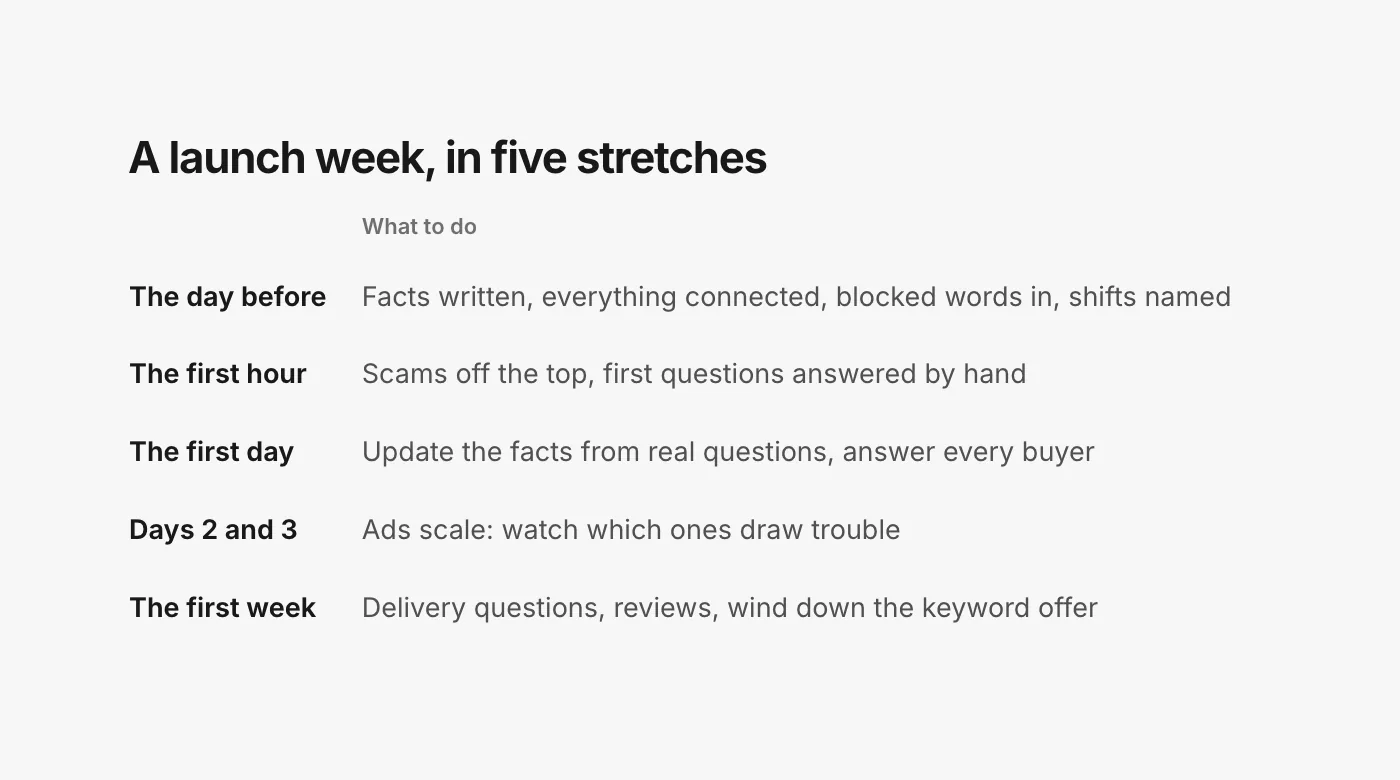
Most of what goes wrong on launch day in the comments goes wrong in the first hour, when the most people are watching and the team is busy with everything else. This plan splits the week into five stretches, and says what to do in each.
The day before
Everything that can be decided in advance should be, because on launch day there is no time to write a return policy from scratch.
- Write the facts down. Price, what is included, sizes and colors, shipping times per country, the return window, the launch offer and its end date. One short page. Every reply will draw from it.
- Write the five answers you will give most. Price, shipping, sizing, "is this legit?" and "when will it be back?". Two or three wordings each, so the thread does not fill with copies.
- Connect everything. Every account and every ad account the launch will run from. An ad account you forget is a comment section nobody watches.
- Add blocked words. Your lookalike handles, the usual scam phrases and any competitor names you want kept off your posts, in each platform's own filters too. On TikTok ads, blocked words hide a matching comment the instant it is posted, up to 500 per ad account (TikTok, blocked words).
- Name who is on shift. One person owns the comments for each stretch of the day, and one person decides if things go wrong: whether to pause an ad, and what to say. Write both names down.
The first hour
The first hour gets the most attention and the least patience. Three jobs, in this order:
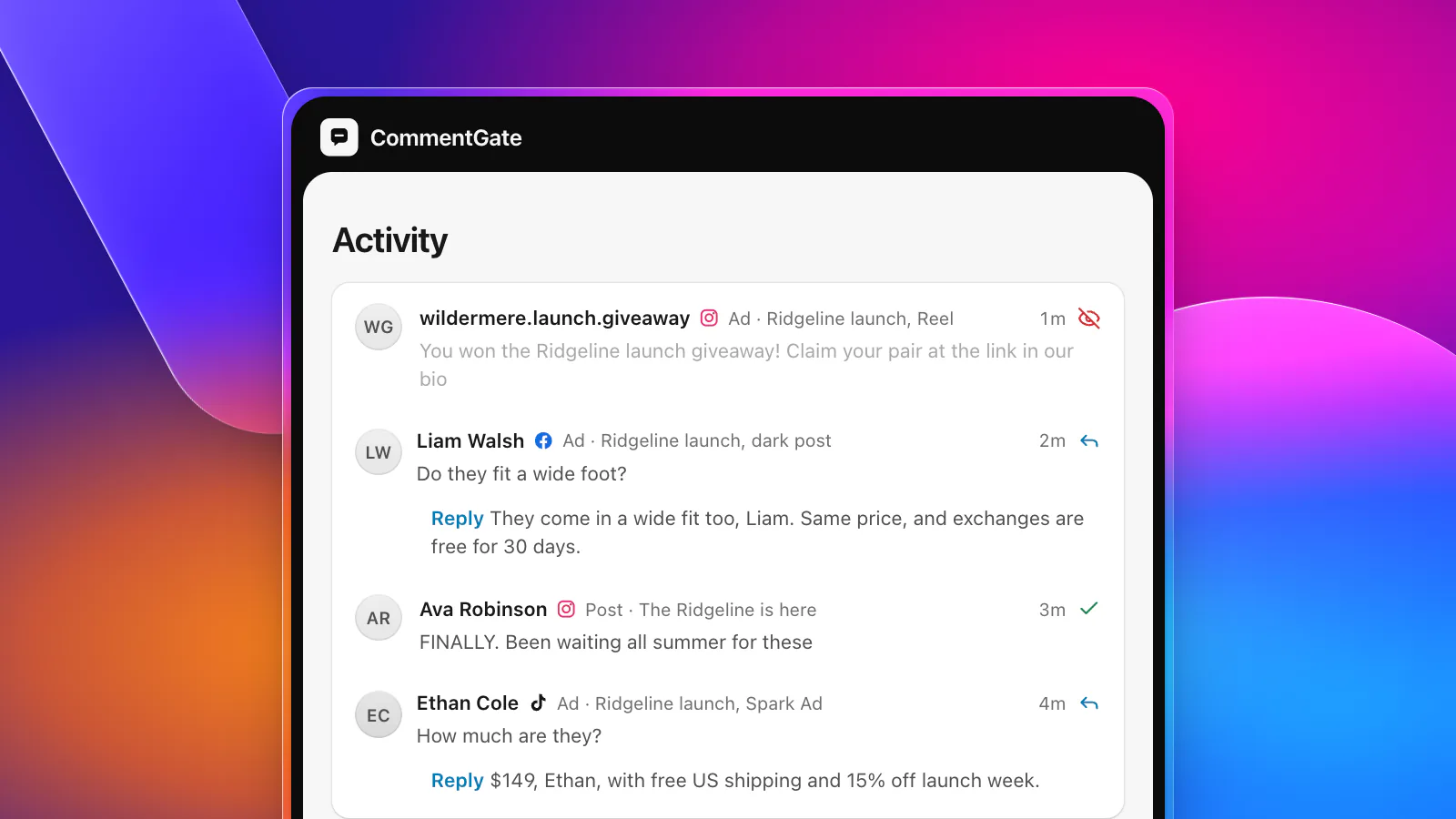
- Keep scams off the top. Fake giveaways ("you won the launch giveaway, claim at the link in our bio"), fake support accounts and lookalike stores arrive early on anything popular. On Facebook and Instagram, they can be hidden within seconds of being posted. On TikTok, new comments on connected accounts arrive "within five minutes" (TikTok, comment updates), which is why the blocked words you added the day before matter most there.
- Answer the first questions by hand. The first ten answers set the tone for the next thousand, and they show you which questions your facts page missed.
- Leave the excitement alone. "Finally!!", tagged friends, emoji: this is what a good launch looks like. Do not reply to all of it; do not hide any of it.
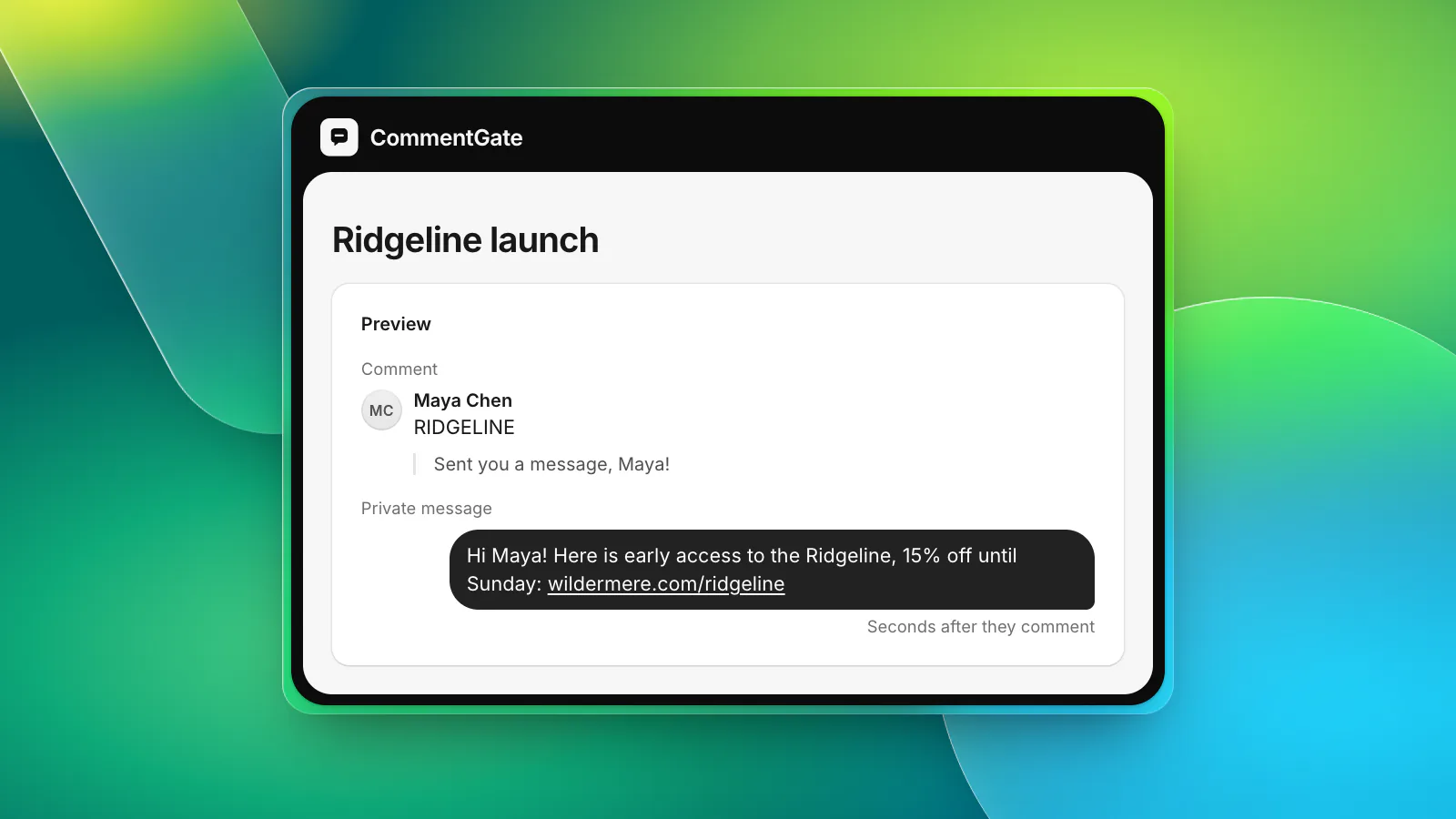
If you run a keyword campaign ("comment RIDGELINE for early access"), test it from a personal account in the first five minutes. Our comment-to-DM launch playbook covers the setup.
The first day
By the afternoon, patterns show. The same four questions keep coming, one complaint repeats, one scam wording keeps coming back.
- Update the facts page from real comments. If ten people asked whether it fits a wide foot, the answer belongs in the notes and probably on the product page.
- Answer every buying question the same day. "How much?", "link?" and "does it come in black?" are orders waiting. See turning "how much?" and "link?" into orders.
- Give real complaints one calm public reply. Not a debate, not a hide. See negative comments on ads.
- Send the judgement calls to a person. A reporter asking for comment, a creator offering a partnership, a customer threatening a chargeback: none of these should get a generic reply.
Days two and three
This is usually when the ads scale. Budgets go up on what worked, and new versions of the winning ad go out, each one a new comment section, often on a post that never appears on your Page (why ad comments are hard to find).
- Check which ads draw trouble. An ad with far more scams or complaints than the others is reaching the wrong audience, or promising something the product does not do. Fix the copy or pause it.
- Keep answers consistent across ads. The same question under five ads should get the same facts, in different words.
- Tighten where it gets noisy. If one ad attracts link spam, hide links on that ad only. Links to your own site stay up.
The rest of the first week
As the first orders arrive, the questions change. "How long does shipping take?" turns into "ordered Monday, where is it?", and "is it good?" turns into real reviews, good and bad.
- Answer the first delivery questions with care. They are from customers, and every future buyer is reading them. The shipping questions guide covers the wording.
- Keep the good reviews visible. Reply to a few, thank people, and let the rest stand.
- Wind down the keyword campaign on schedule. On Facebook and Instagram, the one private message a business may send in reply to a comment must go out within 7 days of the comment (Messenger private replies, Instagram private replies), so a comment left on day one cannot be messaged on day nine. Decide when the offer ends, and say so in a public reply.
- Write down what you learned. The questions you did not expect, the scam wording that got through, the ad that drew the most trouble. It is the start of the next launch's facts page.
If it goes wrong
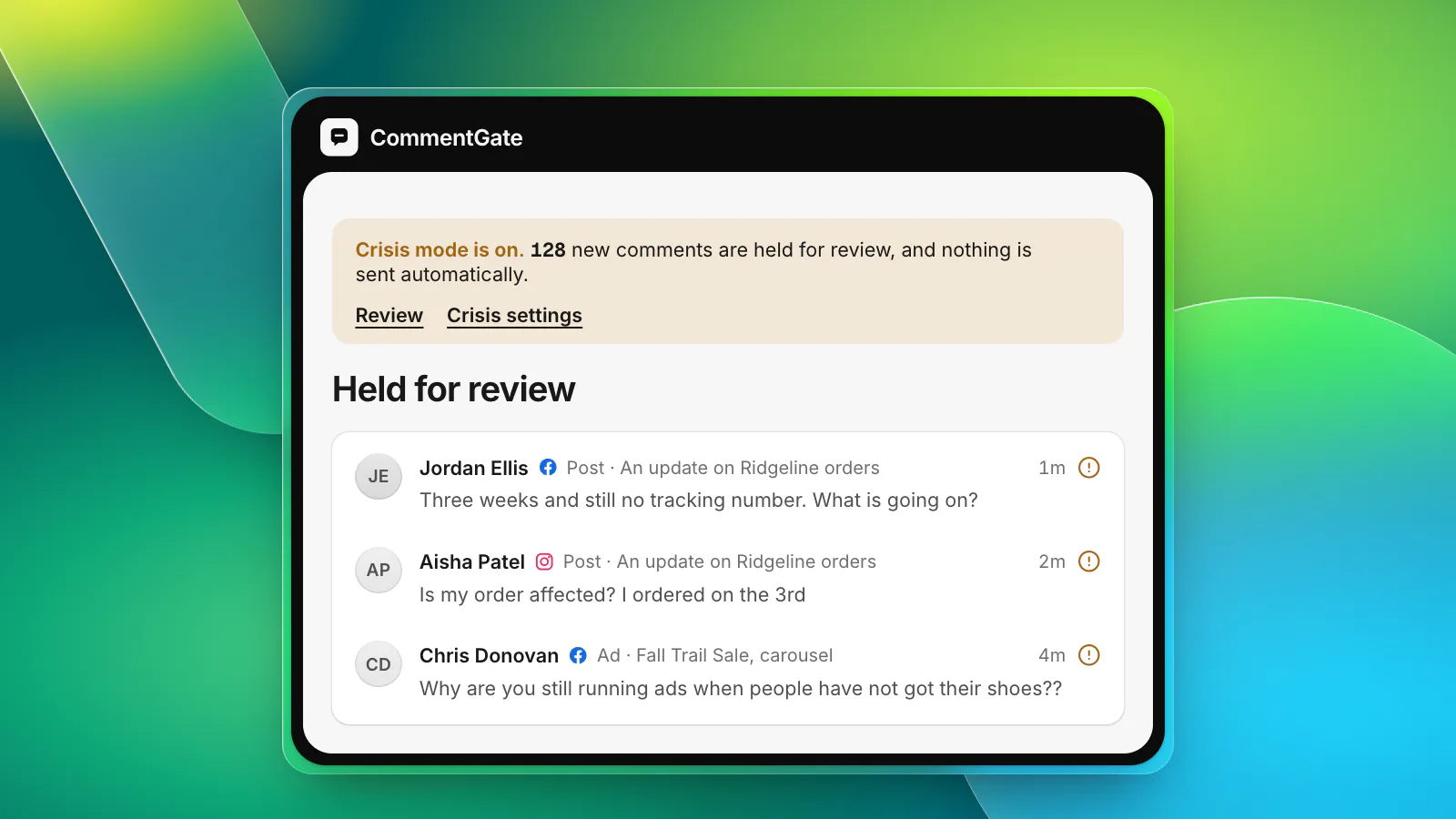
A stock problem, a shipping failure, a defect, a post that gets picked up for the wrong reasons. If comments turn in a way the facts page cannot answer, stop the automatic parts first: pause the keyword campaign and any automatic replies, so a cheerful message does not go to someone who is angry. Then answer in one voice. The crisis day checklist has the full list.
Running launch week with CommentGate
CommentGate is built for exactly this kind of week.
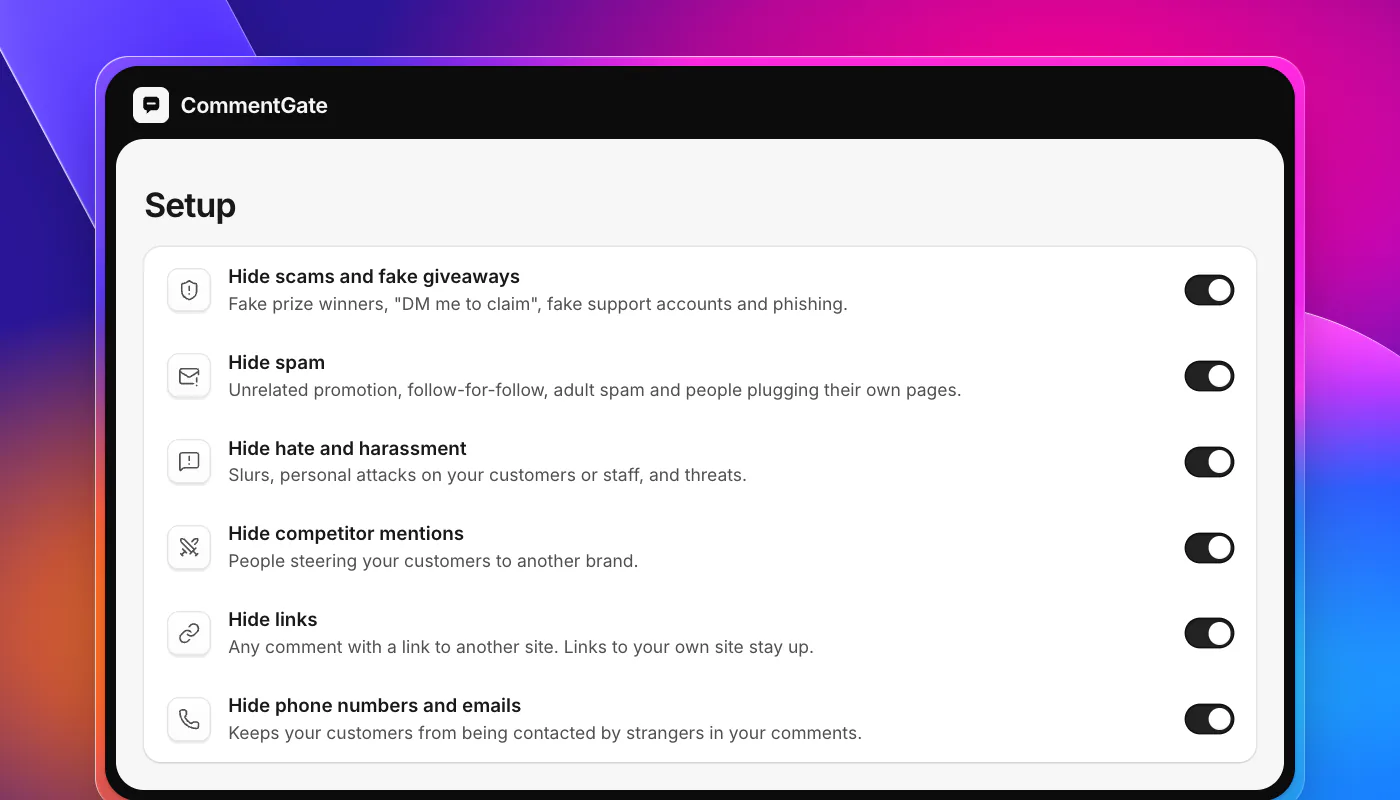
- Connect the week before. Accounts and ad accounts on Facebook, Instagram, TikTok, YouTube and Threads. New ads are covered from the moment they launch, dark posts and Spark Ads included.
- Switches for launch week. Scams, spam, hate and competitor mentions are on from the start. Turn on links and phone numbers for the week, and turn them off again after.
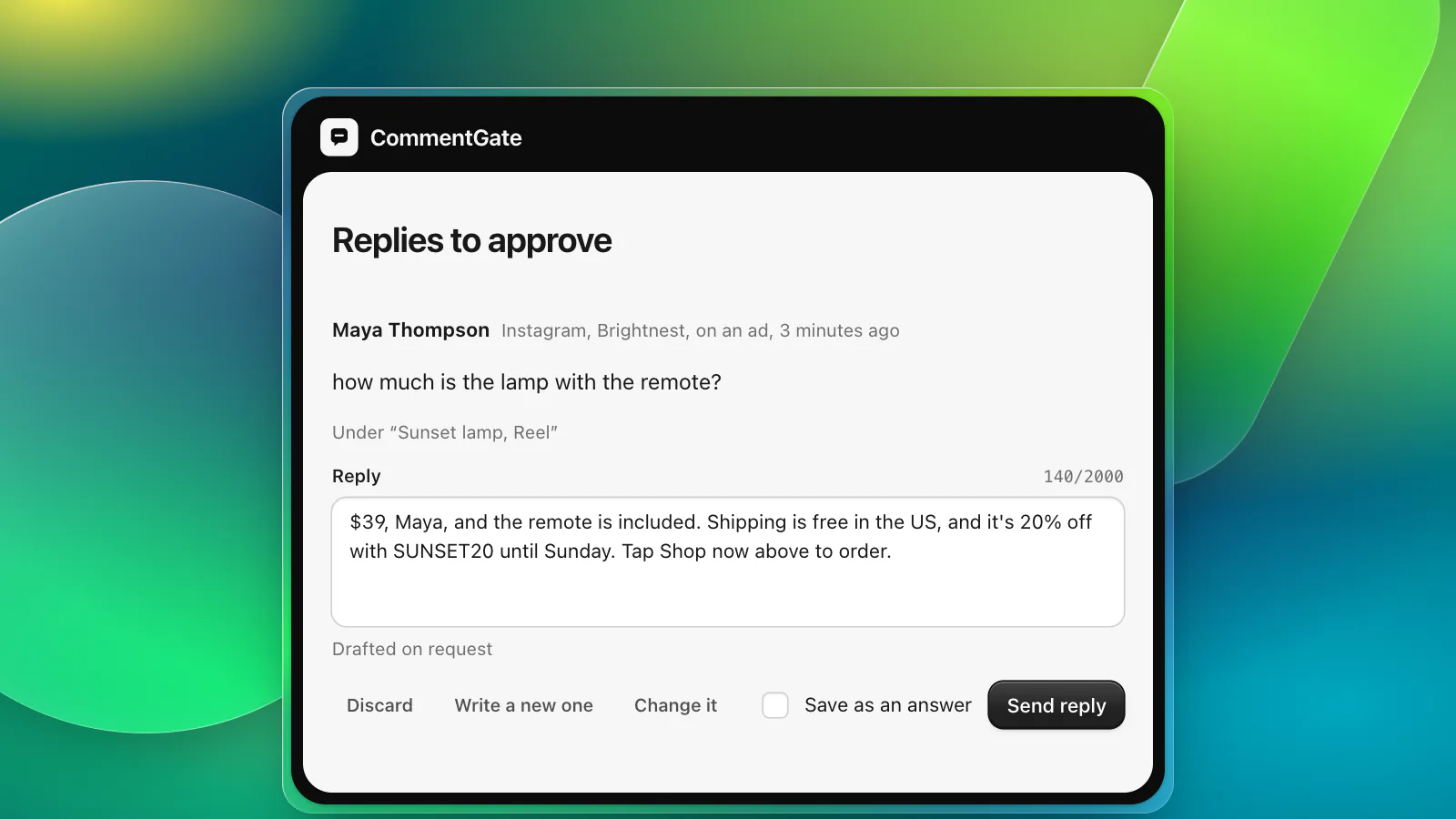
- Your facts page becomes your notes. Every question gets a draft built from it. Approve the first ones by hand, then let clear answers go out on their own.
- Needs you for the judgement calls. Press questions, partnership offers and chargeback threats wait for a person with the reason it is asking.
- Ad health and alerts. See which ads draw the most harmful or unhappy comments against your usual ad, and get an alert in Slack, Discord or email when one suddenly jumps.
- Crisis mode. One switch holds every new comment for a person and stops campaigns and automatic replies until you say so.
On YouTube, comments are checked about every 5 minutes, and on Threads, CommentGate hides and answers replies on your organic posts. See CommentGate for e-commerce brands and for media buyers for the rest of the setup.