Bot and spam comment waves: what a coordinated attack looks like, and the first hour
Hundreds of near-identical comments in minutes, from accounts with no history. Here is how to tell a bot wave from real people, what to do in the first hour on each platform, and how to clean up afterwards without hiding your real customers.
Playbooks 6 min read
On this page
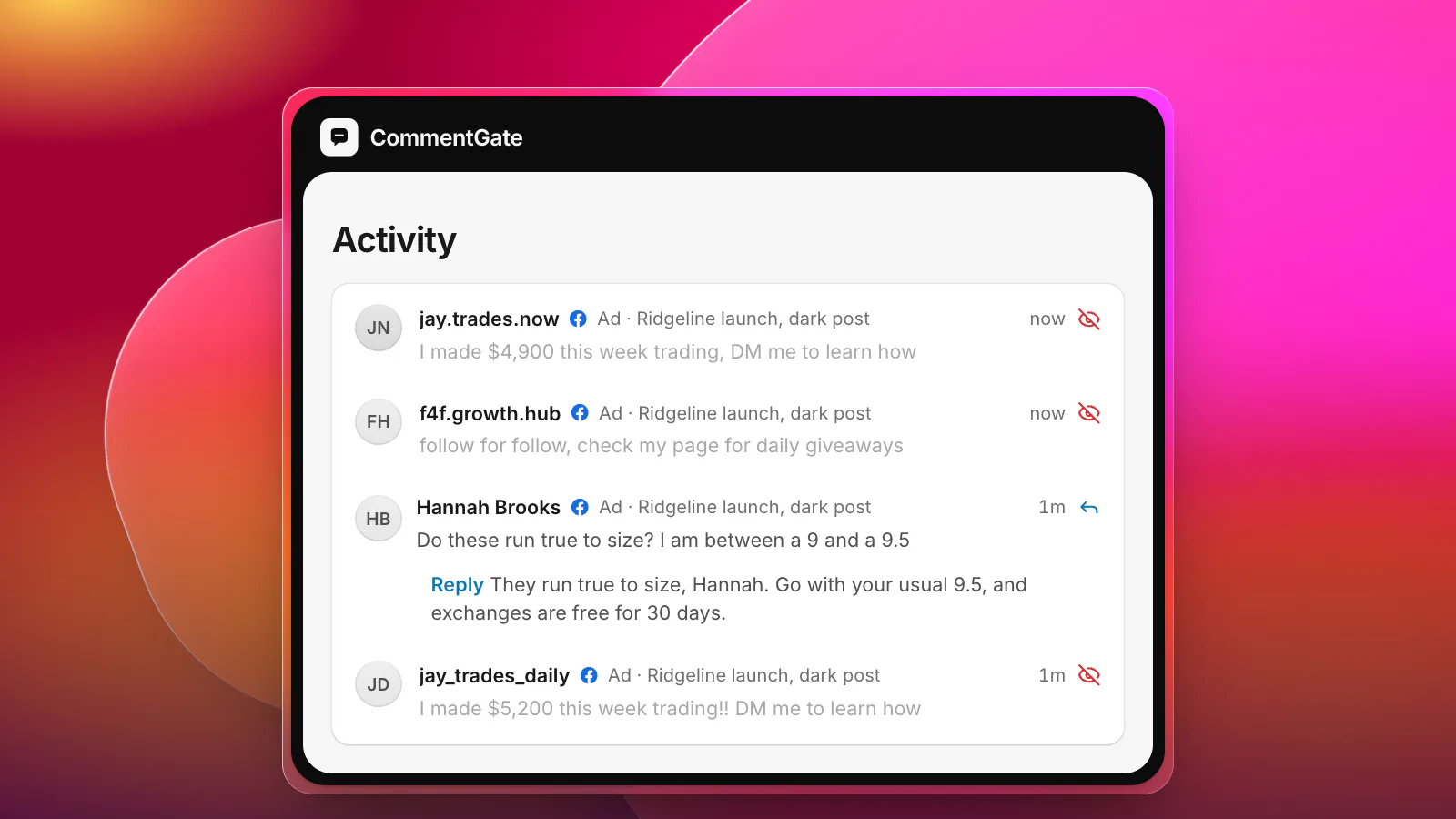
It usually starts with a notification count that makes no sense. Forty comments on an ad that normally gets four an hour. You open it and they are all nearly the same: "DM me to learn how I made $5,000 this week", "follow for follow", a string of emojis and a link, posted from accounts created last month with no profile picture.
That is a spam wave, and it is a different problem from a bad day. A bad day is real people who are angry with you, and our crisis-day checklist is for that. A wave is a batch of accounts, usually automated, that has found your post. It does not want an answer. It wants your audience, your reach, or simply to bury the real conversation under noise.
What a coordinated wave looks like
Platforms describe the behavior plainly. Meta's spam rules prohibit "posting, sharing, engaging with content or creating accounts ... either manually or automatically, at very high frequencies", and it may restrict accounts posting less often "when other indicators of Spam (e.g., posting repetitive content) or signals of inauthenticity are present" (Meta Community Standards: spam). Its inauthentic behavior policy describes "a network of inauthentic assets controlled by the same individual or individuals" (Meta Community Standards: inauthentic behavior). YouTube says it detects spam "based on the text of a comment, or by the behavior from a particular commenter", and that "repeatedly posting comments can be detected as spam" (YouTube Help: manage spam in comments).
On your post, that shows up as a handful of signs:
- Repetition. The same sentence, or a template with a word or an emoji swapped.
- Timing. A burst of dozens in a few minutes, then silence, then another burst.
- Empty accounts. New, few or no posts, no followers, a stock photo or none.
- Nothing about you. Crypto, adult sites, "work from home", follow trains. The comments would fit under any post.
- A target. Often your best-performing ad or your newest post, because that is where the reach is.
First question: bots or people?
Getting this wrong is expensive in both directions. Treat an angry crowd like bots and you hide real customers, which turns a complaint into a censorship story. Treat bots like people and you spend the afternoon replying to accounts that do not exist.
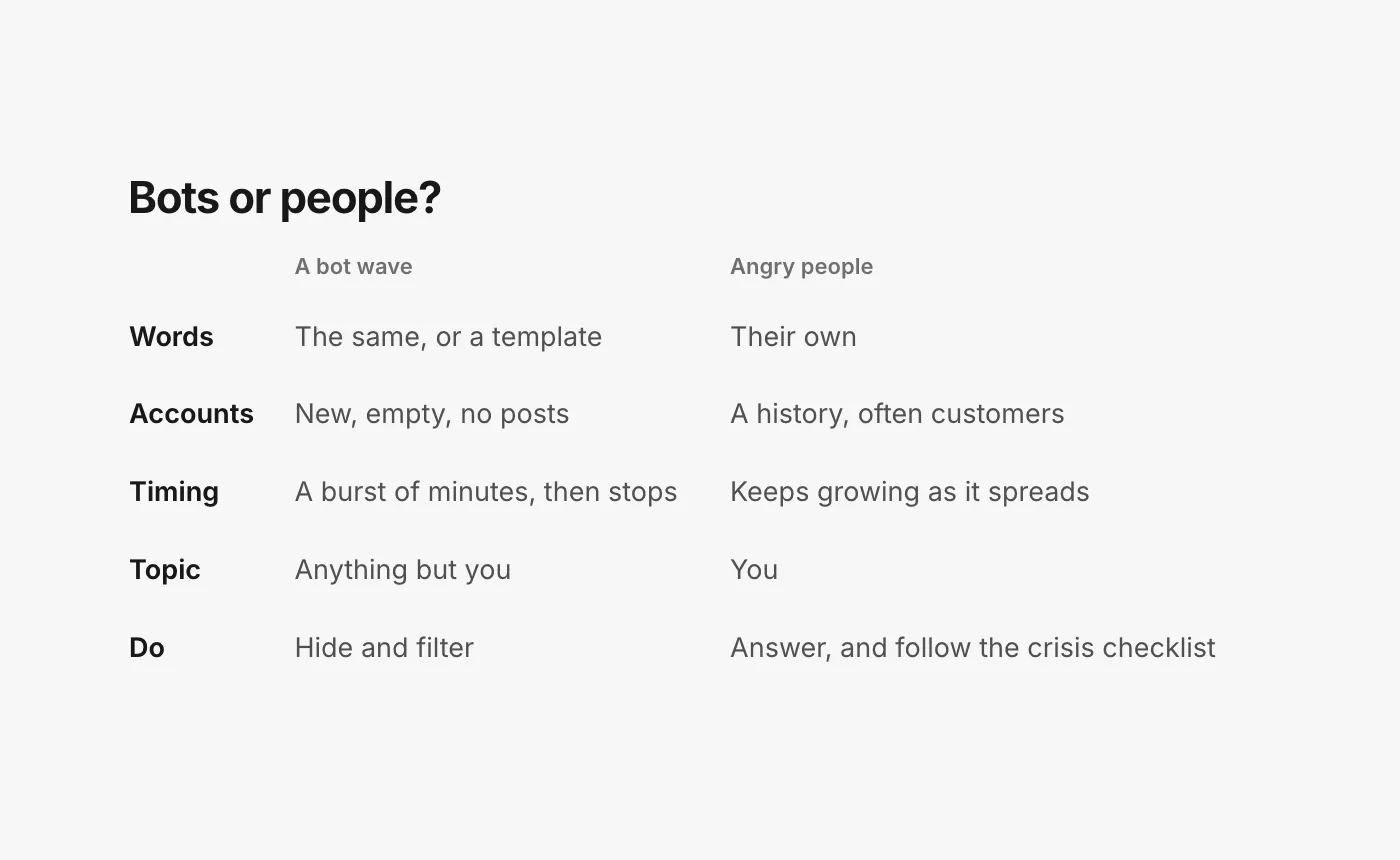
If it is people, stop here and switch to the crisis-day checklist. If it is accounts, carry on.
The first hour
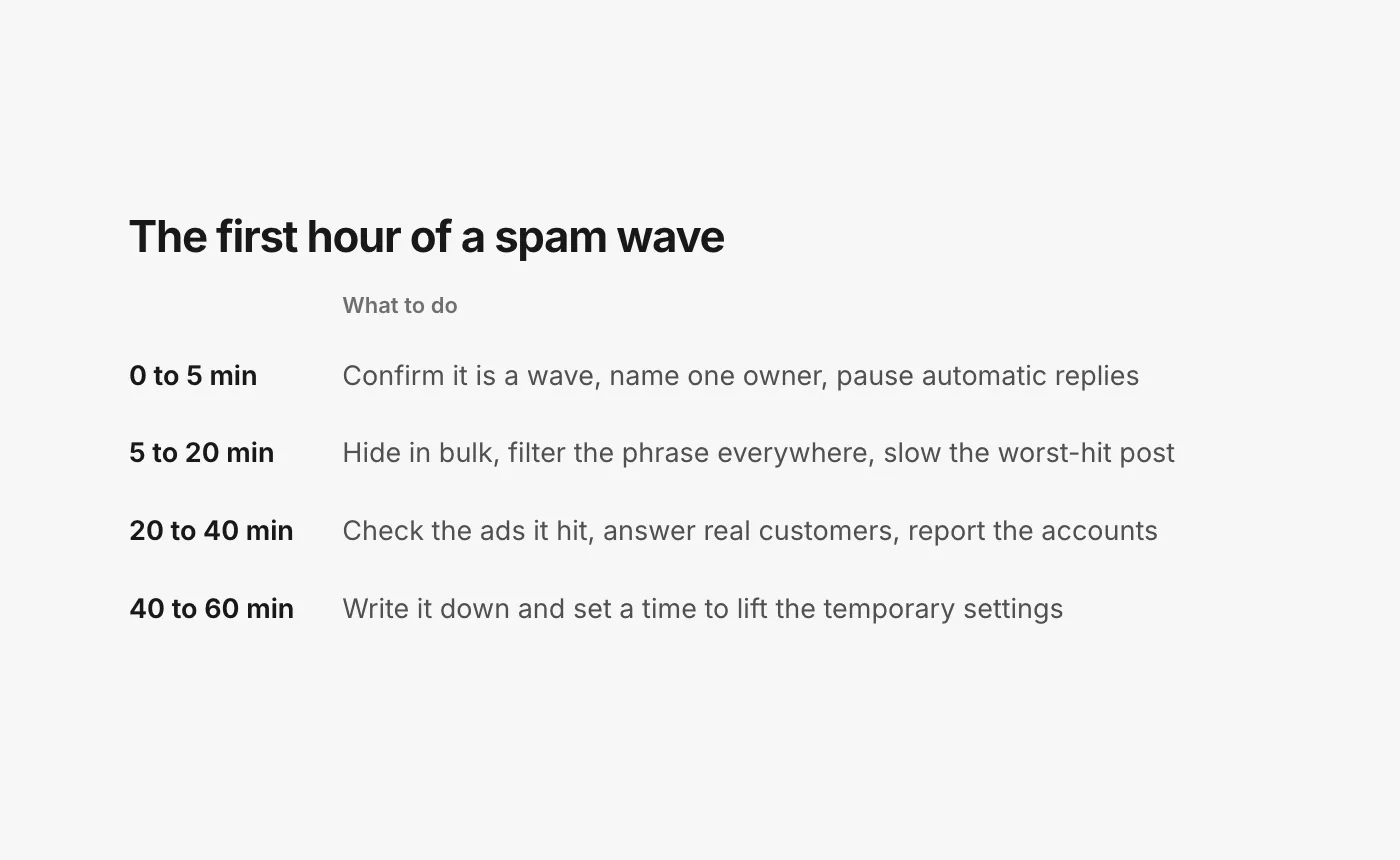
Minutes 0 to 5: confirm and take charge
- Confirm it is a wave: open five of the accounts. If they are all empty and all saying the same thing, it is.
- Name one owner. Two people hiding and filtering at once undo each other's work.
- Pause anything that replies on its own. An automatic "Thanks for your comment!" under forty crypto pitches looks like you are part of it.
Minutes 5 to 20: stop the bleeding
- Hide in bulk. Hide, do not reply. Replies bump the thread and notify the accounts that posted.
- Filter the repeated phrase everywhere. Add it, and its obvious variants, to your Facebook Page's hidden words (Meta Business Help: comment moderation for Pages), Instagram Hidden Words (Instagram Help: hide comments), TikTok's keyword filter (TikTok Support: manage comments) and your TikTok ad account's blocked words (TikTok API for Business: blocked words).
Then slow the worst-hit post, not your whole account. Each platform has a temporary brake:
- YouTube lets you pause comments on one video: you keep the existing ones and get no new ones "until you turn comments back on". YouTube gives this exact case as a reason: "a sudden increase in comments on a video". You can also set a video to hold all comments for review (YouTube Help: comment settings).
- TikTok has a "Filter all comments" setting that hides comments on your videos "unless you approve them" (TikTok notes it "isn't currently available to everyone"), and a "Filter unwanted comments" setting for likely spam (TikTok Support).
- Instagram lets you temporarily limit unwanted comments from groups of accounts, as well as restrict individual accounts (Instagram Help: restrict someone).
Minutes 20 to 40: the ads and the real customers
- Check every ad the wave touched. Ad comments often sit on posts that never appear on your Page, so a wave can run on an ad for hours unseen. Our guide to ad comments shows where to look.
- Find the real customers in the flood. A sizing question or an order problem posted in the middle of a wave is easy to hide by accident and easy to miss. Answer them.
- Report the accounts, from the comment or the profile. On YouTube, use it carefully: marking a comment as spam cannot be undone, and YouTube warns that misusing the report feature can get you "prohibited from YouTube" (YouTube Help: manage spam).
Minutes 40 to 60: write it down
Note when it started, which posts and ads it hit, the phrases it used, what you switched on, and when you will switch it off. That last one matters most.
After the wave
Temporary settings have a way of becoming permanent. A "hold all comments" left on for a week silences every real customer who wanted to ask you something, and a blocked phrase that was specific to the wave may catch ordinary words later.
- Lift the brakes you applied: resume comments, turn off filter-all, remove the temporary limits.
- Trim the filters. Keep the domains and phrases that only spammers use. Remove anything a real customer might write.
- Review what was hidden. Unhide any real comment caught in the sweep, and answer it, even late.
- Look for the pattern. Waves often return to the same ad, at the same time of day, with the same template. The next one is easier if you recognize it in the first minute.
What not to do
- Do not turn off comments everywhere. It stops the wave and every buyer with a question.
- Do not argue with it. Bots do not read replies, but your customers do.
- Do not post about the attack unless your customers are being hurt by it (a phishing link, a fake giveaway). Then a short "those comments are not from us, we are removing them" is enough.
How CommentGate handles a wave
CommentGate reads every comment as it arrives, so a wave is handled one comment at a time, however fast it comes:
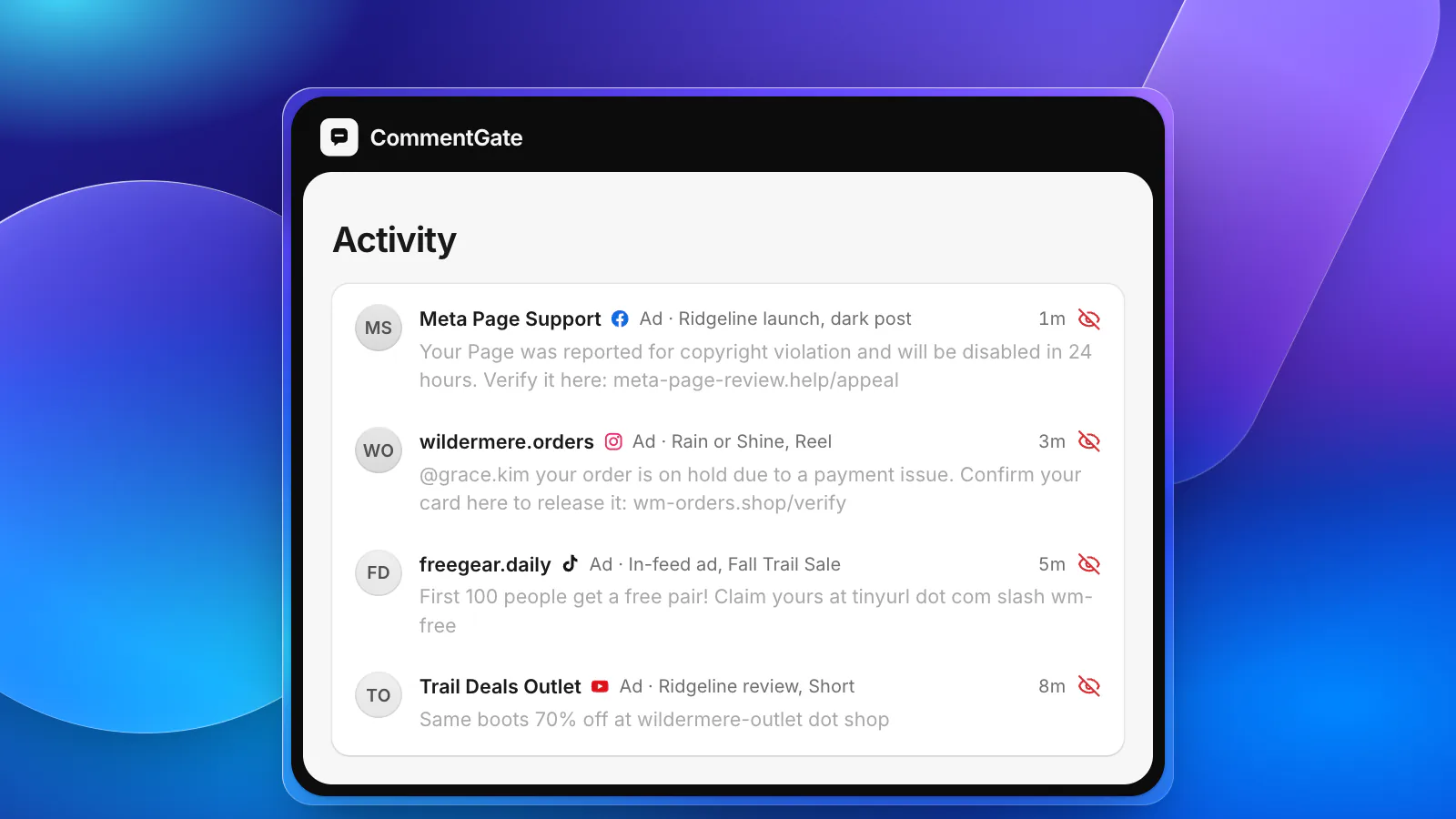
- Hide spam covers unrelated promotion, follow-for-follow, adult spam and people plugging their own pages, and Hide scams and fake giveaways covers the crypto pitches and phishing links that ride along. Both are on from the start.
- Spike alerts tell you, in Slack, Discord or email, when hidden comments suddenly jump, so you know a wave has started before you see the notification count. They are sent at most once an hour.
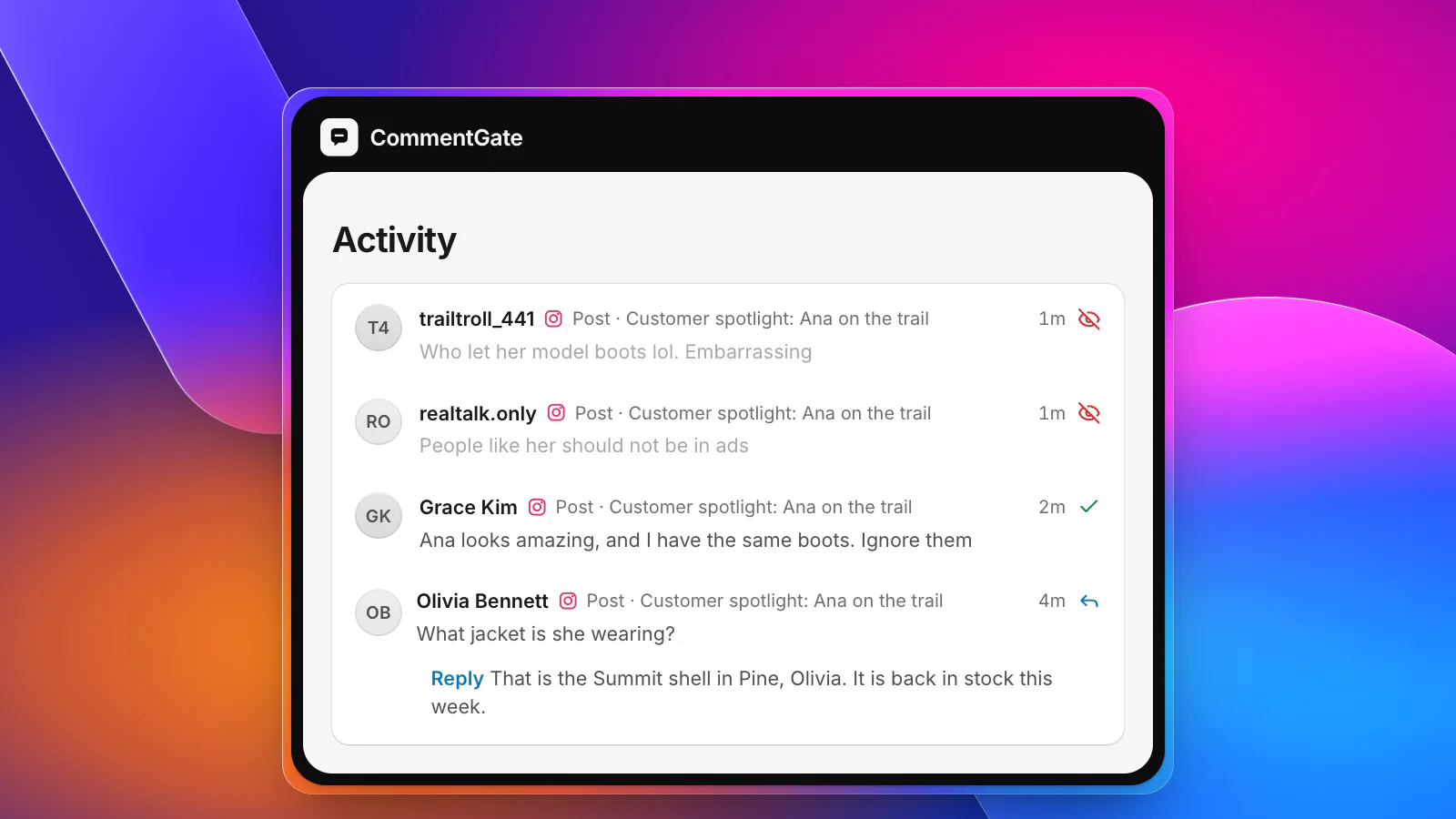
- Mute a person hides an account's future comments quietly, without them knowing. On Facebook you can also block in one step and undo it later.
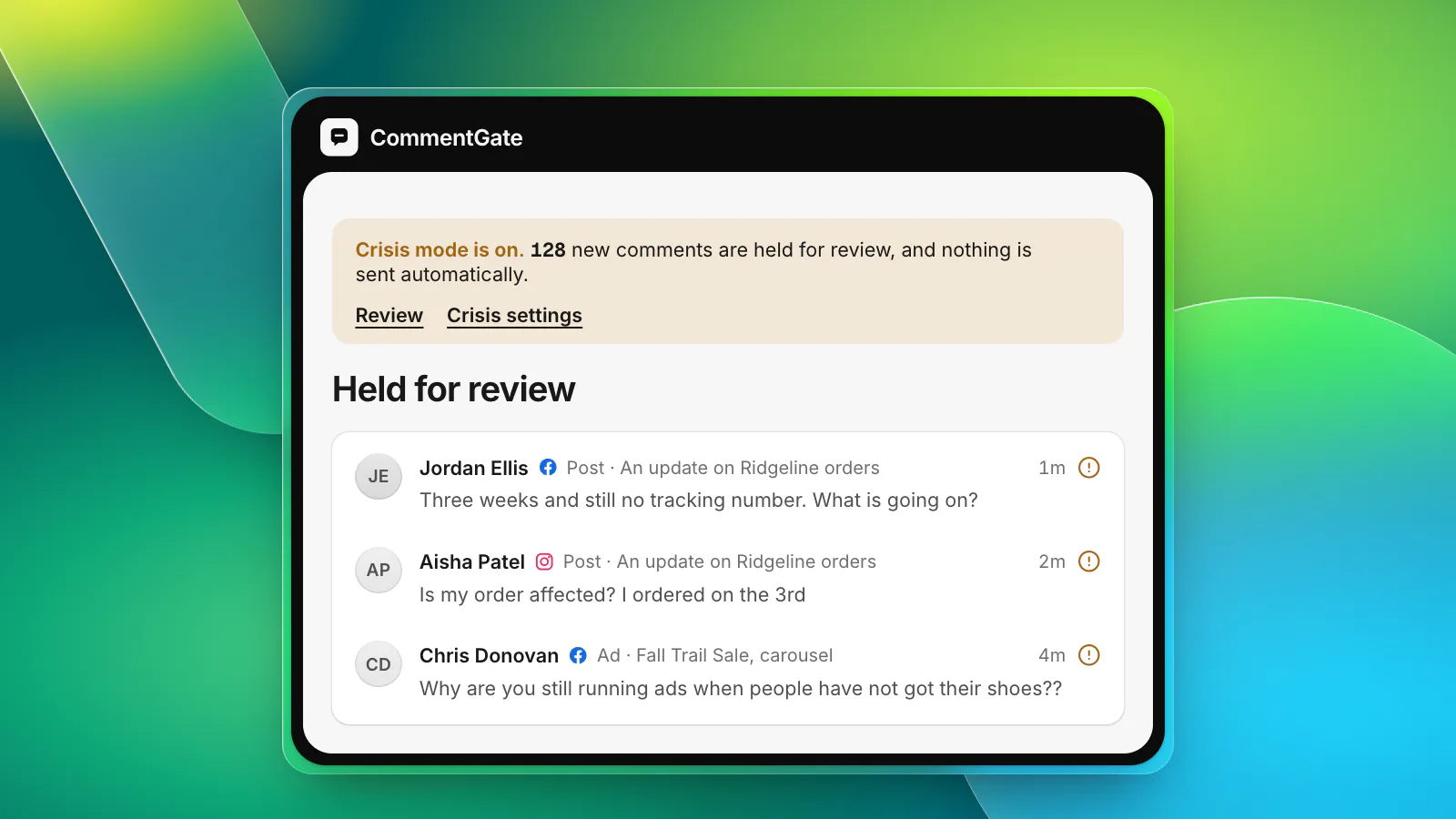
- Crisis mode is there when you cannot tell bots from people yet: every new comment waits for a person, and nothing automatic goes out (crisis mode).
- Every hide has a reason and a history, so the clean-up review afterwards is one filtered list, not an afternoon of scrolling.
On Facebook and Instagram, each comment is handled within seconds. On TikTok it takes minutes, because TikTok reports new comments within five minutes; your blocked words still act instantly on TikTok ads. On YouTube, comments are checked about every 5 minutes. Real questions caught in the middle still get a drafted answer, so the customer who asked about sizing during the wave hears back.
Sources
- Meta Transparency Center: Community Standards, spam
- Meta Transparency Center: Community Standards, inauthentic behavior
- Meta Business Help Center: Manage comment moderation for Facebook Pages
- Instagram Help Center: Hide comments or message requests you don’t want to see
- Instagram Help Center: Restrict or unrestrict someone
- TikTok Support: Manage comments
- TikTok API for Business: Blocked words
- YouTube Help: Learn about comment settings
- YouTube Help: Manage spam in comments