Hateful comments and raids: protecting your customers and your team
Slurs under a customer’s photo, a pile of abuse aimed at a staff member, a group arriving together from somewhere else. Here is how to protect the people being targeted, which platform tools help during a raid, what to do with threats, and how to look after the team reading it all.
Playbooks 6 min read
On this page
A raid feels different from ordinary negativity. The comments do not come from customers. They come from people who have never bought anything from you, often all at once, often from a link shared somewhere else. And they are rarely aimed only at the brand. They go after the customer in your photo, the staff member who answered a question, the creator you partnered with, or anyone who dares to defend them.
Your job on that day is less about your reputation and more about the people in your comment section. Here is how to protect them, and your team.
Hate, harassment, raids: what you are dealing with
- Hate: attacks on people for who they are. Slurs, dehumanizing jokes, "go back to" comments.
- Harassment: personal attacks aimed at a specific person, often the same few people repeatedly.
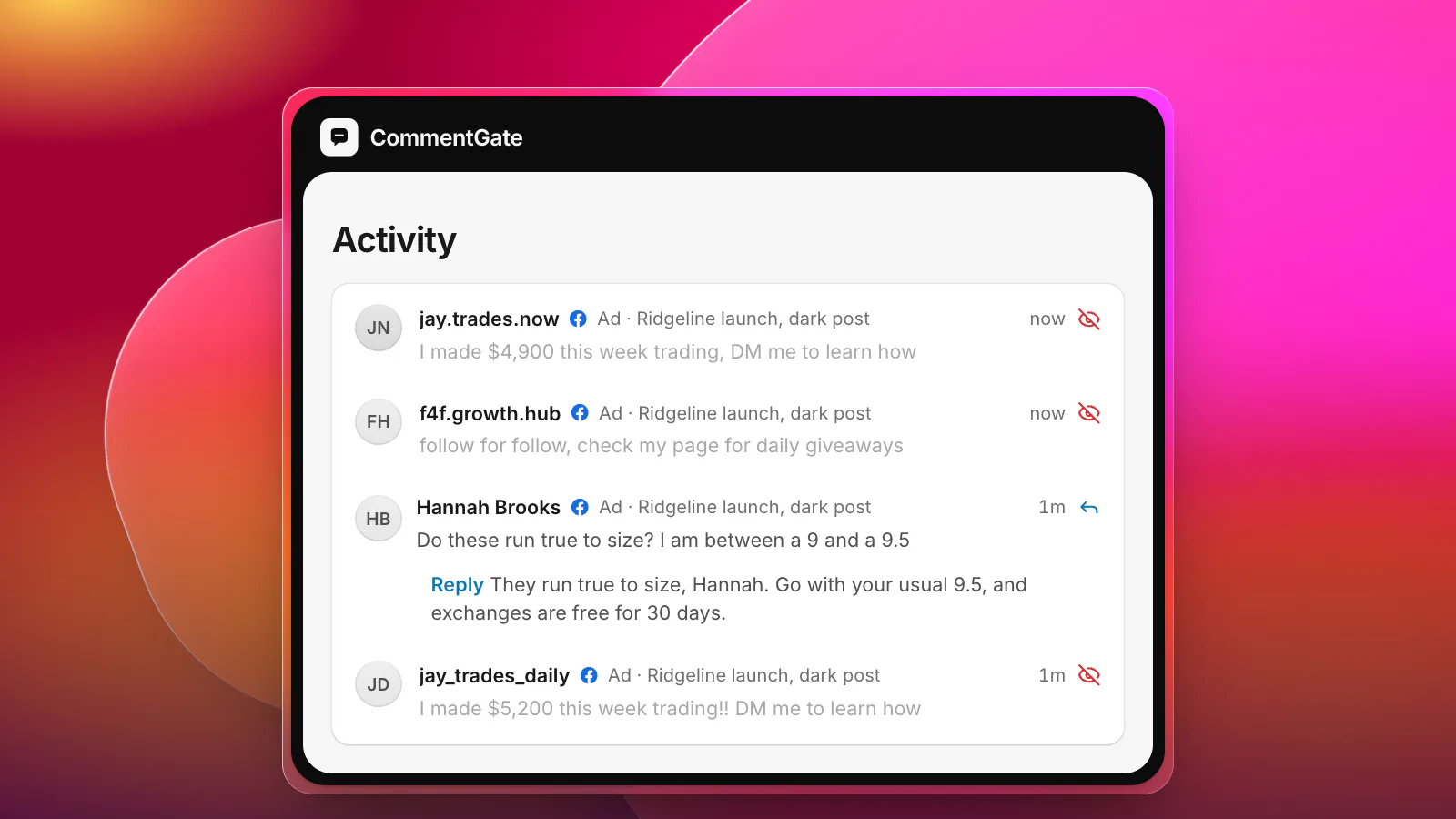
- A raid: a group arriving together with the aim of flooding a post. Look for a burst of comments from accounts with no connection to you, similar wording, and references to wherever they came from.
- Threats: anything suggesting harm to a person or a place. These need their own handling, below.
A raid is not the same as a crowd of angry customers, and it is not the same as a bot wave, although it can include both. If the comments are about something you did and come from people who bought from you, see the crisis-day checklist. If they are copies of the same spam from empty accounts, see bot and spam waves.
Hide fast, do not debate
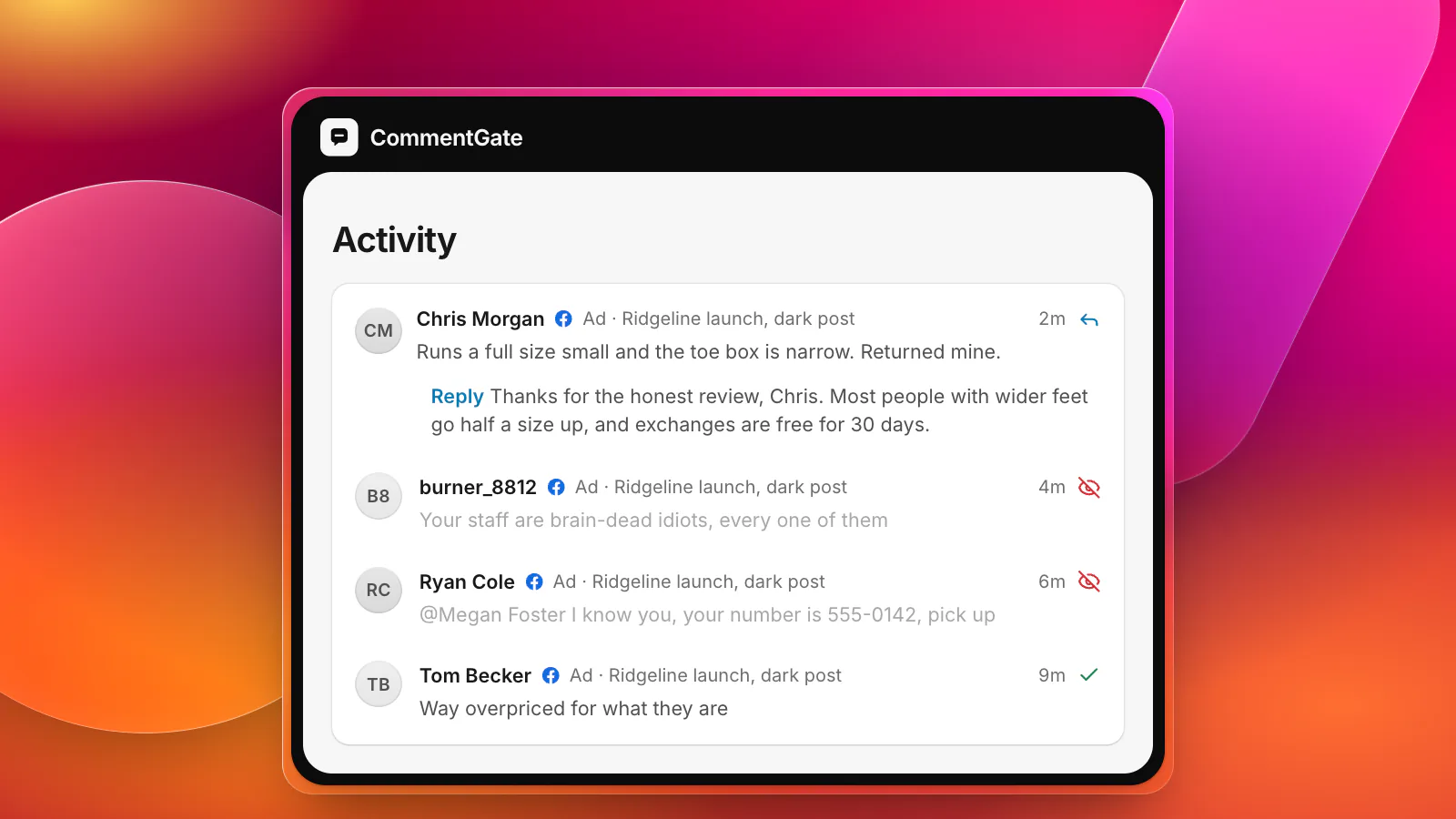
Hide abuse as quickly as you can, and do not reply to it. A reply notifies the person who wrote it, lifts the comment in the thread and tells the raid it found a reaction.
Hiding is the right tool because it is quiet. On Instagram, "when a comment or message is hidden, the person who sent it won't know", and Instagram's Hide unwanted comments setting, which hides "comments containing common offensive words, phrases, or emojis that are likely to be abusive or mean", is "on by default" (Instagram Help: hide comments). Check that nobody on your team switched it off.
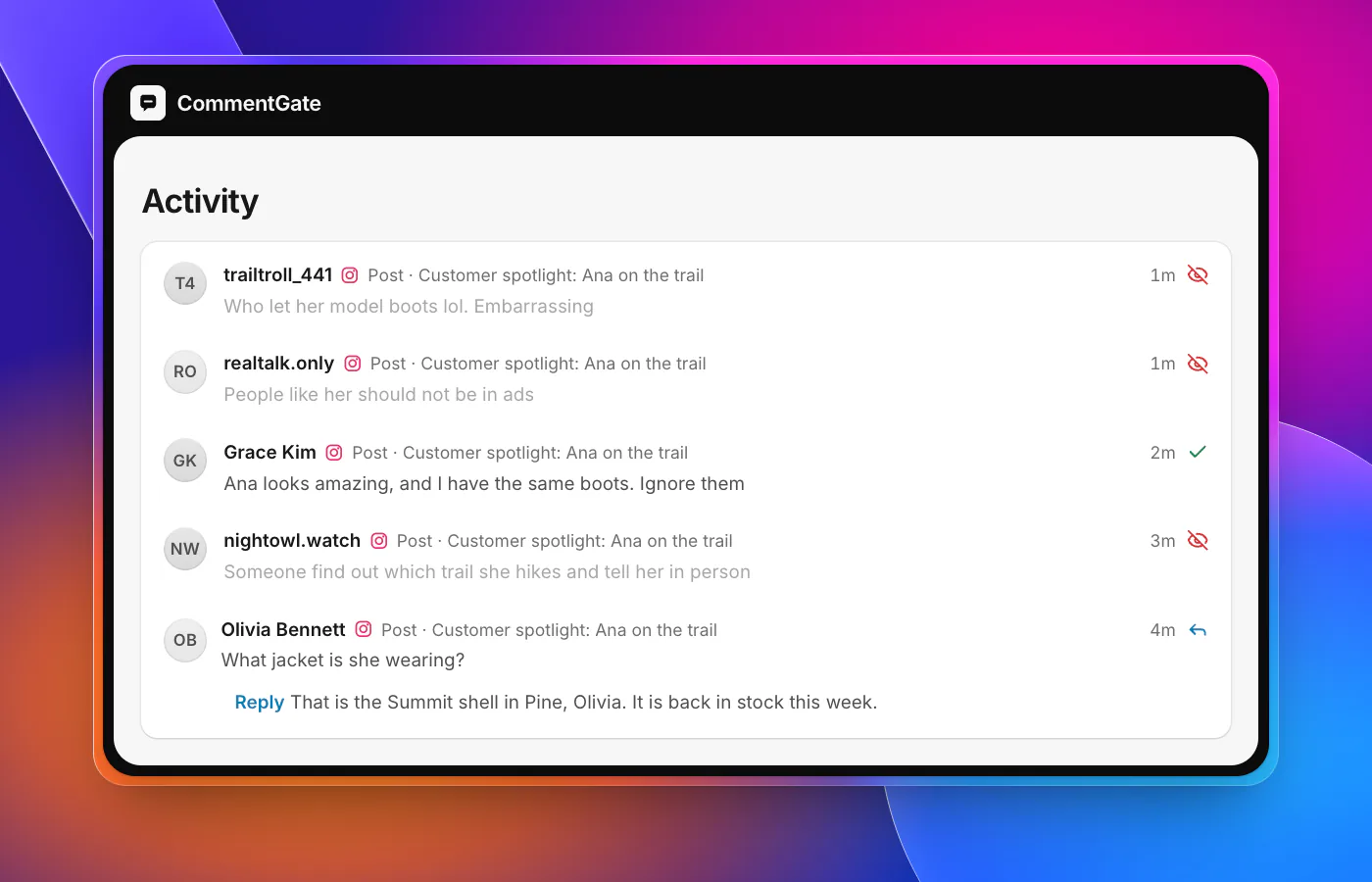
Protect the people being targeted
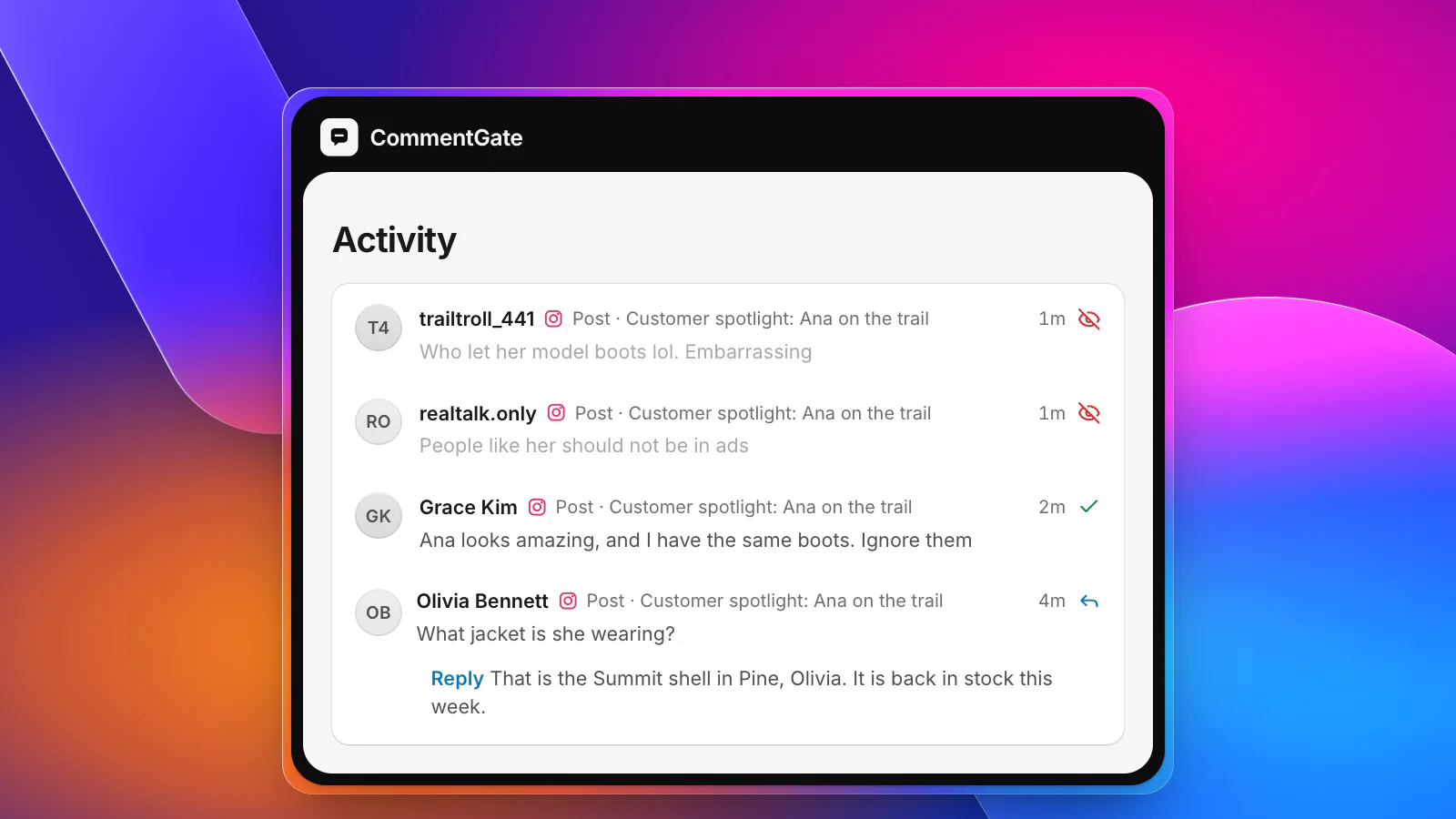
- The customer in your photo. If you featured a customer, a model or a creator, their name is now attached to your post. Hide the abuse aimed at them first, and send them a private message: "We're removing the comments about you and we're sorry this happened on our post." Offer to take the post down if they want. It is their face.
- Your staff. Never make a named team member answer comments about themselves. Answer from the brand, and remove personal details about them (full names, where they work, their own accounts) as fast as abuse.
- Defenders. Customers who stand up for someone often become the next target. Watch the replies under their comments.
- Everyone reading. A short, calm note can help when the raid is visible to your normal audience: "We're removing hateful comments on this post. Everyone is welcome here." One note, not a running commentary.
Platform tools that help during a raid
Each platform has tools to slow a raid down on the post that is being hit:
- Instagram: restricting someone means "their new comments on your posts will only be visible to that person", and if you feel you are being harassed, you can "temporarily limit unwanted comments on your posts from groups of accounts" (Instagram Help: restrict someone). Hidden Words also takes your own list of words, phrases and emojis (Instagram Help).
- Facebook: block people from your Page under the Page's blocking settings, and turn on the profanity filter and a list of words to hide (Meta Business Help: comment moderation for Pages).
- TikTok: Creator Care Mode hides comments that are "inappropriate, offensive, or contain profanity, as well as comments that were previously reported, deleted, or disliked" unless you approve them, and a public account can limit comments to Friends, meaning followers you follow back (TikTok Support: manage comments).
- YouTube: hide users, so their comments stop showing on all your videos, and set the worst-hit video to hold all comments or pause them (YouTube Help: comment settings).
- Threads: hide top-level replies to your posts, which "will automatically hide/unhide all the nested replies" under them (Threads: reply management).
One more thing to know: raids sometimes include mass-reporting your post or account to get it taken down. Meta's rules prohibit using inauthentic accounts to "misuse Meta reporting systems to harass, intimidate or silence others" (Meta Community Standards: inauthentic behavior). If your content is removed during a raid, appeal it.
Threats are different
Hide a threat so the target does not have to keep seeing it, but do not let it disappear:
- Capture it. Screenshot, link, time, the account name and profile link.
- Report the account to the platform, choosing the closest reason (violence, hate or bullying).
- Tell the person it is about, privately, and let them decide what they want to do.
- Contact law enforcement when a threat names a real person or place. If anyone is in immediate danger, call 911 (or your local emergency number).
Never engage with the person who made the threat, and never post it publicly to shame them.
Look after the team
Reading abuse for hours is hard on people, even when it is aimed at a logo. A few habits help:
- Nobody works a raid alone. Two people, with one owner making decisions.
- Rotate every hour or so, and let people step away without explaining why. Our guide to a moderation rota for a small team covers shifts.
- Let filters take the worst of it. The more that is hidden automatically, the less your team has to read.
- Never reply from personal accounts. It makes the moderator the next target.
- Talk about it afterwards. What worked, what hurt, what you would change.
What not to hide
Raids make everything feel like an attack. It is not. Criticism of your products, your prices or even your politics, written without slurs or threats, is still criticism, and it stays. Hiding it is how a raid becomes a censorship story with your name in it. Our guide to moderating fairly draws that line in more detail.
How CommentGate handles a raid
In CommentGate, Hide hate and harassment is on from the start. It covers slurs, personal attacks on your customers or staff, and threats, on your posts and your ads, and it reads what a comment is doing to someone, not just which words it uses.
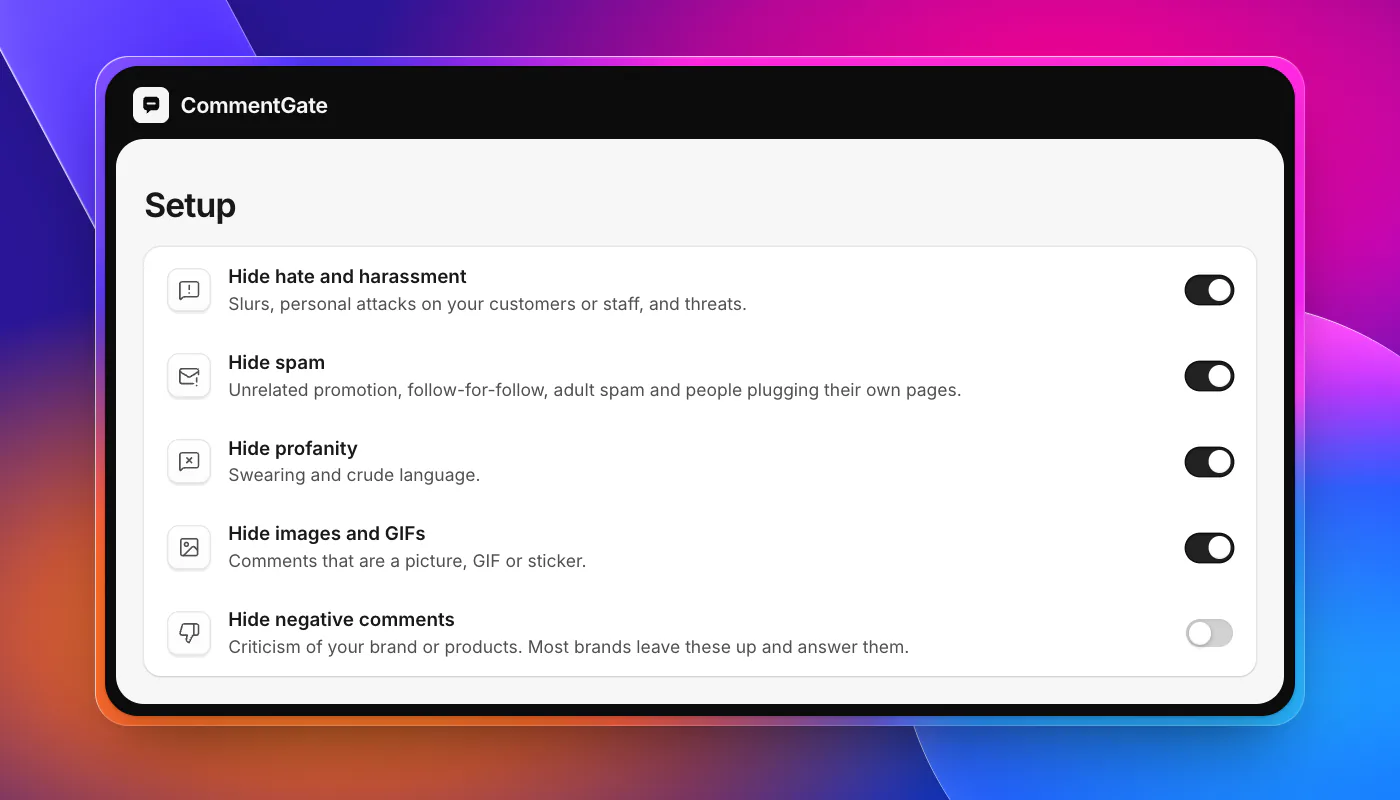
- Tighten for the day. Turn on Hide profanity and Hide images and GIFs when a raid arrives with crude language or hateful pictures, and turn them off again afterwards. Hide negative comments stays off, so criticism stays up.
- Mute a person hides their future comments quietly, without them knowing. On Facebook, block them in one step and undo it later.
- Spike alerts tell you in Slack, Discord or email when hidden comments suddenly jump, which is often the first sign a raid has started.
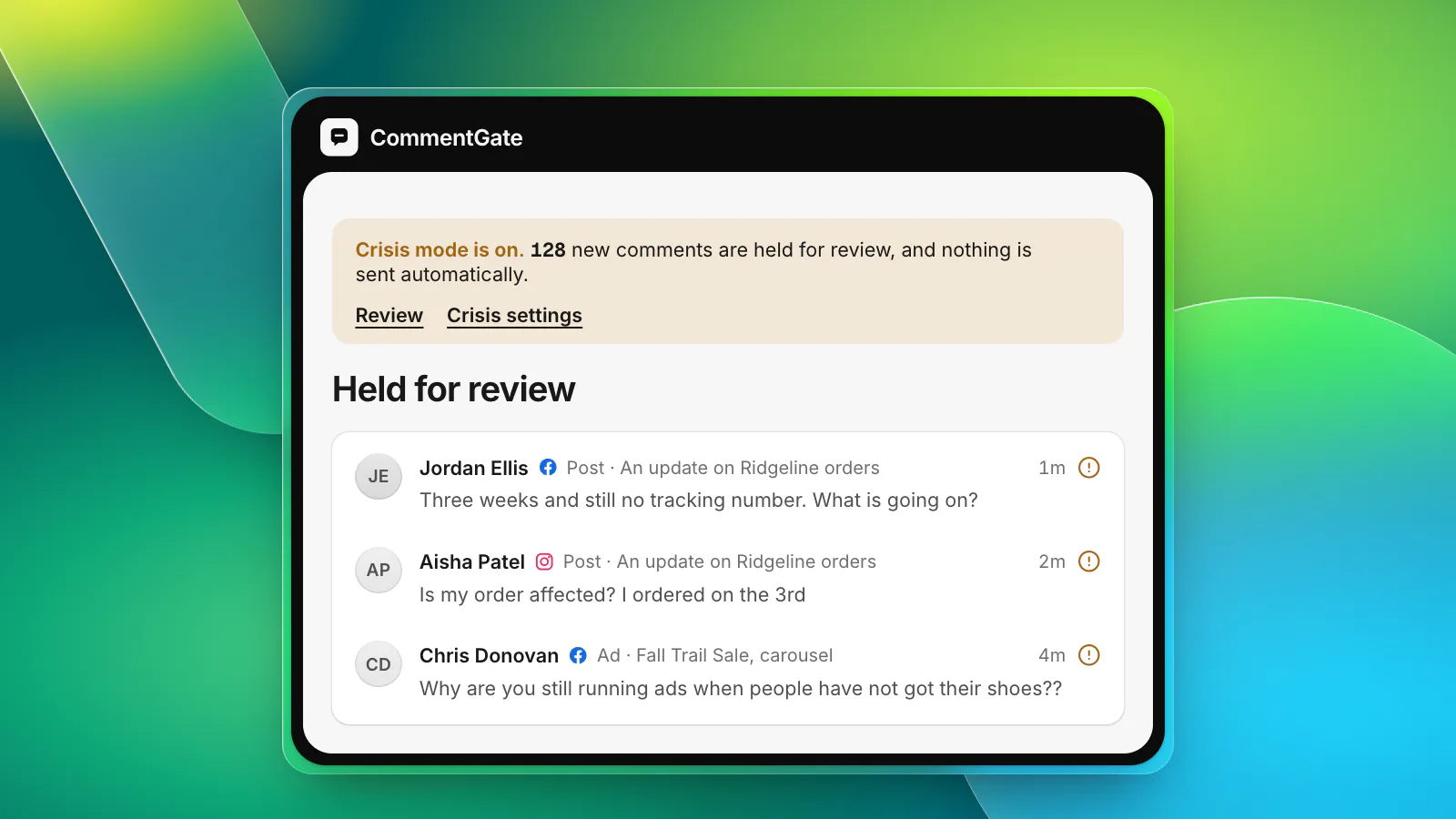
- Crisis mode holds every new comment for a person when you need a pause to think (crisis mode).
- Every hide has a reason and a history, so if you need to report a threat later, the record is there (team inbox).
On Facebook and Instagram, abuse is hidden within seconds of being posted, often before the person it targets sees it. On TikTok it takes minutes, because TikTok reports new comments within five minutes, and on YouTube comments are checked about every 5 minutes. On Threads, replies directly under your posts can be hidden.
Sources
- Instagram Help Center: Hide comments or message requests you don’t want to see
- Instagram Help Center: Restrict or unrestrict someone
- Threads documentation: Reply management
- Meta Business Help Center: Manage comment moderation for Facebook Pages
- Meta Transparency Center: Community Standards, inauthentic behavior
- TikTok Support: Manage comments
- YouTube Help: Learn about comment settings